
Pixverse V6 AI Video Generator
Transform your ideas into cinematic shorts with our premier generative AI video platform.
Experience the ultimate storytelling workflow with Pixverse V6, the industry-leading AI video generator. Seamlessly combine text-to-video AI and image-to-video capabilities into one cohesive platform to create high-converting marketing assets and cinematic shorts in stunning 1080p with integrated audio.
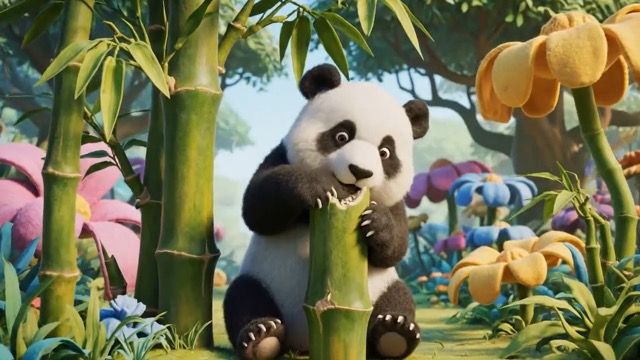














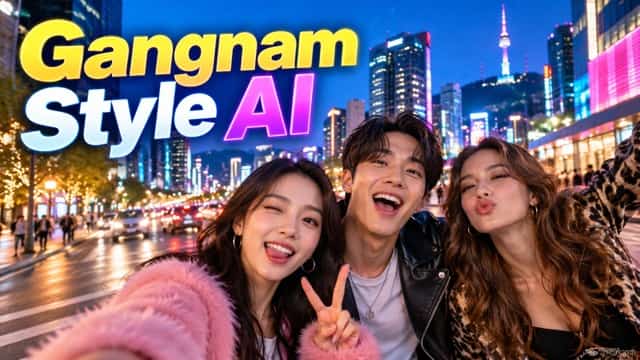


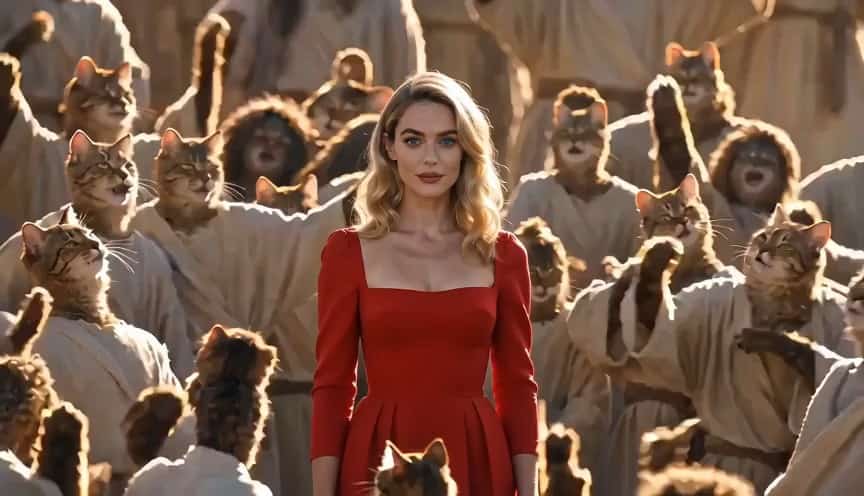
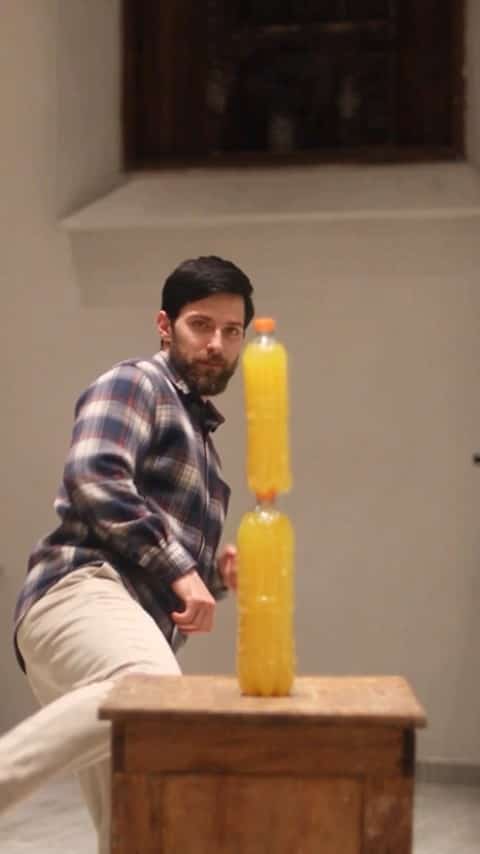
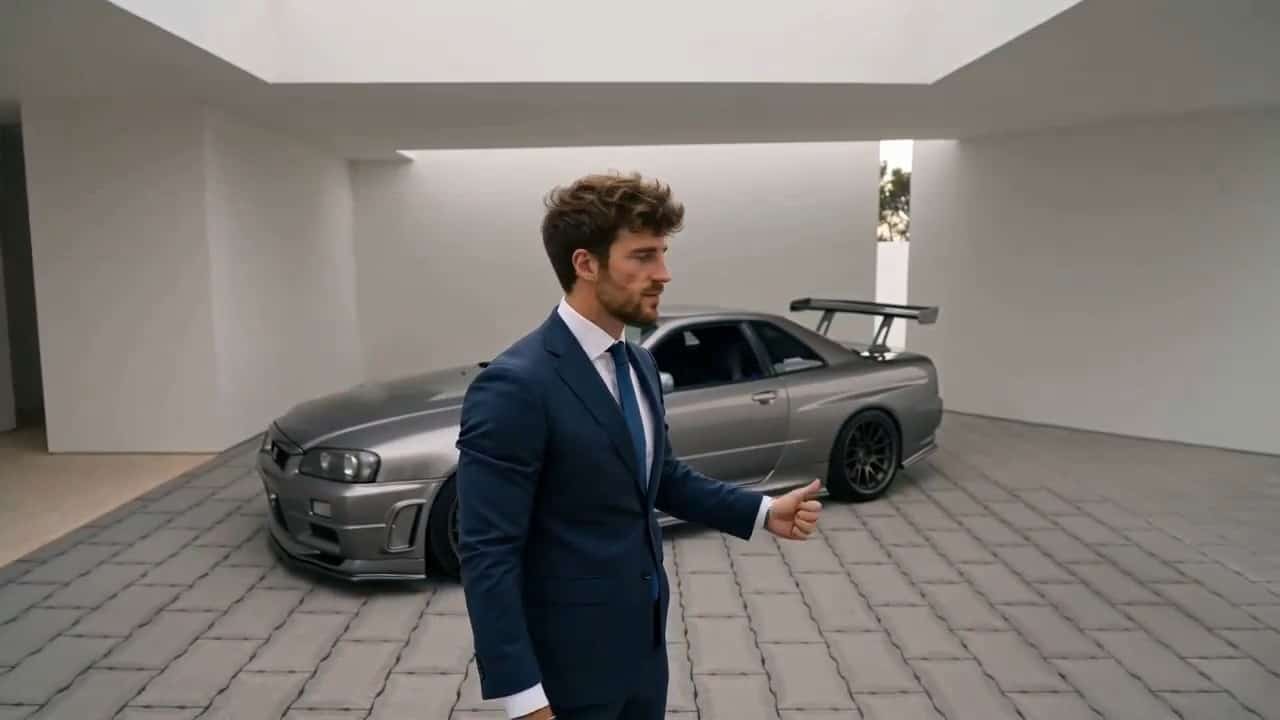
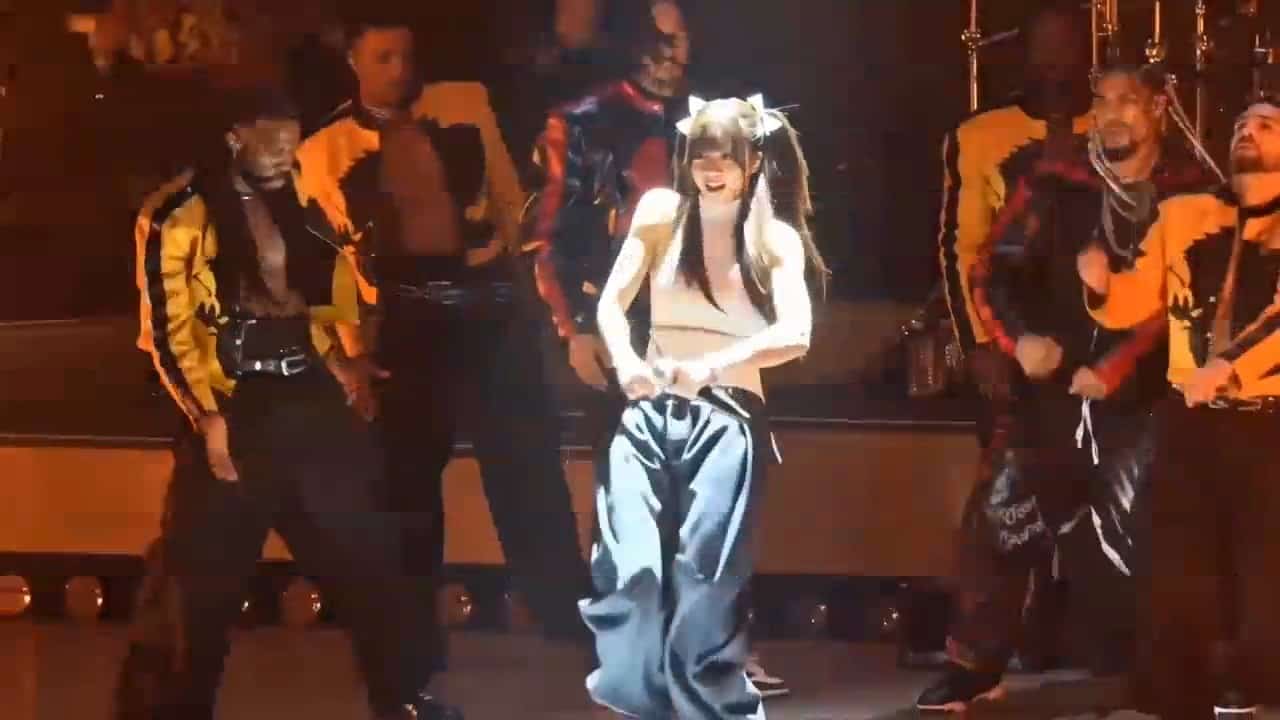
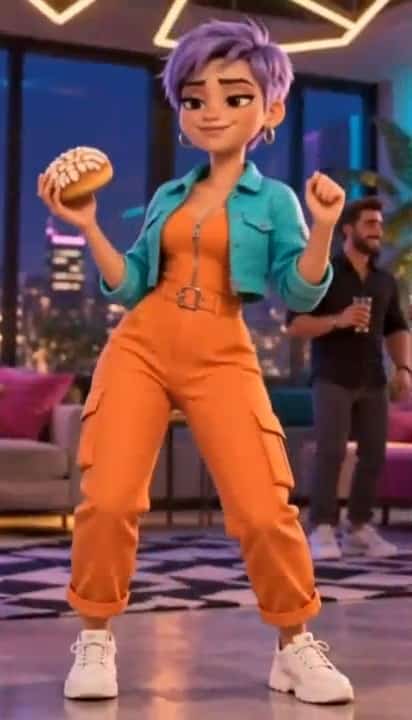

More AI Video Generators
Explore our collection of specialized AI video generators designed for different creative needs and styles



Pixverse V6 AI Video Generator
Turn a clear idea into a short cinematic video with our versatile AI video generation tool, featuring motion, sound, and deliberate shot direction.
Pixverse V6 is an advanced AI video generator bringing text-to-video AI, a powerful image-to-video maker, and immersive AI video storytelling into one workflow. As a leading AI video platform, it lets creators effortlessly turn text prompts into cinematic AI video results. Use this comprehensive AI video software as an AI short film generator, a design reference, or a high-converting AI video marketing tool. Leverage our cutting-edge AI animation software and smooth AI video transitions to realize your creative vision instantly, scaling your ideas with professional AI video production.

How to Create With Pixverse V6
A successful result starts with the right AI video creation mode. Whether you begin from text or an image, keep your camera and sound cues specific, then review the generative video AI output before increasing duration.

Choose Your Starting Point
Start with a text prompt for prompt-to-video AI or upload a still. Match your input to the exact control you need for a faster workflow.

Describe the Visible Action
Define the subject and action for your AI generated video clips. Repeat key details to give the model strong visual anchors.

Generate, Review, and Refine
Review your AI video outputs for motion stability. Adjust settings one at a time for flawless AI video production.
Best AI Video Tools for Creative Projects
Explore creative tools for video, learn tips and tricks, and see how AI can be your assistant in turning concepts into finished projects.

























Build Short Videos With More Creative Control
Pixverse V6 offers multiple ways to finish a short clip. Use the text prompt tool for open exploration, or transition tools when states are defined. The best AI video platform workflow makes your criteria visible before generation.
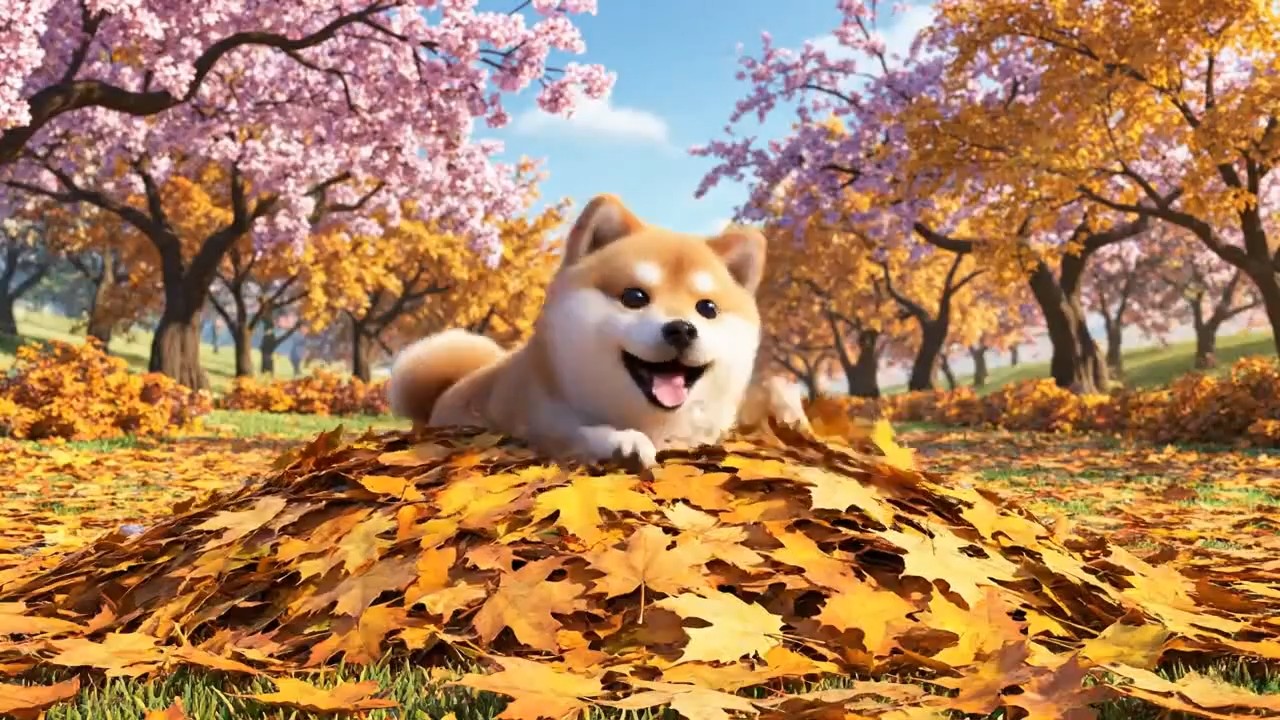
Turn a Prompt Into a Multi-Shot Video
- Start with concrete descriptions for our text to video generator, specifying camera angles, lighting conditions, and subject actions to ensure pinpoint accuracy.
- Build consistent physical worlds with advanced generative AI for video, easily switching between photorealistic, cinematic, or stylized animation aesthetics.
- Plan clear narrative beats and utilize repeating visual anchors across multiple shots instead of generating disconnected, random scenes.
- Describe necessary audio elements—such as ambient noise, clear dialogue, or specific sound effects—to perfectly match the visible action and enhance emotional impact.
- Review internal cuts utilizing the best AI video tool experience, fine-tuning character continuity and scene logic before finalizing your production.
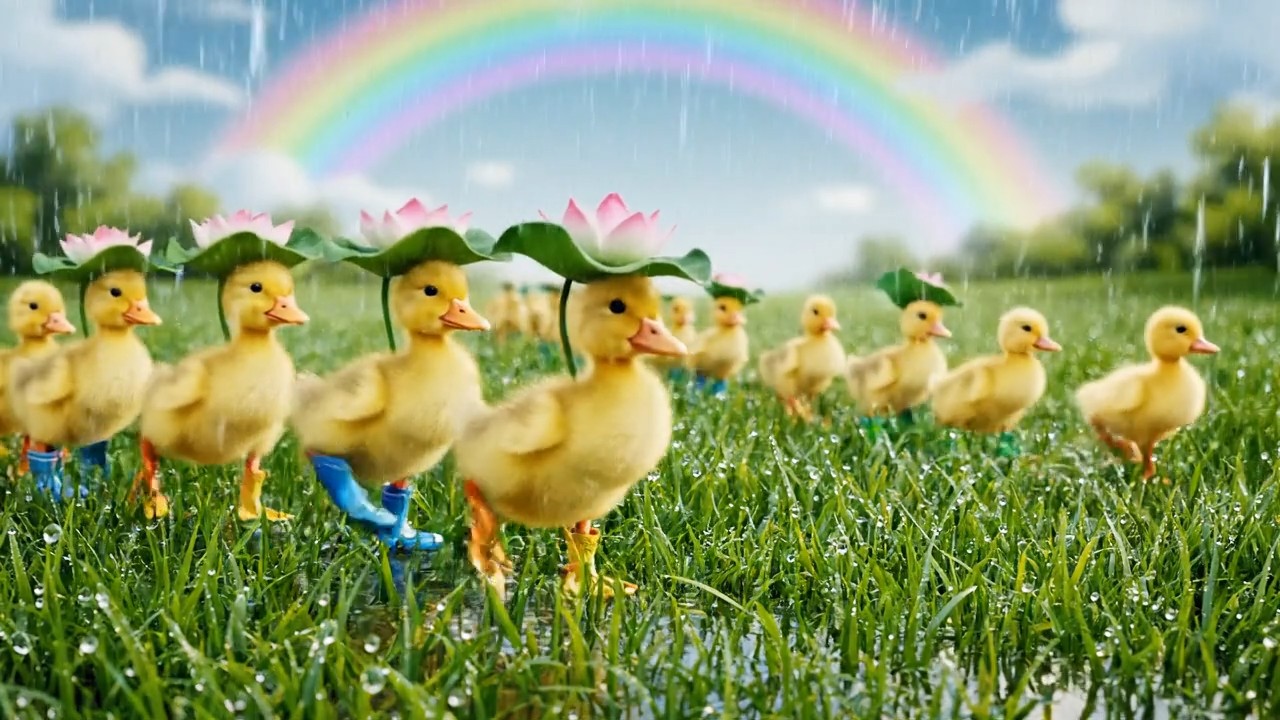
Animate Images and Keep Visual Anchors
- Animate static stills with the AI video creator for precise character acting, product showcases, and dynamic background environment control.
- Choose compatible references to guide facial identity and brand assets without introducing conflicting lighting or unwanted AI artifacts.
- Provide strict motion limits—ranging from subtle ambient breathing to high-speed dynamic tracking—for precise text-to-animation AI execution.
- Repeat textural descriptors across shots to maintain strict material consistency, ensuring clothing, skin tones, and textures remain completely stable.
- Evaluate motion dynamics frame-by-frame for highly accurate generative video AI outputs, allowing you to correct any geometric distortion early in the process.
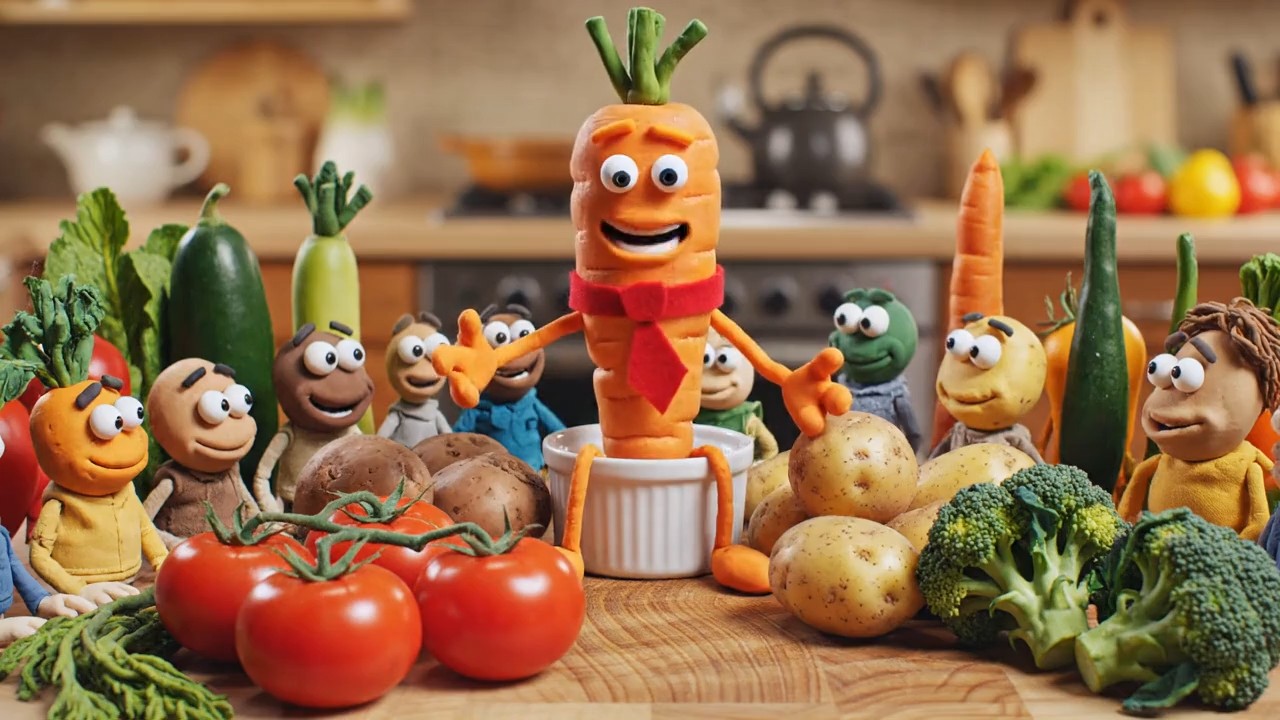
Plan Transitions, Extensions, and Output Formats
- Map out complex visual transitions and stylistic transformations using this advanced AI video generation model's robust frame interpolation capabilities.
- Extend existing clips naturally by referencing the final subject position and camera momentum for seamless video outpainting and sequence attachment.
- Draft short, low-resolution tests to verify motion and timing before committing your hardware resources and time to full 1080p AI video rendering.
- Compose directly for 16:9 widescreen, 1:1 square, or 9:16 vertical destination formats, perfectly tailored for YouTube, Instagram Reels, or TikTok.
- Keep a detailed log of prompt settings, random seeds, and motion parameters to guarantee total reproducibility in your final AI video editing workflow.
Where Pixverse V6 Fits in a Video Workflow
Pixverse V6 supports early concept work and reviewable creative drafts across narrative and marketing pipelines. The generated AI video results should be checked for factual accuracy and brand details before final publication.
Narrative Scenes and Character Moments
Create short dialogue beats or visual story fragments with realistic AI video pacing. Define the character with physical details, then describe the camera and performance. The moving draft reveals whether an emotional beat lands before committing to longer AI video scenes.
Product Reveals and Campaign Concepts
Explore product reveals in this state-of-the-art AI video generation tool. Keep brand details explicit and describe camera distance so the product remains the visual priority. Use the result as a review file before the clip moves into a commercial campaign.
Social Clips in Multiple Formats
Plan vertical or widescreen compositions for publishing. A social media manager can test hooks using our AI motion graphics capabilities without cropping one clip. Generate each composition intentionally so the main subject remains readable.

Reference-Led Creative Development
Use stills and existing clips for reference-led AI video creation during design explorations. This helps creative teams evaluate motion and atmosphere while keeping the reference visible. Annotate differences so the next iteration addresses specific problems.
How Creative Teams Could Use Pixverse V6
These examples show how different roles might use this AI video software to test direction, communicate an idea, and make review criteria clearer before production.
I use this professional AI video generator to test whether a scene reads before I build a full edit. The generated clip gives our team something specific to discuss instead of reacting to a paragraph.
For product briefs, I create AI videos to compare concepts. It makes it easier to choose which direction deserves a real budget, keeping the decision focused on the idea instead of the novelty.
Pixverse V6 gives me a moving draft that I can annotate for timing and continuity before drawing a larger AI video scene. It saves time before the storyboard expands.
This AI video generation software lets me test the hook, subject scale, and camera energy in each frame so the idea stays readable on the intended channel.
I use Pixverse V6 as a creative AI video maker test, then review identity and background geometry before choosing a take. Keeping the settings together makes each retry deliberate.
A multi-shot clip can make a pitch much easier to understand. I show the rhythm and sound direction, while treating the output as an expressive AI generated video prototype.



Pixverse V6 Frequently Asked Questions
Review the supported creation modes and practical limits before you generate. Availability and usage rights for this AI video tool may depend on the platform and account used.
Pixverse V6 is a premier AI video generator for short-form AI video production. It supports text-to-video, image-to-video, and reference-to-video fusion where character performance and audio matter.
The platform supports generation from 1 to 15 seconds. Available duration depends on the exact product surface, selected AI video generation model settings, and account access.
Yes, our image-to-video AI workflow allows you to start with an image that shows the subject, then describe compatible movement and camera behavior for a dynamic result.
Yes. PixVerse includes native audio as part of the AI video platform's generation. State dialogue or music direction explicitly, then review lip sync and suitability.
It supports up to 1080p quality options. Aspect ratios include widescreen, square, vertical, and cinematic formats in workflows that expose ratio control for your generative AI video.
Commercial use of your AI generated video clips depends on the terms, plan, and rules of the platform providing access. Confirm usage rights and brand accuracy before publishing.
Turn Your Next Idea Into a Pixverse V6 Video
Choose a prompt-led workflow, describe the action, and launch your first AI video generation. Compare the result against clear criteria and refine your creative decisions.
