
















More AI Video Generators
Explore our collection of specialized AI video generators designed for different creative needs and styles



Create a Cinematic Bullet Time Video from One Photo
Turn a still image into a dramatic bullet time video with a controlled bullet time effect.
Upload one image and shape a bullet time video around a frozen action pose. SuperMaker builds a smooth virtual orbit, preserves recognizable scene details, and turns your concept into a bullet time video you can review and refine.
How to Make a Bullet Time Video in Three Steps
SuperMaker turns a single photo into a bullet time video without a physical camera array. Upload a strong image, run the AI bullet time video generator, and review the orbital motion. This simple workflow helps you create bullet time video from photo while keeping the creative focus on pose, composition, depth, and the bullet time effect.

Upload a Clear Action Photo
Choose one image with a distinct person, pet, product, or object and visible separation from the background. A jump, turn, splash, kick, or expressive pose gives the bullet time video a strong frozen moment. If you want to create bullet time video from photo, start with sharp edges, natural lighting, and enough surrounding space for the new viewpoint. The free bullet time video generator uses those depth cues to interpret foreground, subject, and background before building the orbit.

Generate the Camera Orbit
Start generation and let the AI bullet time video generator construct a continuous view around the subject. The built-in direction asks for a 360 degree camera orbit effect, stable identity, consistent geometry, and an intentional freeze. Your bullet time video should feel like one camera move rather than a set of unrelated frames. The bullet time effect holds the key pose while parallax gives the background believable movement and depth.

Review, Refine, and Download
Preview the bullet time video and check the subject, hands, edges, background, and orbit direction. If the bullet time effect feels unclear, try a cleaner source image or a pose with more open space. Generate another version when you want a different interpretation. When the motion supports your idea, download the bullet time video for your next edit, storyboard, social post, pitch, or creative experiment.
Best AI Video Tools for Creative Projects
Explore creative tools for video, learn tips and tricks, and see how AI can be your assistant in turning concepts into finished projects.

























Build a Bullet Time Video with Controlled Cinematic Motion
A strong bullet time video balances a frozen subject, a readable camera path, and consistent visual detail. SuperMaker combines those priorities in one focused workflow. Use the bullet time effect to explore dramatic movement, depth, and pacing from a single image while keeping the shot centered on your creative idea.
Freeze the Subject, Move the Viewpoint
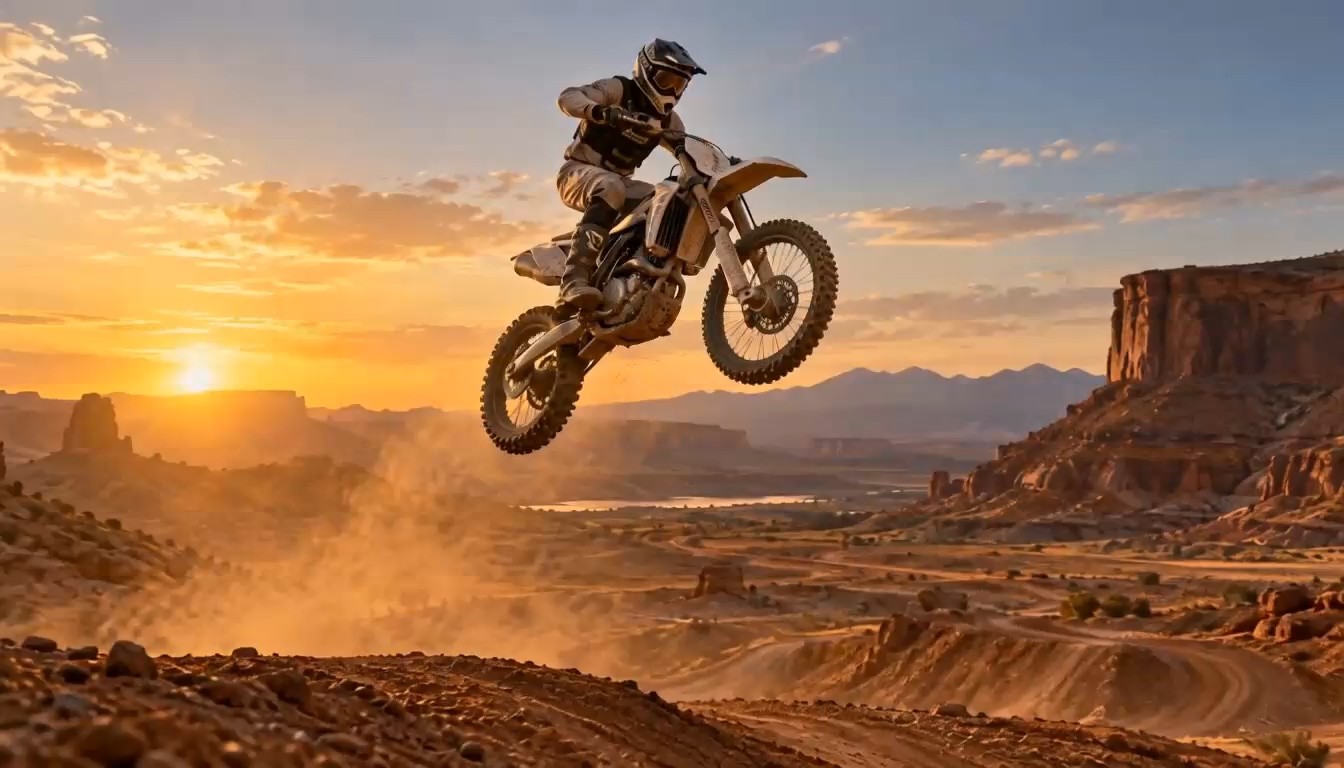
The defining idea behind a bullet time video is simple: the subject appears suspended while the viewpoint keeps moving. SuperMaker translates that visual logic into an AI-guided motion plan. The bullet time effect can hold a dancer, athlete, pet, vehicle, or product at a decisive instant while the environment shifts around it. Instead of making every element move, the scene emphasizes stillness, controlled parallax, and viewpoint change. This contrast helps the bullet time video communicate scale and drama. Use a pose that reads clearly in silhouette, because a recognizable frozen action makes the orbit easier to understand from each angle.

Shape a Smooth 360 Degree Camera Orbit Effect
A convincing 360 degree camera orbit effect needs more than a simple pan or zoom. The camera path should feel continuous, the subject should remain anchored, and background layers should reveal believable depth. The AI bullet time video generator studies the source image and creates a virtual path around its main focal point. That makes the bullet time video useful for visualizing shots that would otherwise require careful rigging. The bullet time effect also gives editors a strong transition point: approach the frozen pose from ordinary motion, cut to the orbit, then return to the wider sequence when the camera completes its arc.
Keep Identity and Scene Logic Consistent
Continuity matters in every bullet time video. A face, garment, board, ball, bag, or product should remain recognizable as the virtual view changes. The built-in motion direction asks the generator to protect proportions, surface details, lighting, and major background structures. A cleaner upload gives the bullet time effect more reliable boundaries between foreground and background. When you create bullet time video from photo, inspect fine areas such as fingers, hair, wheels, and transparent objects. If a detail changes too much, adjust the source image or choose another generation so the final bullet time video supports the story instead of distracting from it.
Explore a Cinematic Concept Before Production
Use the free bullet time video generator to test how an orbiting freeze could support a campaign, performance, sports edit, music visual, or storyboard. A bullet time video can reveal whether the pose has enough energy, whether the background offers depth, and whether the virtual path supports the intended mood. The bullet time effect is especially useful during concept development because it turns one frame into a moving camera idea. Teams can compare versions, select a stronger direction, and decide which details deserve attention before building the final sequence or planning a more involved shoot. Record which source frame, subject scale, background layer, and arc direction worked best. A reviewed bullet time video then becomes a concrete reference for later editing, shot planning, or creative approval instead of a vague verbal description.
Where a Bullet Time Video Can Strengthen Your Story
A bullet time video can turn one decisive frame into a camera-driven moment for action, social, film, and campaign work. The free bullet time video generator gives creators a practical way to explore the bullet time effect, compare orbit ideas, and decide how a frozen subject can serve the story. Each bullet time video can act as a focused visual test for subject scale, perspective, background movement, and pacing before a team commits to the next creative step.

Action Sports and Performance Creators
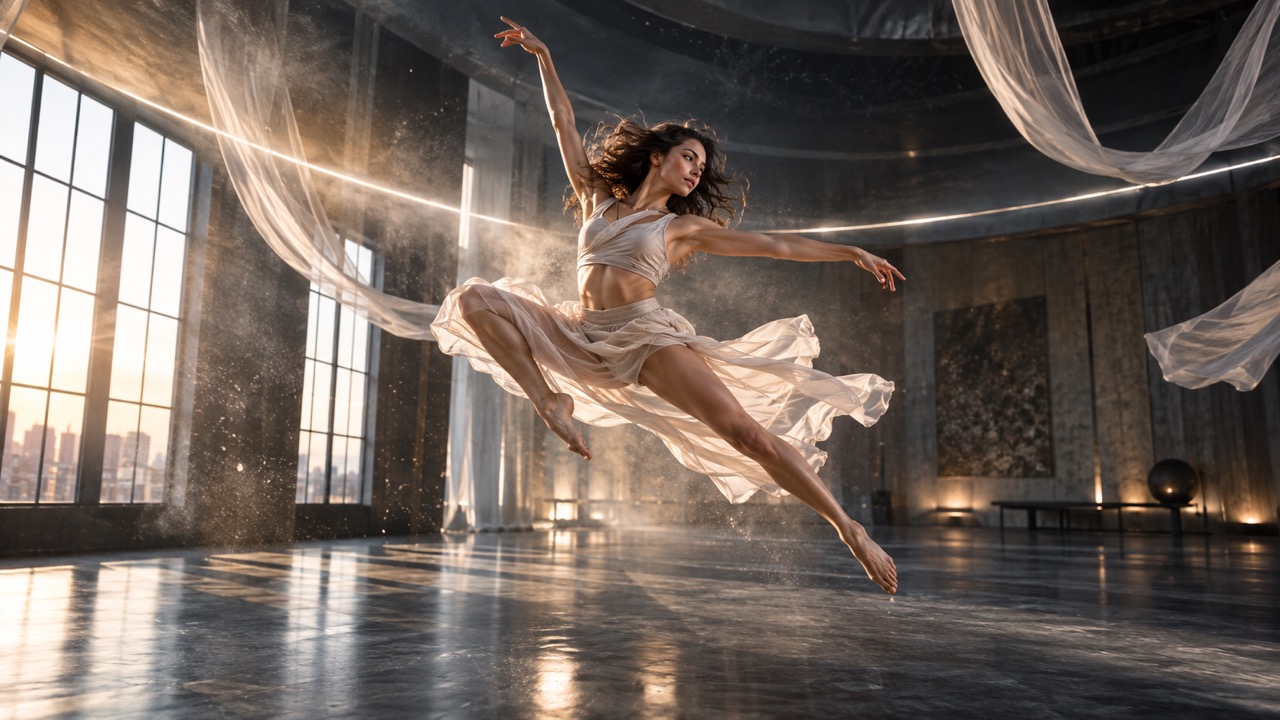
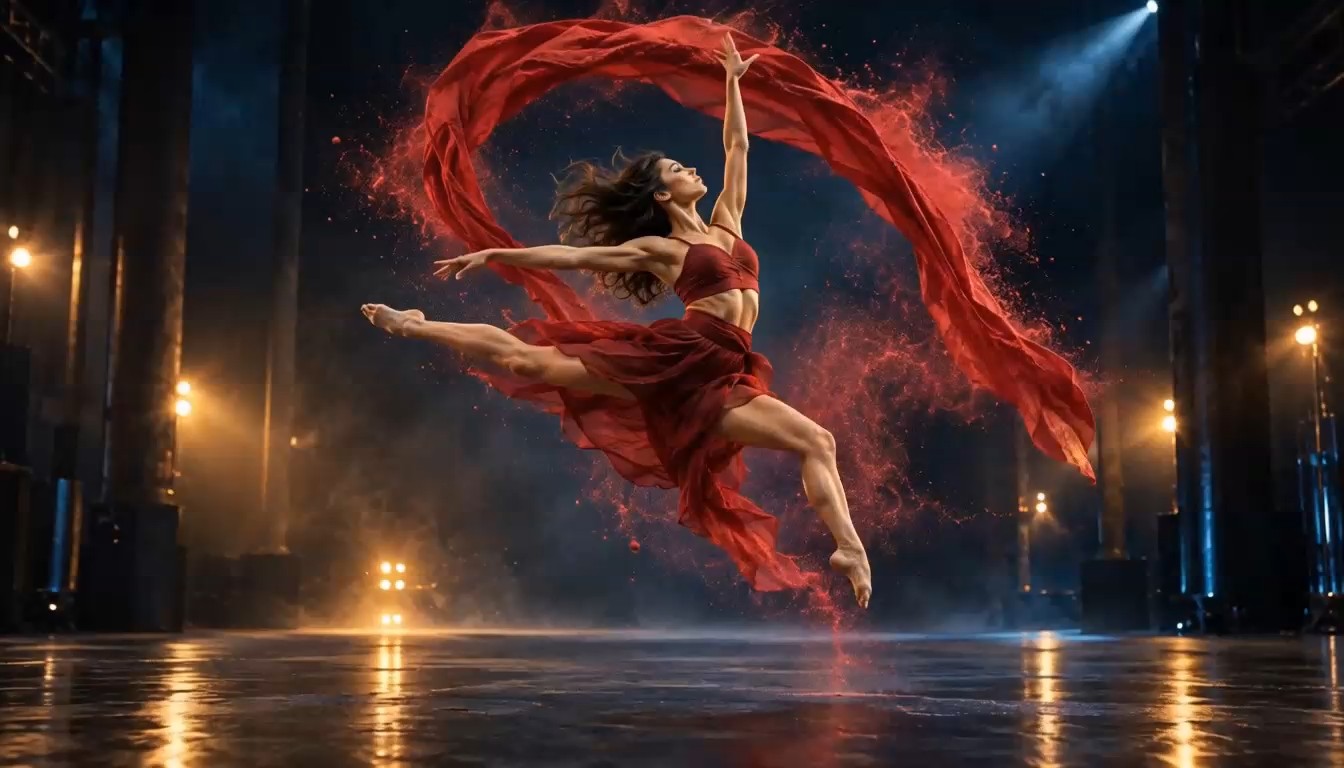
Turn a jump, spin, kick, trick, or dance pose into a bullet time video that emphasizes the peak of the action. Athletes and performers can use the bullet time effect to make body lines, airborne objects, and suspended particles part of the composition. The AI bullet time video generator helps test orbit direction without arranging many cameras. For a more readable result, choose a frame with the full pose visible, a distinct silhouette, and enough space around the subject for the background to shift naturally. Compare the first bullet time video with another source frame when you need to judge which pose creates the clearest silhouette, strongest depth separation, and most convincing sense of suspended energy.

Short-Form Social Video Editors
Add a bullet time video to a short-form edit when the story needs a clear visual pause. The orbit can introduce a character, highlight a reveal, or bridge two faster clips. Because the bullet time effect contrasts stillness with camera movement, it can create a memorable beat without relying on extra captions. Use the free bullet time video generator to explore several source frames, compare compositions, and choose the version that fits your timeline, soundtrack, and surrounding cuts.

Filmmakers, Directors, and Storyboard Artists
Create bullet time video from photo to visualize a shot before committing to production. A director can test subject placement, arc direction, background depth, and the emotional weight of the freeze. The 360 degree camera orbit effect provides a moving reference that is easier to discuss than a single storyboard panel. Use the resulting bullet time video as a concept clip in a treatment or internal review, then translate the approved idea into the most suitable production method for the final project.

Product and Campaign Concept Teams
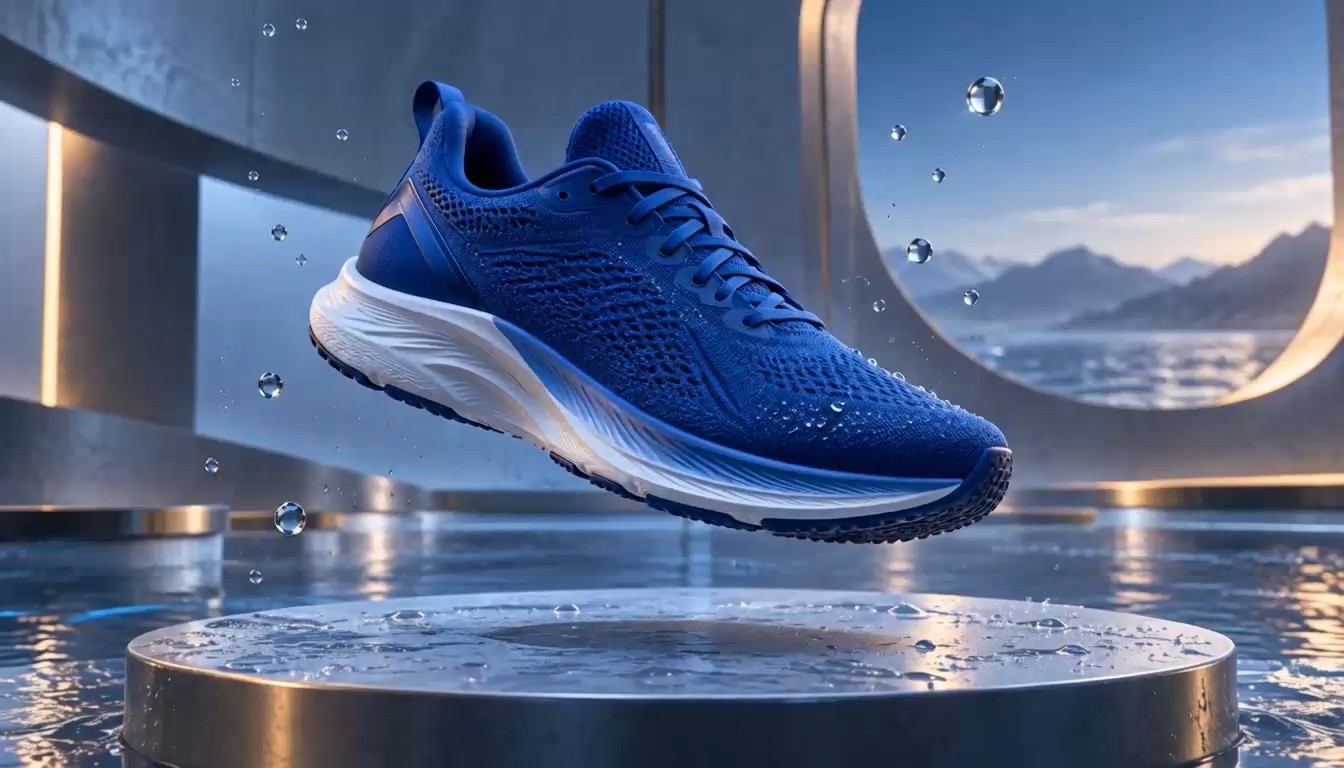
A product-centered bullet time video can hold a shoe, bottle, device, vehicle, or package at the visual center while the scene orbits around it. The bullet time effect helps a concept team explore hero angles, depth, and the rhythm of a reveal. Start with a clean photograph and use the AI bullet time video generator to test how the product reads from changing viewpoints. The result can support mood boards, pitch decks, internal feedback, and early campaign planning.
How Creators Use the Bullet Time Video Workflow
Creators use SuperMaker to explore a bullet time video before a final edit or production decision. These examples show how the bullet time effect can support movement studies, storyboards, social concepts, and product presentations.
I used a dance rehearsal frame to build a bullet time video for a pitch. The bullet time effect made the pose feel intentional, and the moving viewpoint helped our team discuss timing and composition before the final shoot.
The AI bullet time video generator gave me a useful concept from one skateboard photo. I could compare several orbit ideas and choose the bullet time video that matched the pace of my edit without building a complicated camera test.
We wanted a product reveal with a 360 degree camera orbit effect. The generated bullet time video helped our creative team evaluate depth, lighting, and hero angles. It became a clear visual reference for the campaign discussion.
I needed to create bullet time video from photo for a storyboard. The free bullet time video generator turned the still frame into a moving reference, making the bullet time effect much easier to explain to collaborators.


Bullet Time Video FAQ
Learn how the bullet time video workflow uses one photo, what makes a clear bullet time effect, how to judge orbital motion, and when the result is most useful for creative planning.
A bullet time video makes a subject appear frozen or dramatically slowed while the viewpoint moves around it. The bullet time effect combines stillness with changing perspective, which creates the sense that the camera can travel through a paused moment. Background parallax makes that viewpoint change easier to perceive.
Yes. Upload one clear image, then let the AI bullet time video generator infer depth and build an orbit around the main subject. To create bullet time video from photo successfully, use a sharp pose with visible space between the subject and background.
The free bullet time video generator is designed to let you start the workflow without arranging a physical multi-camera rig. Upload a suitable image, generate the bullet time video, and review the result before deciding whether another source frame or version is needed.
Photos with one clear focal subject, a readable pose, sharp edges, and a layered background usually provide stronger depth cues. A bullet time video may be harder to interpret when limbs overlap heavily, the subject is cropped, or the background is visually flat.
A 360 degree camera orbit effect describes the virtual viewpoint moving around a focal subject. In a bullet time video, that orbit is paired with a frozen or nearly frozen moment so background parallax becomes visible while the subject remains central. A smooth arc also helps the shot feel continuous rather than assembled from separate angles.
Review the face, hands, body proportions, clothing, object edges, lighting, and background structures. A strong bullet time effect keeps those details consistent while the camera path changes. If the bullet time video shows distracting warping, try a clearer source image or generate another version.
Yes. A bullet time video can help filmmakers, editors, and campaign teams visualize an orbiting freeze before production. Treat the result as a creative reference: compare versions, discuss the path and composition, and select the idea that best communicates the intended scene.
You do not need to describe technical camera settings to begin. The built-in direction already focuses on the bullet time effect, a stable subject, and a continuous orbit. Your most important choice is the source image and the clarity of the frozen moment.
Create Your Next Bullet Time Video
Upload one photo, frame a decisive frozen moment, and let SuperMaker build the orbit. Use the free bullet time video generator to explore a cinematic bullet time effect and turn a still image into a bullet time video concept you can review, refine, and share with your creative team using clearer creative review notes.
