





More AI Video Generators
Explore our collection of specialized AI video generators designed for different creative needs and styles


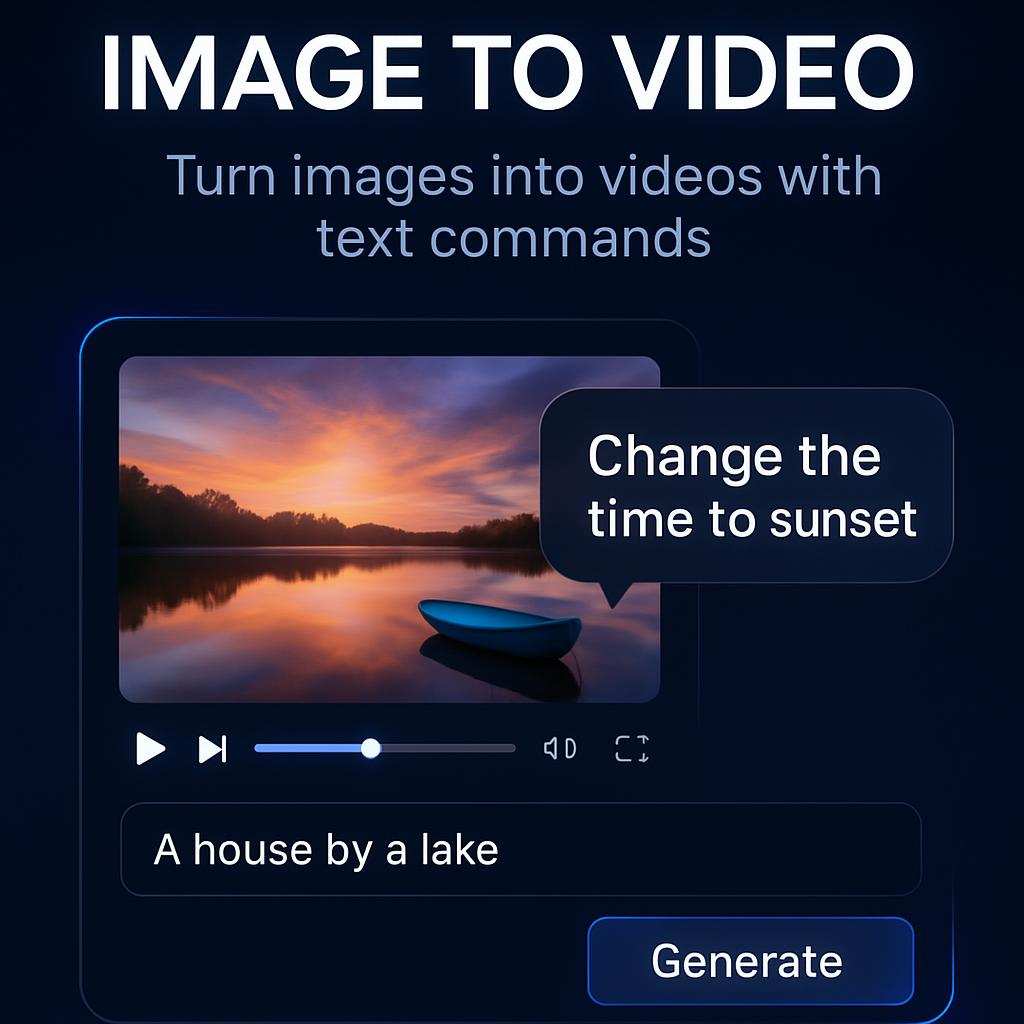
Coldplay Kiss Cam AI Video
Put Your Duo On The Concert Big Screen
Turn two portraits into a Coldplay Kiss Cam AI video with a round arena screen, an unsuspecting hug, and an awkward exit. Your first portrait plays the person in front. Your second plays the person behind. The Coldplay Kiss Cam AI video starts like a fan's phone recording from the stands. Then the duo realizes the whole room can see them, one drops out of sight, and the crowd steals the last shot.
How To Make A Coldplay Kiss Cam AI Video
Pick your cast, set the portrait order, and let the concert scene play out. The Coldplay Kiss Cam AI video preset supplies the arena, camera angle, and reaction beats.

Pick Two Clear Portraits
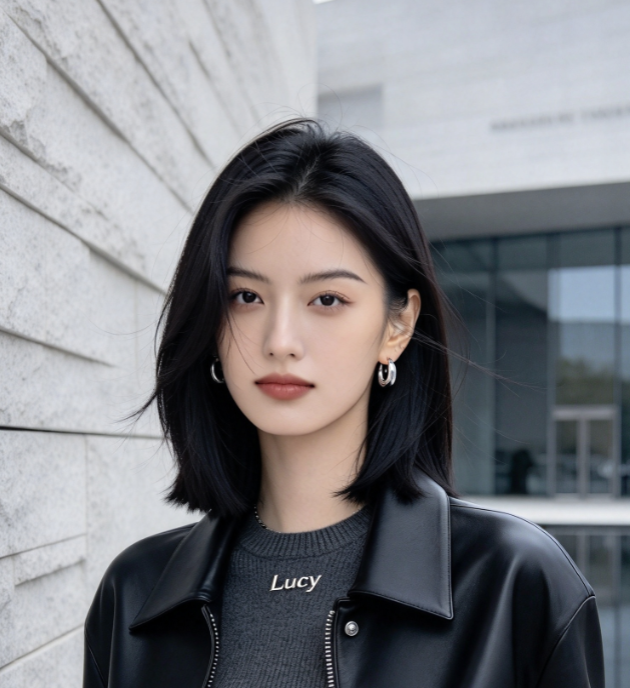
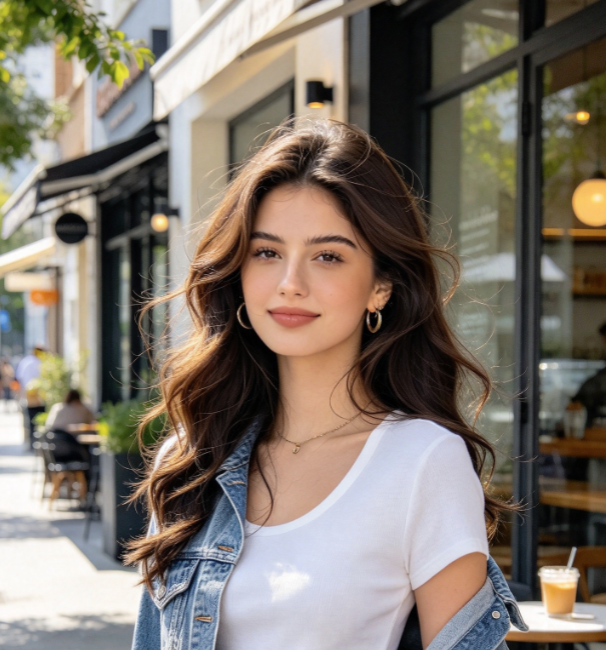
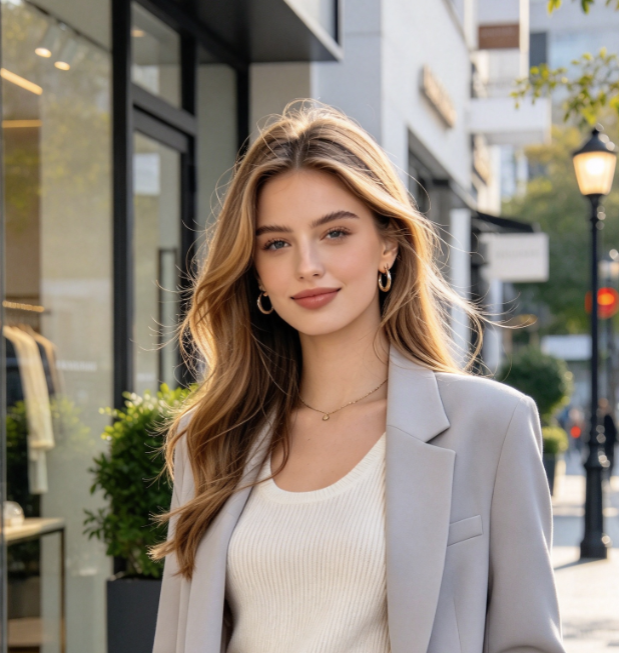
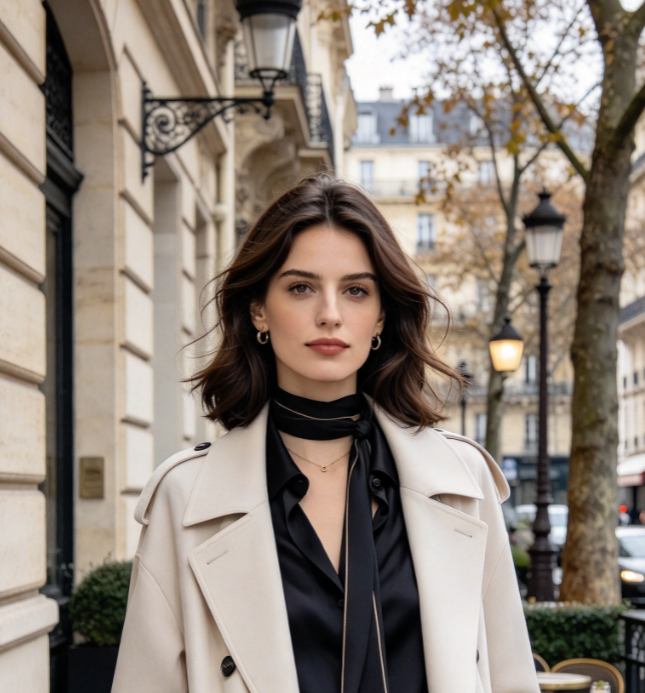
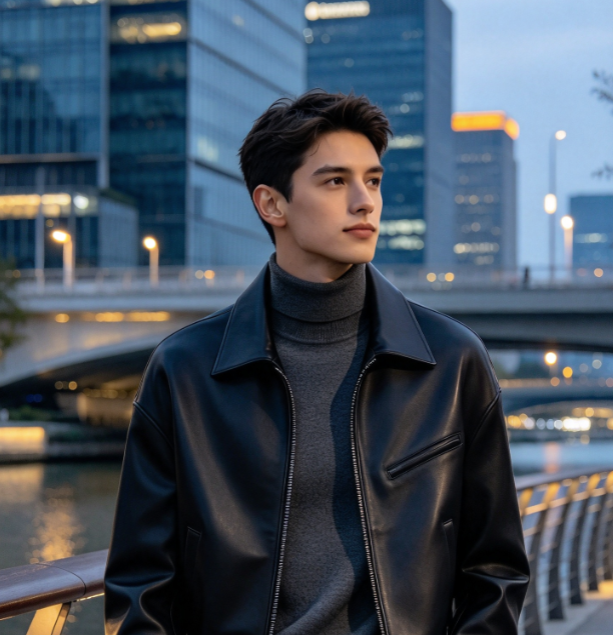
Choose two well-lit photos with one adult face in each. A head-and-shoulders crop gives your Coldplay Kiss Cam AI video a clear reference for faces and hair. Use photos you have permission to animate. If you start from a group shot, crop each lead into a separate image before uploading.

Set The Cast Order
Upload the first portrait for the front performer and the second for the person standing behind them. The order sets who covers their face and who ducks behind the rail in your Coldplay Kiss Cam AI video. Swap the photos to give the other person the big reaction.

Generate The Concert Scene
Start your Coldplay Kiss Cam AI video after both portraits are in place. The built-in prompt sets the circular screen, the hug, the moment of recognition, and the crowd's response. It also asks the camera to stay in the stands, so the joke plays out on the big screen.

Watch The Reveal And Reaction
Play your Coldplay Kiss Cam AI video through the final beat. Check that you recognize both people during the hug and can tell who leaves first. If the faces are hard to read, try portraits with softer shadows or a clearer view of each person's eyes.
Best AI Video Tools for Creative Projects
Explore creative tools for video, learn tips and tricks, and see how AI can be your assistant in turning concepts into finished projects.













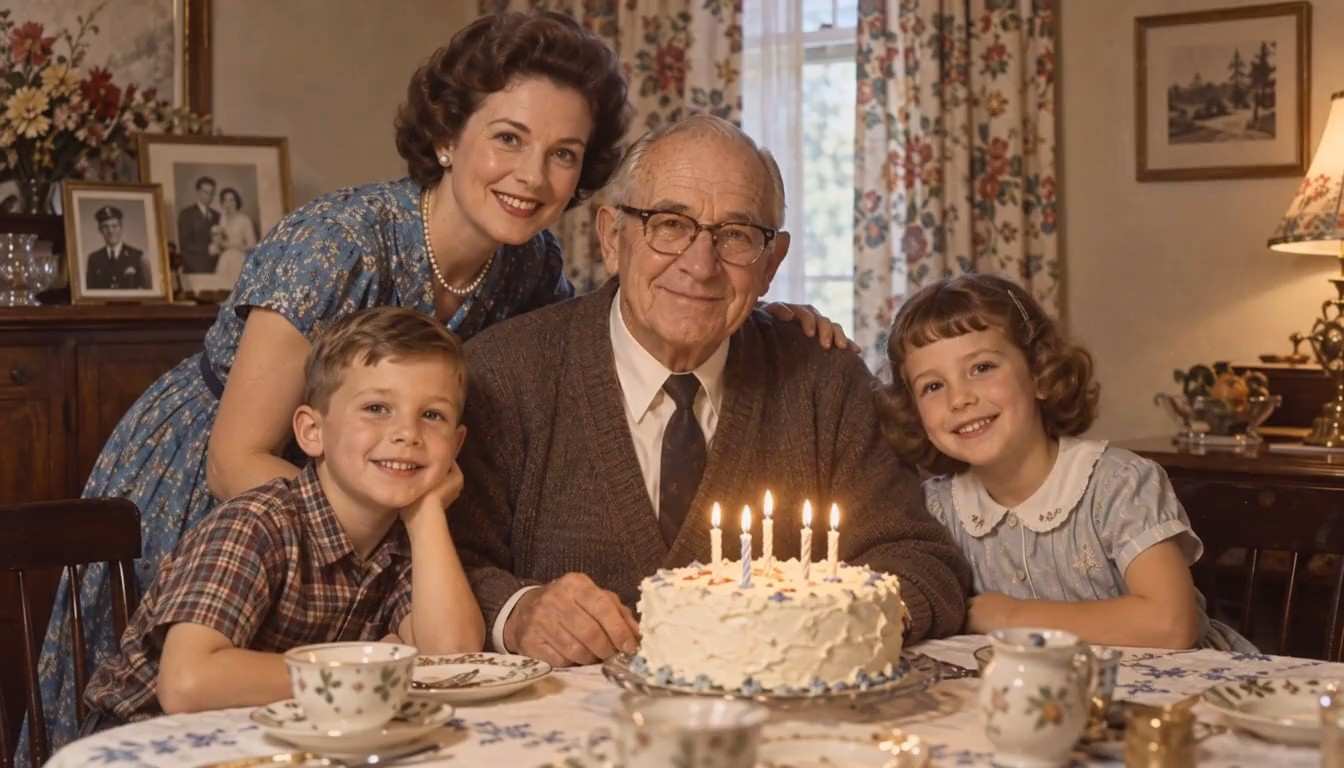







What Makes The Coldplay Kiss Cam AI Video Work
The Coldplay Kiss Cam AI video follows the gag from the audience's point of view. The circular screen carries the action, while the rails, lights, and heads in the foreground keep it grounded in a concert.
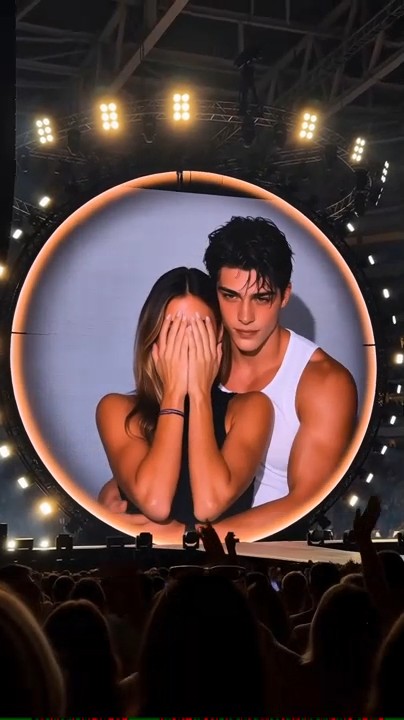
A Round Screen That Fills The Arena
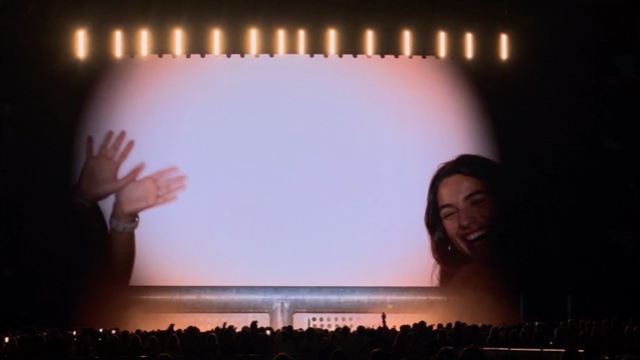
The Coldplay Kiss Cam AI video opens from a seat in the crowd, looking slightly up at a circular LED screen. Warm stage lights flare around the rim and the audience silhouettes sit below it. The wide frame gives the venue room on both sides, while the faces stay large enough to read inside the circle.
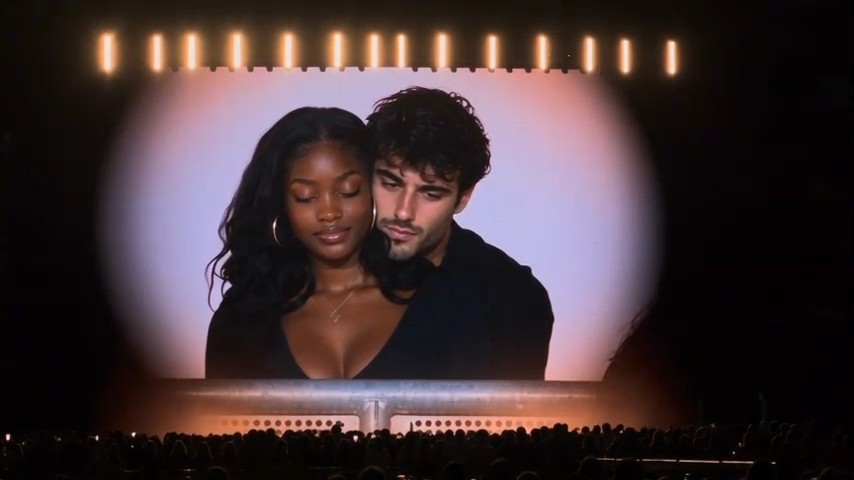
A Hug Before Anyone Notices
Give the Coldplay Kiss Cam AI video a moment to establish the pair. The person at the back wraps both arms lightly around the person in front, and they sway as if they are still watching the show. That quiet opening makes the change in their expressions easy to catch when they spot themselves.
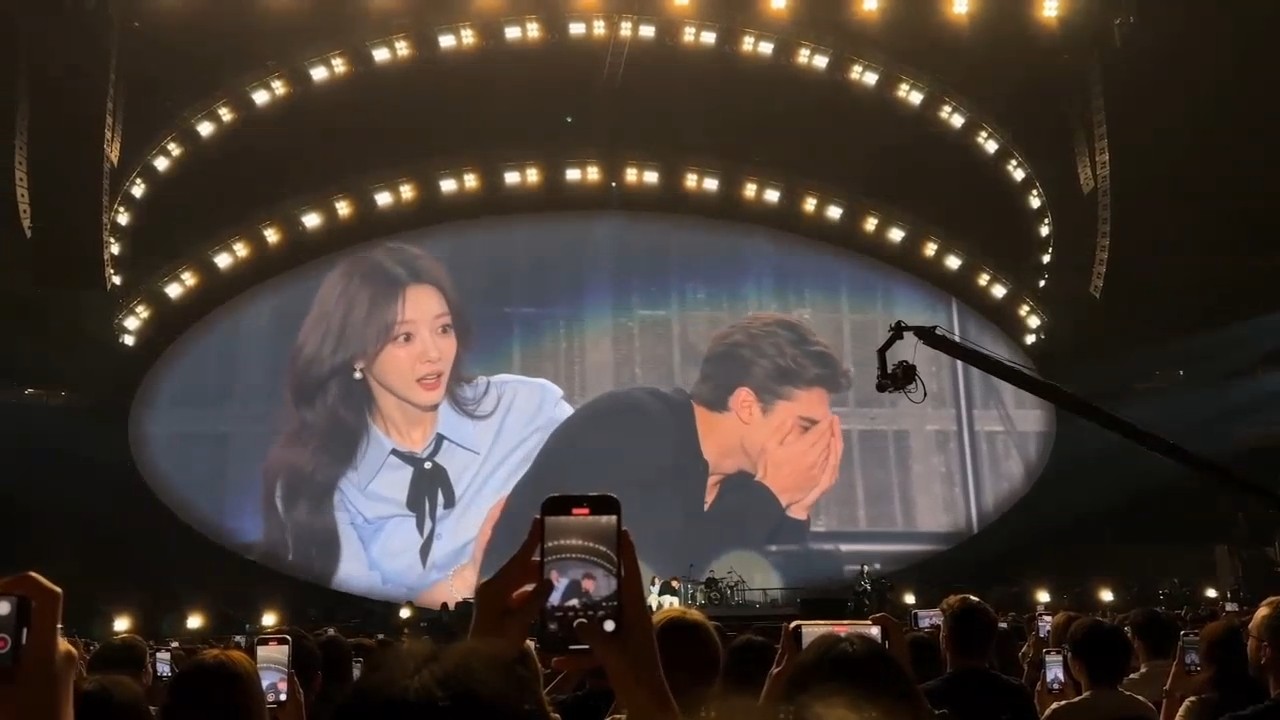
Two Different Ways To Hide
The best part of a Coldplay Kiss Cam AI video is the split reaction. The person in front brings a hand to their face and turns away. The person behind waits a beat, then drops below the railing. Because they move at different times, viewers can follow both reactions even on a small screen.
A Crowd That Takes Over The Frame
The Coldplay Kiss Cam AI video stays on the same arena screen as the person in front briefly pops back up, laughing. Nearby fans start waving as the pair moves away. Give that last moment room to land if you edit your Coldplay Kiss Cam AI video. It works as the payoff for everyone who watched the first hug.
Who To Cast In Your Coldplay Kiss Cam AI Video
For your Coldplay Kiss Cam AI video, start with a duo whose reactions people can picture. Choose familiar expressions or an unexpected pairing, then let the concert crowd sell the joke.

Surprise The Group Chat
Make a Coldplay Kiss Cam AI video with two friends who are always the first to spot themselves on camera. Send the clip on its own and see who recognizes the pair before the duck. If you share a caption, give it a group-chat setup that sounds like something your friends would actually say.

Give Your Original Characters A Cameo
Drop two original characters into a Coldplay Kiss Cam AI video for a scene between episodes. Give each character a distinct hairstyle or outfit in the source portraits. The contrast helps readers recognize them quickly, and you can pick who gets the sheepish return and who disappears behind the rail.

Make A Concert-Themed Party Recap
Use a Coldplay Kiss Cam AI video as a staged opener for a birthday or watch-party recap. Cast two willing guests and follow the crowd's reaction with your own party footage. The switch works best when the people on the screen are the same people your audience expects to see in the recap.

Set Up A Reaction Post
Make a Coldplay Kiss Cam AI video for a post about getting noticed at exactly the wrong moment. Let the hug establish the setup and use a short caption to give it a situation your audience knows. A caption about being spotted while skipping a meeting can play over the same reaction as a weekend inside joke.
The Moments People Might Replay
These fictional creator reactions show a few ways to use the Coldplay Kiss Cam AI video format.
The first look at the screen is my favorite. You can see the exact second the character realizes the camera found them.
I'd use the Coldplay Kiss Cam AI video as the first shot of our party recap and cut to everyone laughing at the reveal.
My favorite beat is the person who keeps trying to hide while everyone else waves.
I'd put my two comic characters in the Coldplay Kiss Cam AI video. The one who thinks they're good under pressure should be in front.
The rail makes the duck work for me. One second there's a whole person there. The next second there's a crowd behind them.
I'd try the same scene with the portraits switched. I'd send both versions and let my friends pick who nailed the reaction.

Coldplay Kiss Cam AI Video Questions
Get the portrait order right and know what to look for when you play your first Coldplay Kiss Cam AI video.
It's an AI concert parody that casts two people from your photos in a kiss cam scene. A fan's view of the circular screen shows a quick hug, a flustered reaction, and an audience that keeps cheering after the pair moves out of the shot.
Use two photos for a Coldplay Kiss Cam AI video, with one main face in each. Pick a sharp portrait for each role. If the only image you have shows both people, make a separate crop of each face so you can set their roles in the correct order.
The Coldplay Kiss Cam AI video preset includes the arena setup and reaction sequence. Upload the portraits in the order you want them to appear. The first person starts in front and the second starts behind them.
Two portraits are the inputs for this Coldplay Kiss Cam AI video. The prompt describes the round concert screen, the warm stage light, and the audience view. You can start with photos taken at home or outside and use them as identity references for the arena scene.
The Coldplay Kiss Cam AI video is set to 16:9. The widescreen frame gives the round display and the surrounding concert space room to breathe. If you make a portrait edit later, keep the circle and the railing in view so both reactions remain legible.
Try a new Coldplay Kiss Cam AI video with sharper, closer portraits. Choose photos with even lighting, open eyes, and visible hairlines. Faces can be harder to follow once a person turns, so check the opening hug first, while both are still upright and clearly visible.
Make Your Own Coldplay Kiss Cam AI Video
Choose who goes in front and who ducks behind the rail. Add two portraits to give your duo their own Coldplay Kiss Cam AI video, from the first hug to the crowd's last wave.