

More AI Video Generators
Explore our collection of specialized AI video generators designed for different creative needs and styles
Create A Window Dance AI Video From Your Photo
Dance, Catch The Camera, Close The Curtains
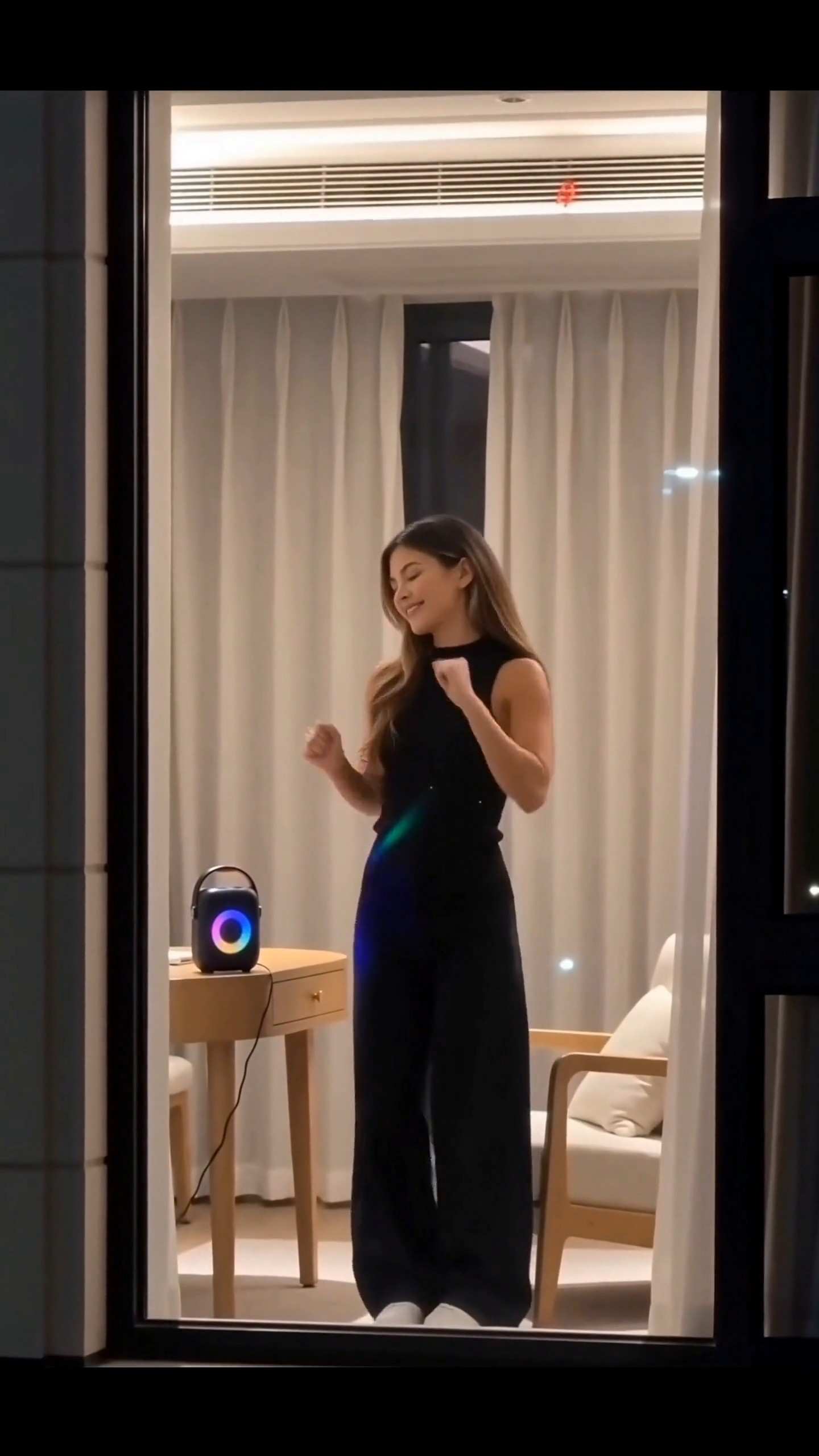
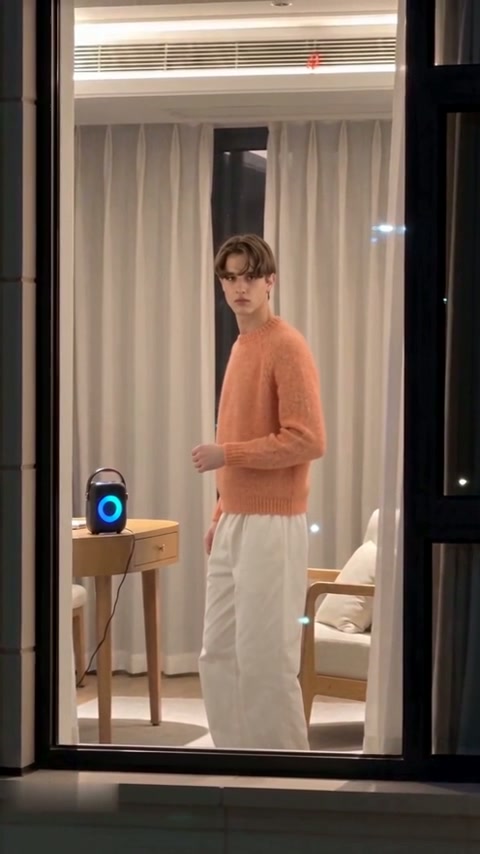
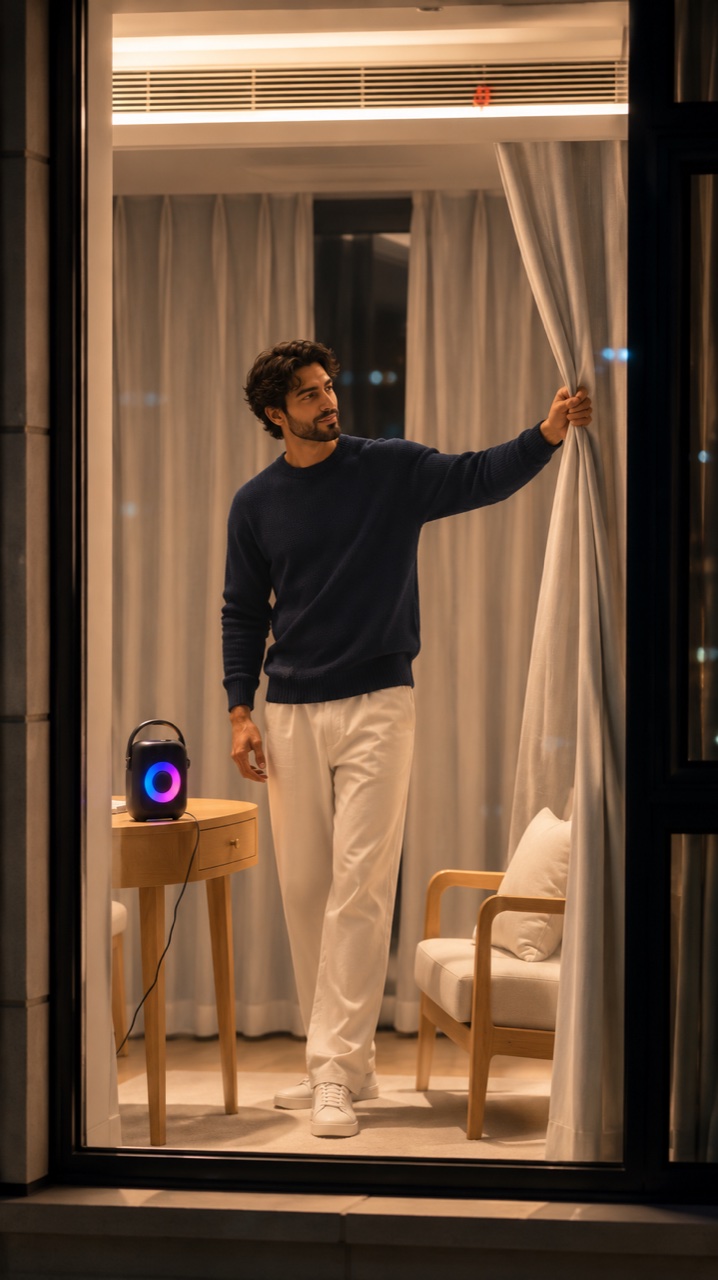
Put yourself inside the lit window of a nighttime apartment scene. Window Dance AI brings together the approach from outside, a dance beside a glowing speaker, and the sudden moment of noticing the camera.
How To Make Your Window Dance AI Video
Start with a clear portrait and check the full sequence before sharing your result.

Choose One Portrait
Use a sharp photo of one person with their face and shoulders visible. Avoid group photos, dark shadows and sunglasses that hide the eyes.
Upload Your Photo
Add the portrait to the upload area. Keep the person's hair and clothing visible to give the scene a useful appearance reference.

Review And Generate
Check the displayed settings and credit estimate before starting. The effect uses a fixed scene prompt, so you do not need to write one.

Watch Through The Ending
Review the face, dance, glance and curtain movement. Save the finished video once you are happy with the full sequence.
Best AI Video Tools for Creative Projects
Explore creative tools for video, learn tips and tricks, and see how AI can be your assistant in turning concepts into finished projects.








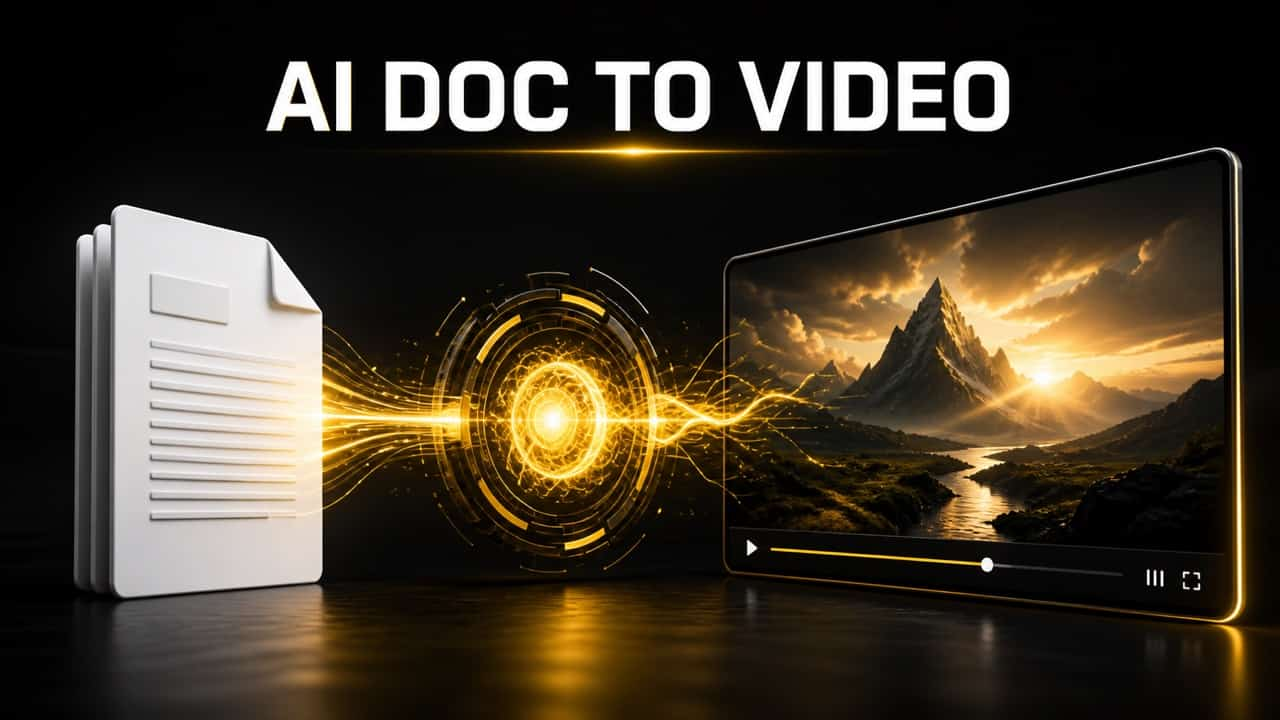
Why Create Your Window Dance With SuperMaker?
Bring your own look to the window dance scene with one portrait, a built-in setup and no prompt to write.
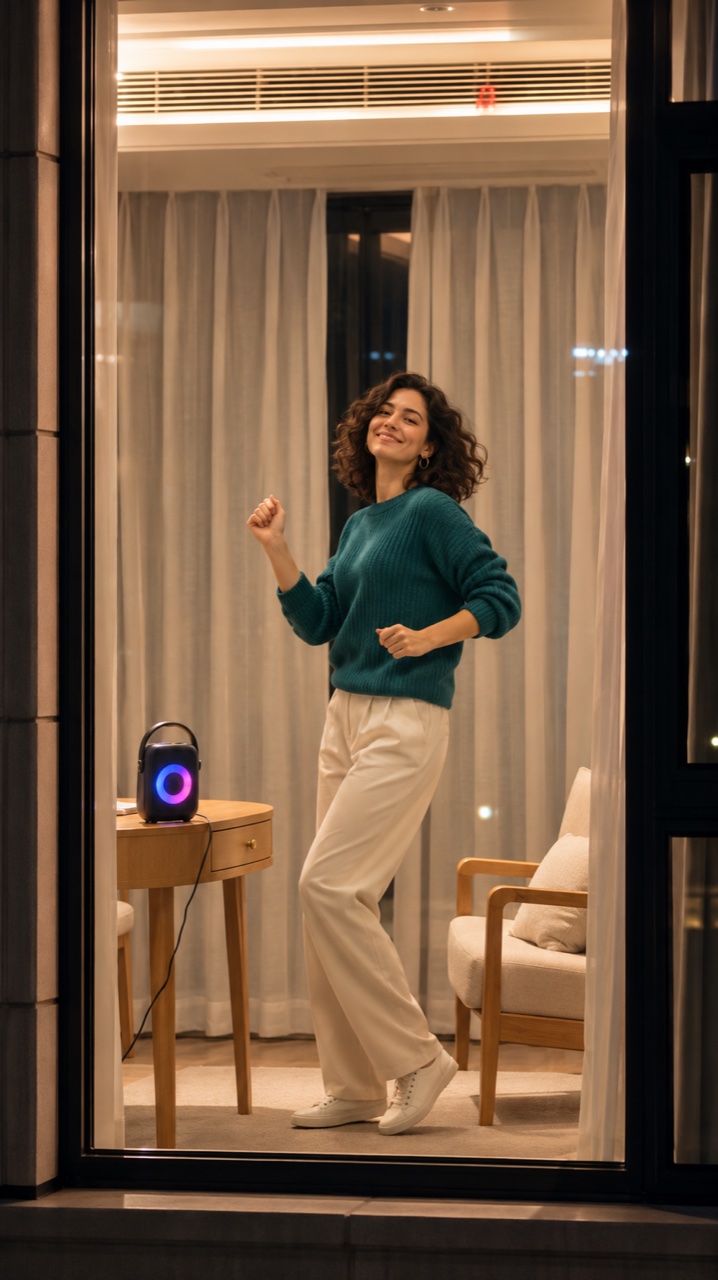
Your Photo, Your Turn To Dance
Start with one clear portrait. SuperMaker uses your photo to guide the dancer's appearance, so you can join the window dance trend without filming yourself or learning the routine.
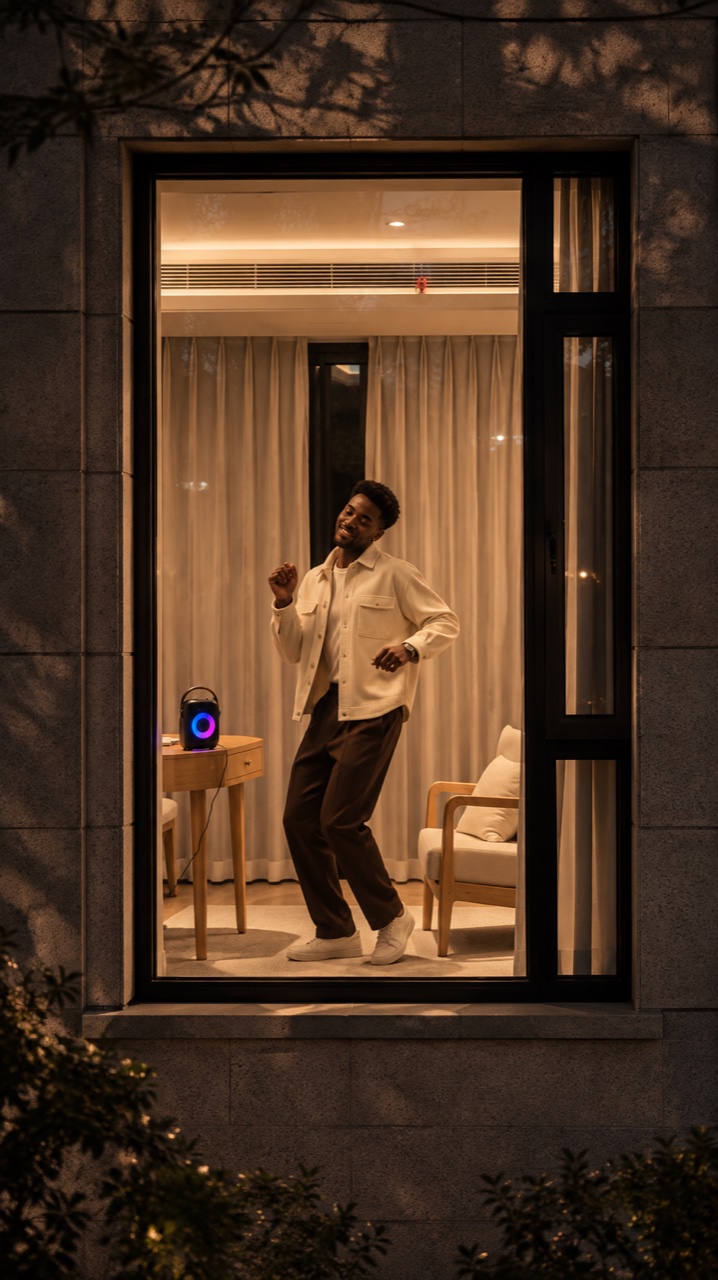
The Window Scene Is Already Set
The nighttime apartment, glowing speaker and outside-looking-in viewpoint are built into the effect. You do not need to find a reference clip, prepare a room or set up a camera.
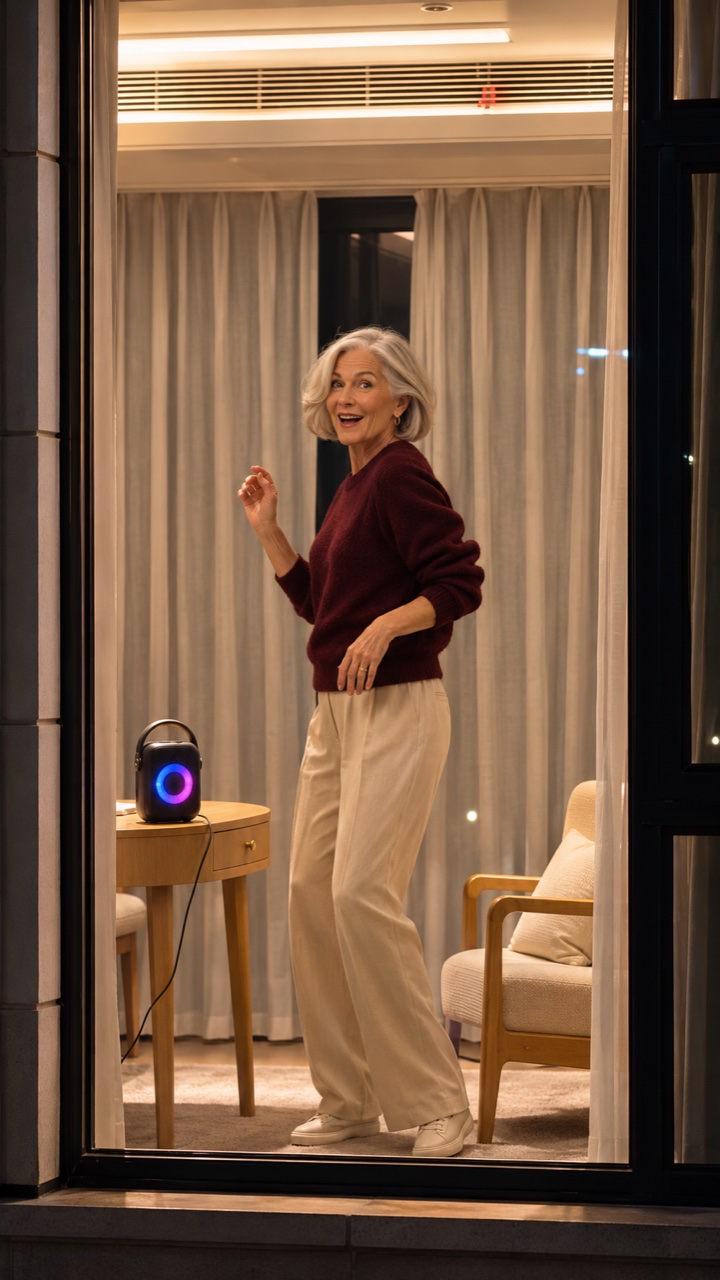
No Prompt Writing Or Choreography
The effect is set up for the dance, the surprised glance and the curtain pull. Skip writing a detailed scene prompt and focus on choosing the portrait you want to bring into the moment.
Made For Vertical Short Videos
Create in a preset 9:16 format that suits TikTok and Reels. The tall window framing gives the dancer, speaker and curtain finale room in the same shot, ready for your own finishing touches.
Make The Window Moment Your Own
From a personal take on the trend to a friend's birthday surprise, Window Dance AI lets you give the nighttime scene a different story with your portrait, outfit and finishing touches.

Put Yourself In The Window Dance Trend
Give the familiar dance-and-reaction scene your own face and personality. Start with a favorite portrait, then turn the moment of being caught dancing into a playful post. Add a caption such as “When you thought nobody was watching” in your editor.

Give Your Favorite Look A New Setting
Try a casual weekend look, a bold party outfit or a cozy sweater in the warm apartment scene. Choose a portrait that clearly shows your hair and clothing to guide the character's appearance. Generate separate versions to explore different looks.
Make A Playful Surprise For A Friend
Use a friend's portrait with their permission to create a lighthearted birthday message or group-chat surprise. The dance, sudden eye contact and curtain pull give the clip a ready-made punchline. Add your own greeting or inside joke after generation.

Build Your Own TikTok Or Reel
Use the vertical clip as the centerpiece of a short social edit. Add an opening caption, choose music you are entitled to use, and time your text around the surprised glance. Keep the curtain-closing ending intact so the joke has a clear finish.
Window Dance AI Questions
Photo guidance, scene details and practical checks before sharing.
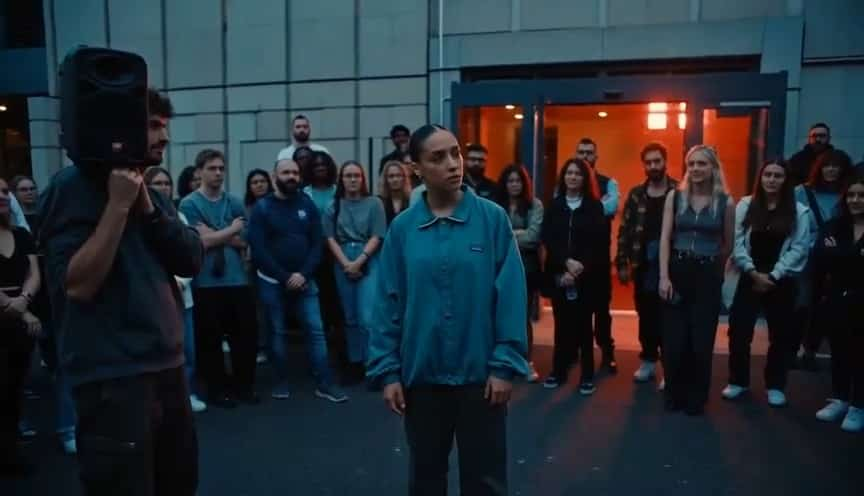
Window Dance AI is a photo-based video effect built around a nighttime apartment scene. The camera approaches a lit window, finds someone dancing beside a speaker, and catches their reaction before the curtains close.
Choose one clear portrait with an unobstructed face and visible shoulders. An upper-body photo can provide useful clothing and posture details. Use a photo you have permission to use and avoid group shots, heavy blur or deep facial shadows.
You do not need to record a dance performance. Your photo supplies the person's appearance, and the effect's fixed prompt describes the scene and action sequence. There is no free-text prompt to write on this page.
The original trend song is not promised with this effect. If you want that track or another soundtrack, add music you have permission to use in your editor or posting platform.
Generated details can vary. Check the person's face during turns and reflections, the hands reaching for the fabric, and whether the curtains close before the video ends. Higher resolution alone does not correct missing actions.
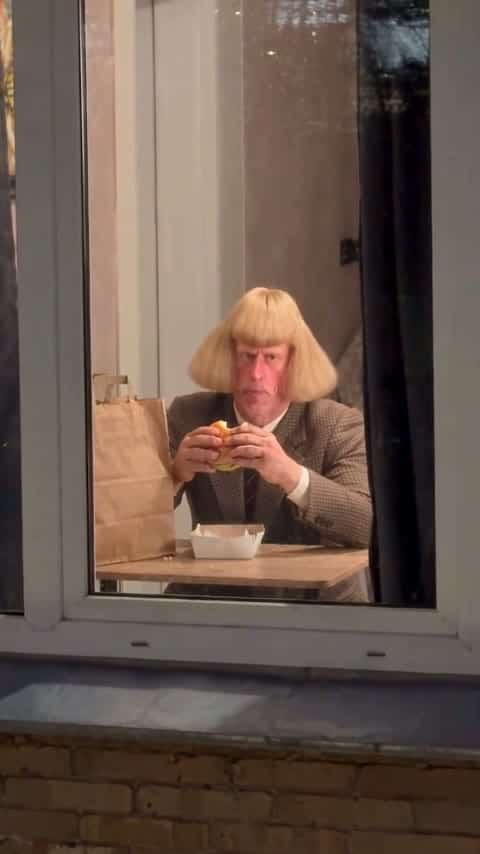
The shared setting is a person behind an apartment window. Window Dance AI centers on dancing beside a speaker, noticing the camera and closing the curtains; Burger Thru Window centers on eating a burger and an awkward reaction.
Step Into The Window Dance Scene
Create your Window Dance AI video from a clear portrait and give the nighttime dance-and-curtain moment your own look.