





More AI Video Generators
Explore our collection of specialized AI video generators designed for different creative needs and styles
Bicep Heart Trend AI
Turn One Photo Into A Playful Flex And Heart
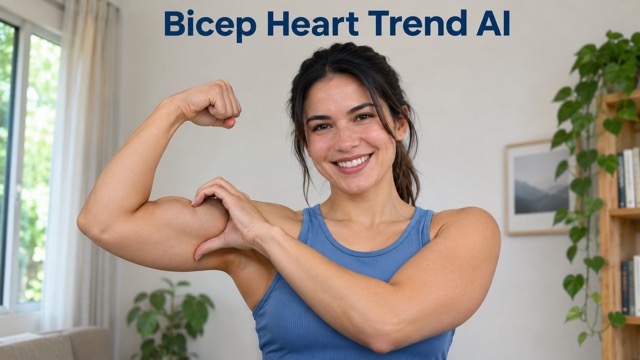
Make a familiar photo the starting point for a playful bicep heart video. Bicep Heart Trend AI uses your portrait and a preset movement prompt to animate a flex, a reaching hand, and a heart-shaped pose beside your face. Bring a clear image with both arms visible, then create a personal take for a friendly reply, a gym update, or a lighthearted social post.
How To Make Your Bicep Heart Video
Start with a suitable portrait, generate the movement, and check the finished pose before sharing. The built-in prompt handles the action sequence, so you can focus on choosing your photo.

Upload Your Photo
Choose one clear photo of one person, framed from the waist up with both shoulders and arms visible. A relaxed starting pose and an unobstructed face give the animation useful detail. Leave space beside the head for the raised elbow.

Click Generate
Review the available video settings and displayed credit cost, then start generation. The preset prompt asks the person to flex one arm and curve the opposite hand around the bicep. You do not need to write or paste a movement description.

Download Your Video
Play the result through and inspect the face, fingers, elbow, and final heart shape. Download the version you want to keep, then add your caption or music in your usual editor. Choose a clearer starting photo if the movement looks awkward.
Best AI Video Tools for Creative Projects
Explore creative tools for video, learn tips and tricks, and see how AI can be your assistant in turning concepts into finished projects.














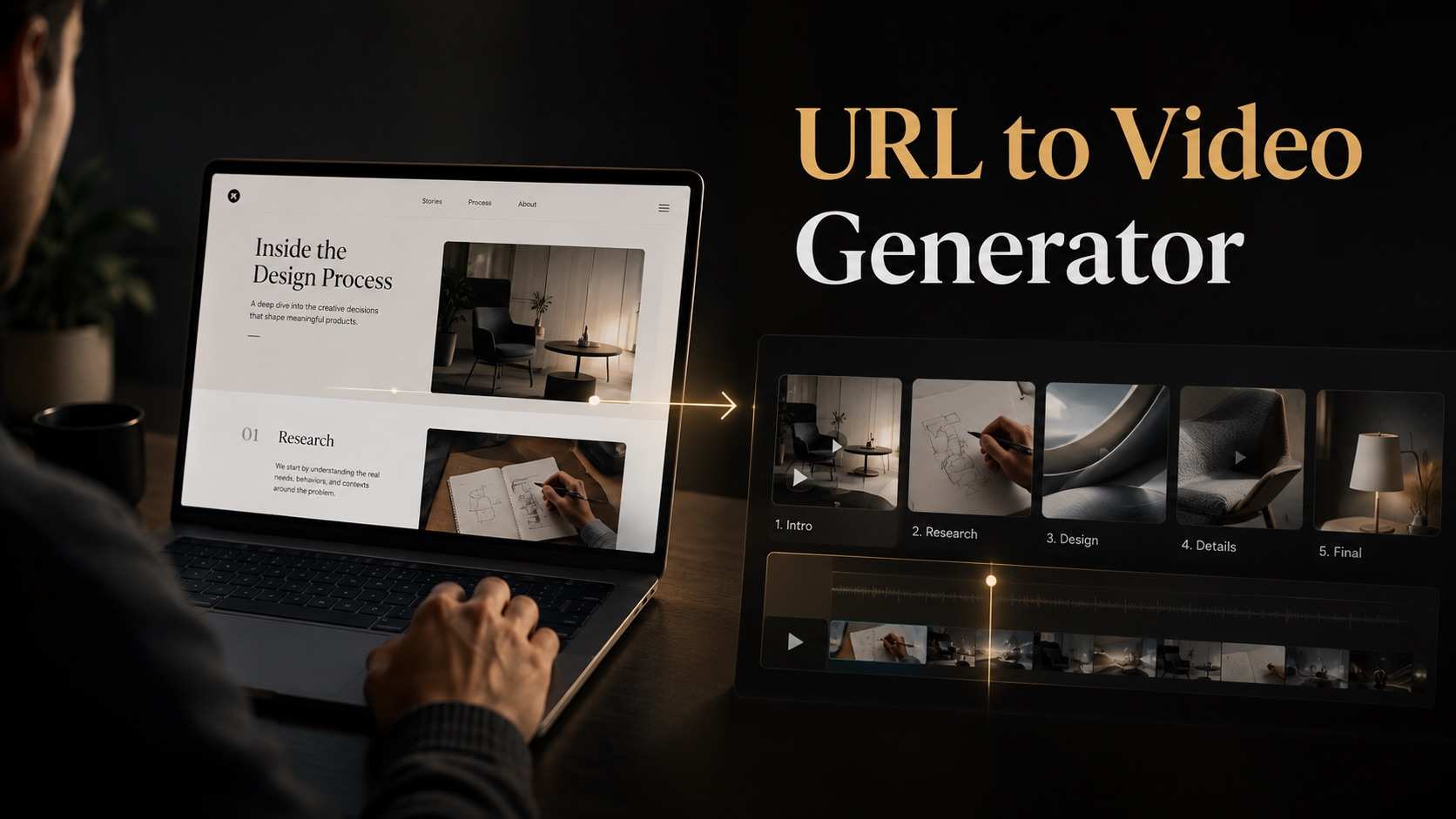


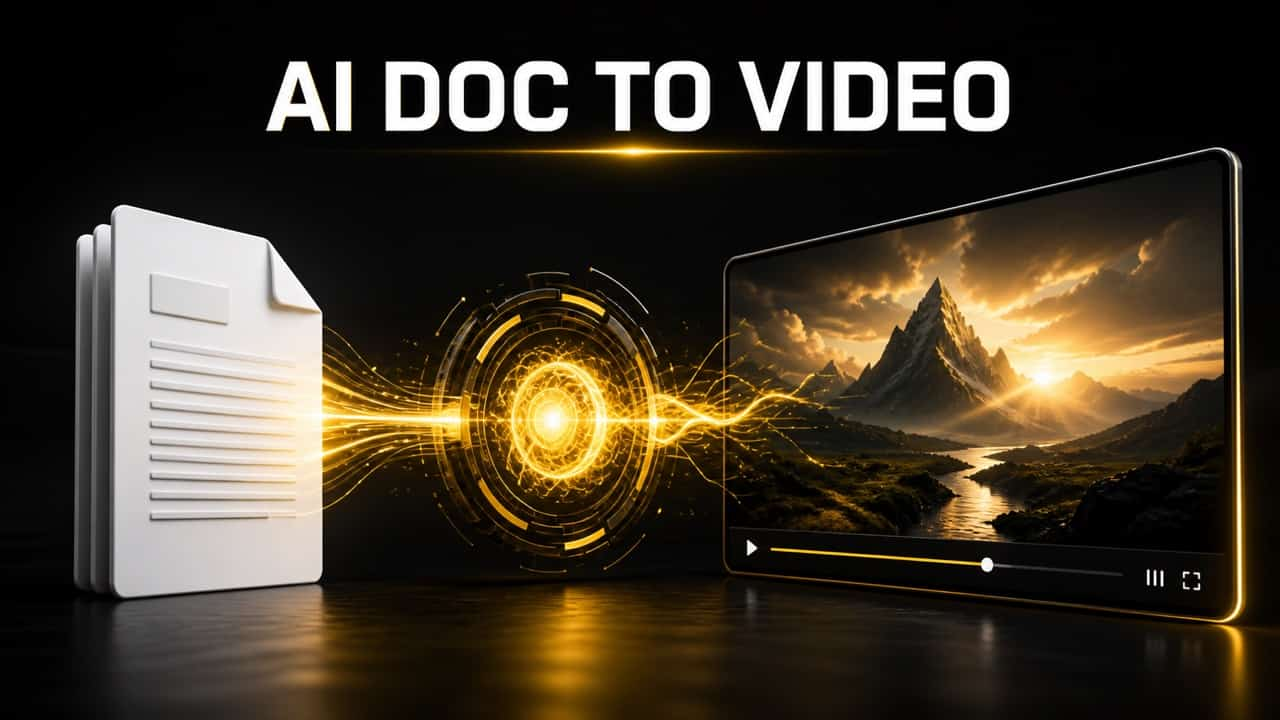
A Small Gesture With A Clear Visual Payoff
Bicep Heart Trend AI centers the video on one readable action. Your source photo sets the look, while the preset prompt describes how the flex develops into a heart and a brief closing pose.
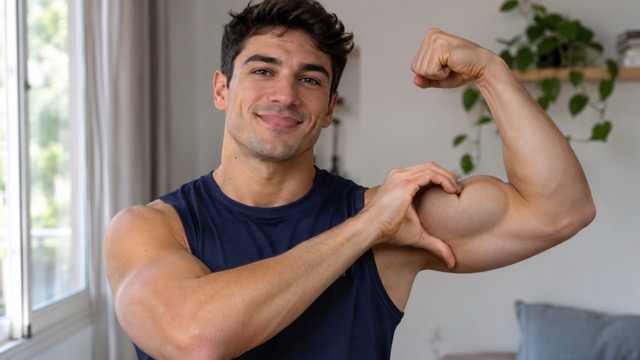
Build The Heart Around One Flexed Arm
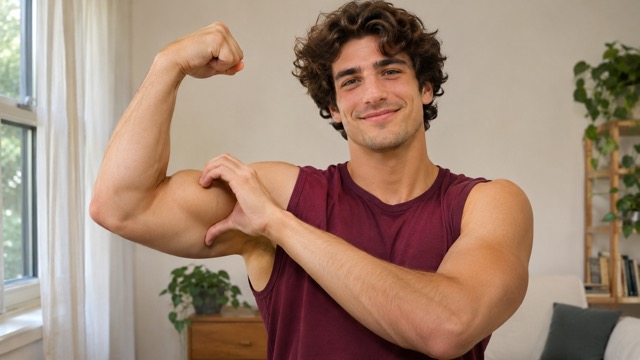
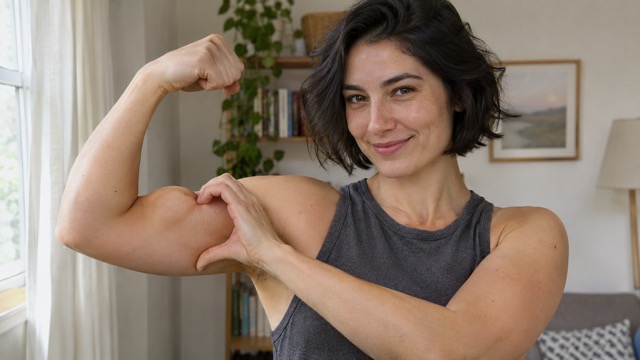
The defining detail is the relationship between the flexed arm and the opposite hand. One elbow bends upward while the other hand reaches across to trace the inside of the bicep, completing the heart outline. The preset describes that sequence directly, keeping the idea focused on the single-arm gesture. A visible shoulder, clear sleeve edge, and space around the upper body make the intended shape easier to judge in your result.
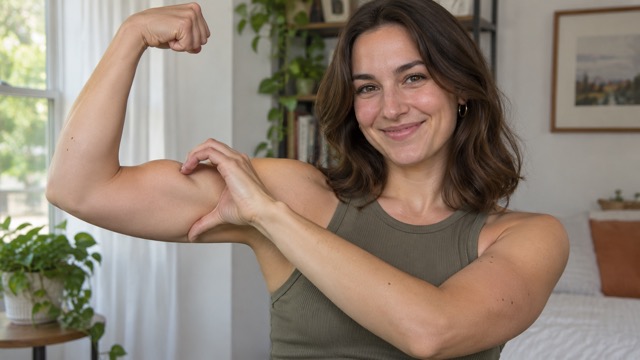
Give Your Portrait A New Role
Start with a photo whose expression, clothing, and setting already suit the message you want to send. The animation prompt asks to retain those identifying details while adding the arm movement. A casual portrait can become a friendly reaction; a training photo can become a playful gym update. Pick an image you would be comfortable posting on its own, then review how the face and outfit carry through the motion.
Keep The Workflow Focused On The Pose
You do not need to translate the gesture into a long prompt before getting started. Bicep Heart Trend AI includes a preset covering the flex, the reaching hand, and the final hold. This keeps the upload-and-generate flow simple for a narrowly defined effect. Use the available settings to choose your generation, and spend your attention on the source image and the finished movement instead of repeatedly rewriting the same action instructions.
Make The Ending Easy To Read
A bicep heart works best when viewers have a moment to recognize the shape. The preset asks for a steady camera and a short hold after the hand reaches the arm, giving the gesture a clear ending. When choosing a result, look for an understandable silhouette and a relaxed expression. Add a short caption afterward if you want to turn the clip into a greeting, a reply, or a personal joke.
Send A Little Strength And Affection
The same gesture can carry different messages depending on the photo and caption. Keep the action simple, then choose a context that feels natural to the person in the frame and the audience receiving it.

A Playful Reply To A Friend
For friends trading reactions in a chat, a bicep heart offers a more personal response than a familiar sticker. Start with a relaxed portrait and pair the finished clip with a short line that fits your conversation. The result becomes a small visual joke built around your own appearance, ready to send when words feel overly serious.

A Lighter Gym Update
Fitness creators can use a clear training portrait to add some humor between workout posts. The flex connects naturally with the setting, while the heart shifts the mood toward appreciation or encouragement. Keep your caption about the moment, such as thanking a training partner or celebrating consistency, so the post feels personal rather than like another exercise demonstration.

An Affectionate Video Greeting
For someone sending a partner a quick greeting, the gesture combines a little confidence with a warm intention. Choose a photo they recognize, generate your clip, and finish it with a personal message. It can serve as a casual check-in or a playful good-luck note without requiring you to plan and record a new performance.

A Short Social Trend Post
Short-form creators can build a compact post around the movement from ordinary portrait to finished heart pose. Choose an uncluttered source image, keep the caption brief, and add audio through the destination platform when appropriate. This gives the clip a clear visual idea while leaving space for your usual tone, editing choices, and community-specific sense of humor.
Different Reasons To Try The Pose
These fictional examples illustrate how different creators might respond to the idea and workflow. They are not verified customer reviews. Each perspective focuses on a practical reason for choosing a personal bicep heart clip.
The playful heart gives a gym portrait a different mood. I like the idea of using a small gesture to thank training partners instead of posting another straightforward flex photo.
A single visual idea is easier to build a caption around. The move from a relaxed portrait to the heart pose gives this concept a clear beginning and ending.
This is the kind of lighthearted post I would use between instructional videos. It connects with a fitness audience while leaving room for a friendly message rather than another workout tip.
The photo guidance is useful because the hands and elbows matter so much here. I would check the full movement before choosing a clip to put into a social edit.
I like starting with an image that already feels like me. Clothing, expression, and background can do a lot of the storytelling before the heart gesture even begins to form.
A preset action makes the concept approachable without a long writing session. I would spend my time finding the right portrait and pairing the result with a short, personal caption.
Bicep Heart Trend AI Questions
Choose a photo that leaves room for the gesture and review the animation before sharing. These answers cover the pose, the input, and the practical decisions involved in making your clip.
The pose combines one flexed arm with the opposite hand to outline a heart beside the upper body. The free hand curves around the inside of the bicep while the elbow stays raised. This page focuses on that single-arm gesture, with a brief hold so the completed shape is visible.
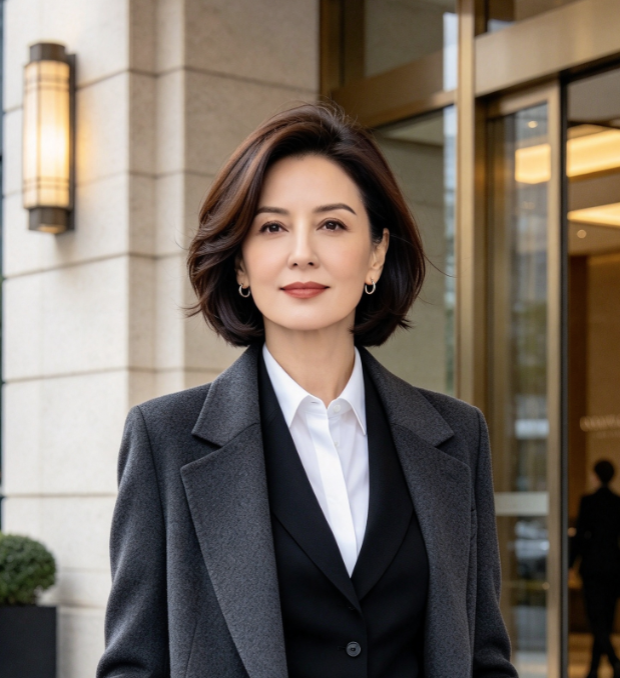
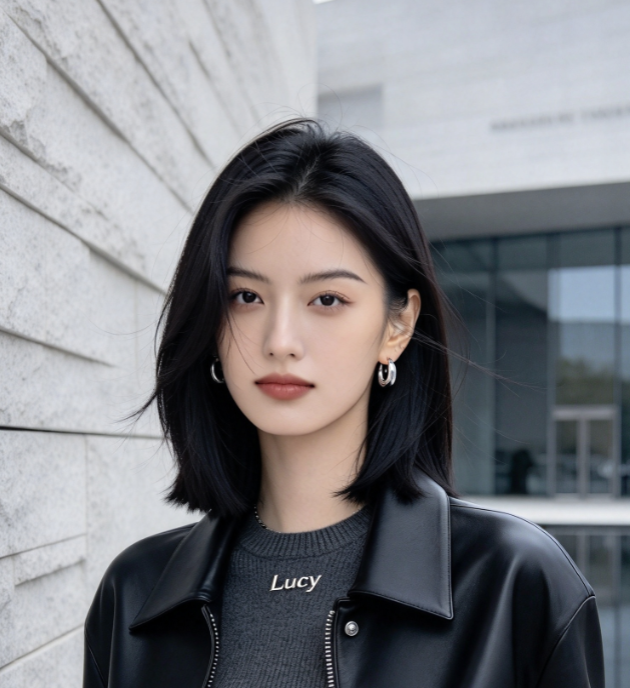
Use a clear photo of one person with the face, shoulders, upper arms, and hands easy to see. A waist-up composition with space around the elbows is a useful starting point. Avoid tightly cropped selfies, heavily crossed arms, and objects blocking the torso, since those leave less visual information for the movement.
No. This page uses one photo and a built-in prompt for the flex-and-heart sequence. You do not need to provide a motion video or type an action description. The configuration is designed for a personal interpretation of the gesture rather than an exact copy of a specific creator's performance.
The preset asks the model to preserve the person's appearance and use natural anatomy, but generated movement can introduce changes. Watch the face and both hands throughout the clip, especially where fingers meet the arm. If the heart shape is unclear, try a less obstructed portrait before deciding which version to share.
The page does not configure a specific trend soundtrack. If you want particular music, add it afterward using your editor or the destination platform's audio tools. Check the available audio permissions for your intended use, and time the strongest beat or caption around the moment when the heart pose becomes visible.
Review the options and credit cost displayed in the generator before starting. Available duration and other settings depend on the selected model and current interface. This page does not promise a fixed price or free generation. Choose the settings that suit your intended post, then inspect the result before downloading it.
Turn Your Next Photo Into A Bicep Heart
Choose a clear portrait, leave room for both arms, and give your next greeting a playful visual twist. Bicep Heart Trend AI supplies the movement prompt so you can start with the photo that feels right. Generate your clip, check the pose, and share your favorite version.