








More AI Video Generators
Explore our collection of specialized AI video generators designed for different creative needs and styles
First Time In A Fancy Cafe AI
One Photo. One Coffee. One Awkward Realization.
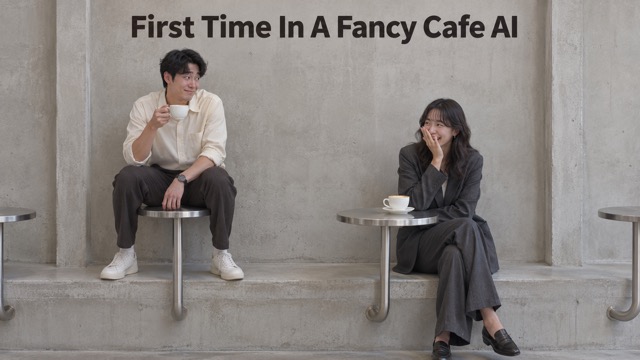
Put yourself in the cafe moment where trying to look comfortable goes wonderfully wrong. First Time In A Fancy Cafe AI turns a portrait into a short comedy scene built around unfamiliar furniture and a quiet double take. The joke is easy to recognize: you think you have found a seat, then another customer shows you otherwise. Bring your own face to a small social mishap without arranging a cafe shoot.
How To Use First Time In A Fancy Cafe AI
Start with a clear portrait, let the prepared scene guide the generation, and review the finished clip before sharing. You do not need to write the cafe story from scratch.

Upload Your Photo
Choose a clear photo of one person with a visible face and natural lighting. Avoid sunglasses, heavy filters, and faces hidden behind objects. Use an image you have permission to animate, with enough detail to make the main character easy to recognize.

Click Generate
Check the available video settings and displayed credit cost, then start generation. The built-in prompt supplies the cafe setup and awkward realization, so no extra script is required. Wait for the result and watch the complete sequence before deciding to keep it.

Download Your Video
Review the face, movement, furniture, and ending, then download the result you want to use. Add your own caption or suitable music in your preferred editor if needed. Keep the reveal visible when cropping the clip for a social post or message.
Best AI Video Tools for Creative Projects
Explore creative tools for video, learn tips and tricks, and see how AI can be your assistant in turning concepts into finished projects.




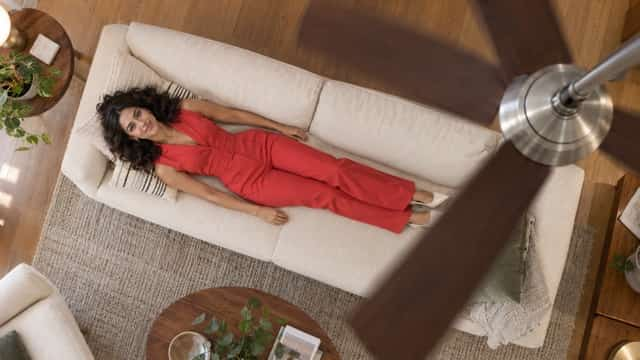
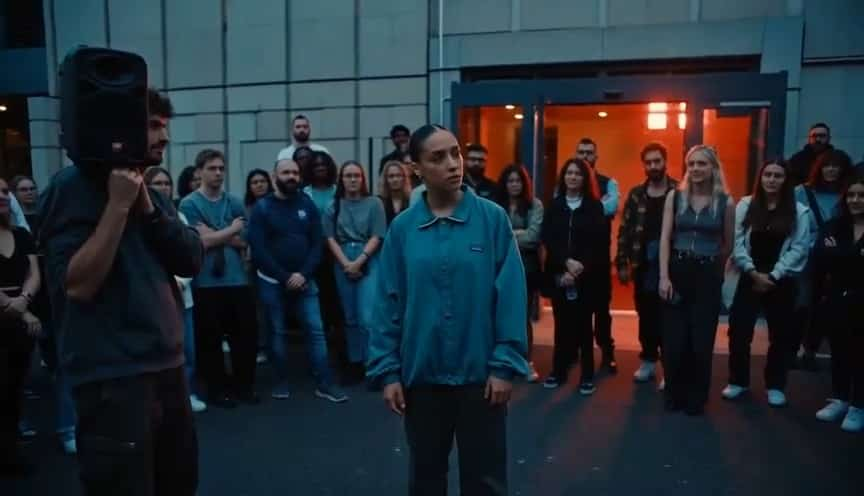






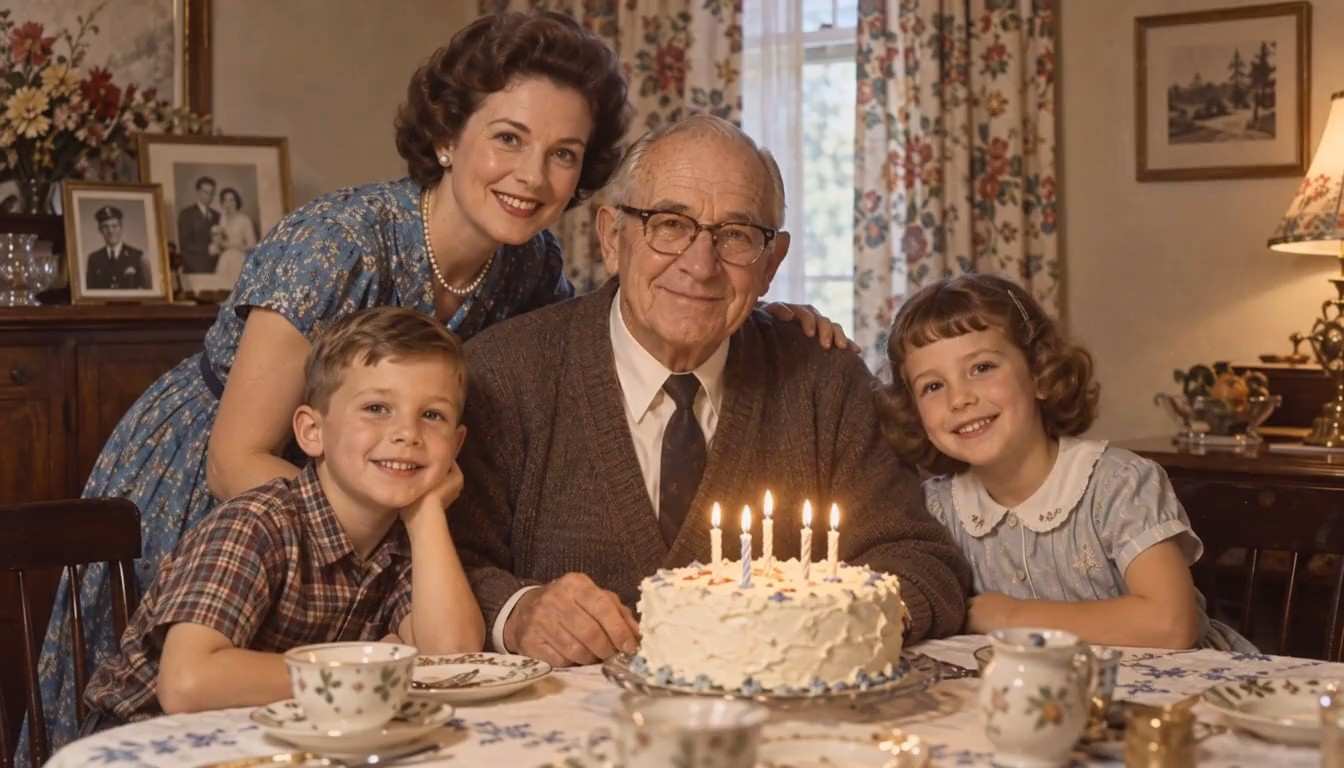






A Small Mistake With A Clear Comedy Payoff
The appeal comes from a recognizable situation: an unfamiliar cafe, misplaced confidence, and the moment the character realizes something is wrong. Keep the expression and physical reveal at the center of your edit.
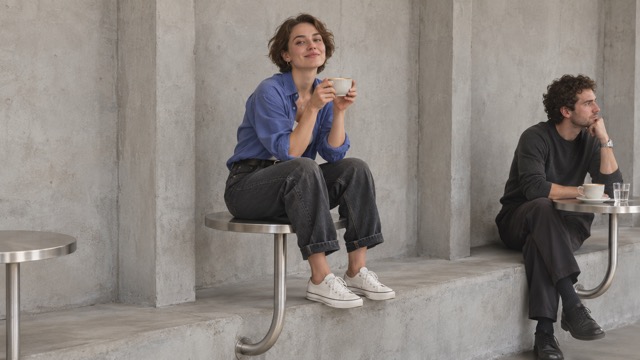
Make Your Portrait The Main Character
A familiar face gives an everyday joke a personal angle. Use your own portrait as the starting point for the customer who confidently chooses the wrong place to sit. The built-in direction asks the model to keep the subject recognizable throughout the scene, including the moment of realization. Choose a photo with a clear expression rather than a distant group shot, so the character has a useful visual starting point.
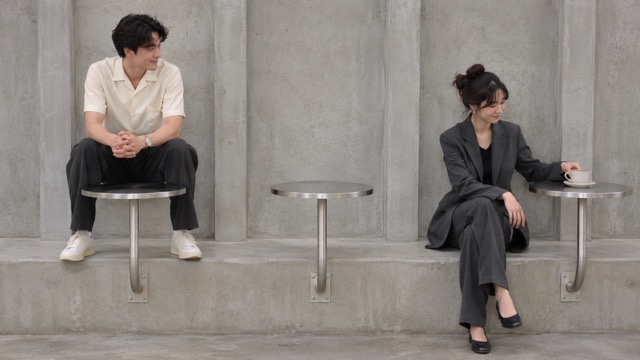
Let The Furniture Set Up The Joke
The cafe setting supplies the misunderstanding before anyone explains it. Minimal furniture can look stylish and confusing at the same time, which makes the character's mistake feel understandable. The scene direction emphasizes a readable relationship between the seating and the surfaces around it. When reviewing your result, check that viewers can tell what went wrong without a long caption, a spoken explanation, or several extra cuts.
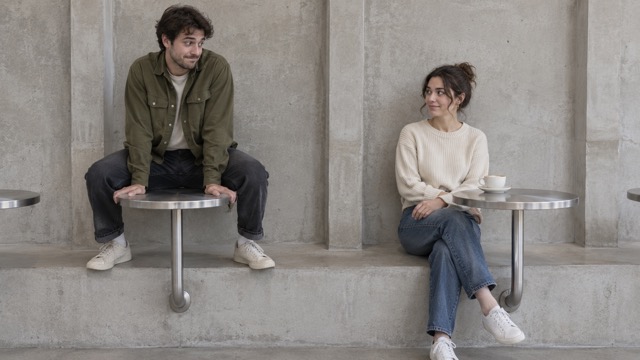
Keep The Reaction Understated
A brief glance and a restrained correction can make an awkward situation funnier than an exaggerated performance. The prepared direction favors a simple progression from confidence to recognition, with time for the audience to catch up. Watch how the character's expression changes and how naturally the movement follows it. A useful result should give you an ending that resolves the visual joke rather than stopping before the reaction becomes clear.
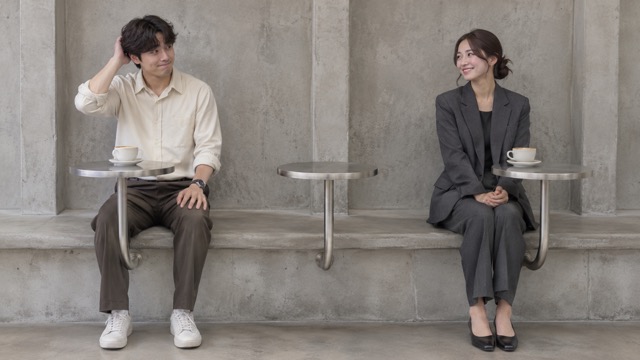
Build A Post Around The Reveal
Treat the generated clip as the starting point for your own social edit. A short caption can establish the situation, while the action provides the payoff. Leave enough time for the audience to notice the mistake and the correction; trimming too tightly can remove the joke. Review the full frame before choosing a crop, especially when the furniture and the second customer's actions are needed to understand what happens.
Who Can Make This Cafe Moment Their Own?
First Time In A Fancy Cafe AI fits lighthearted posts about trying to belong somewhere unfamiliar. Use the same simple premise for different audiences, then make the context specific through your portrait, caption, and final edit. These are creative starting points, not promises of reach or engagement.

Short-Form Comedy Creators
Build a quick visual sketch around the gap between looking confident and understanding the room. Creators can use the cafe setup as a recognizable opening, then add a personal caption about their first visit somewhere expensive. The result gives a short post a clear situation and ending without requiring a location booking, a second performer, or a filmed rehearsal.

Lifestyle And Coffee Creators
Use a playful cafe scene between coffee reviews, daily routines, or city guides. The subject works especially well when your audience recognizes the feeling of walking into a highly designed space and wondering how to behave. Pair the clip with your own observation about cafe culture, keeping the humor focused on the character's confusion rather than presenting a real venue review.

Friends Sharing An Inside Joke
Give a familiar group-chat joke a visual form by casting yourself as the person trying to act completely at home. A caption about a particular outing can make the clip feel personal without including anyone else's private information. If you use a friend's portrait, get their permission first and let them see the finished version before you share it more widely.

Social Editors Testing A Comedy Concept
Explore how a simple misunderstanding might fit a casual content series before planning a live shoot. Editors can use the generated scene to discuss framing, caption placement, and the timing of a reveal with collaborators. Keep any real brand or venue claims out of the concept unless you have the right context and approval to include them.
Creative Perspectives On The Cafe Concept
These fictional evaluations illustrate how different creators might approach the cafe concept. They are not verified customer testimonials or reports of tested generation results. The common preference is a readable visual joke with enough room for a personal caption.
The part I like is how small the mistake is. A familiar face and a quiet reaction give the cafe concept more personality than a complicated setup or an overloaded caption.
I would keep the opening simple and let the reveal breathe. The cafe idea gives me a clear reason to hold the shot instead of cutting away after every movement.
This is the kind of awkward situation my audience would recognize. I like the idea of connecting it to cafe culture while keeping the joke centered on my own confusion.
Putting myself in the scene feels like a better fit than making someone else the target. I would use a short caption that my friends understand and leave the rest visual.
The premise is easy to discuss with a collaborator: one confident choice, one clue, then a reaction. That makes it a useful concept for planning a compact comedy post.
My priority would be a crop that preserves the furniture and the reaction. If those details remain visible, the clip can communicate the joke without needing a long explanation.

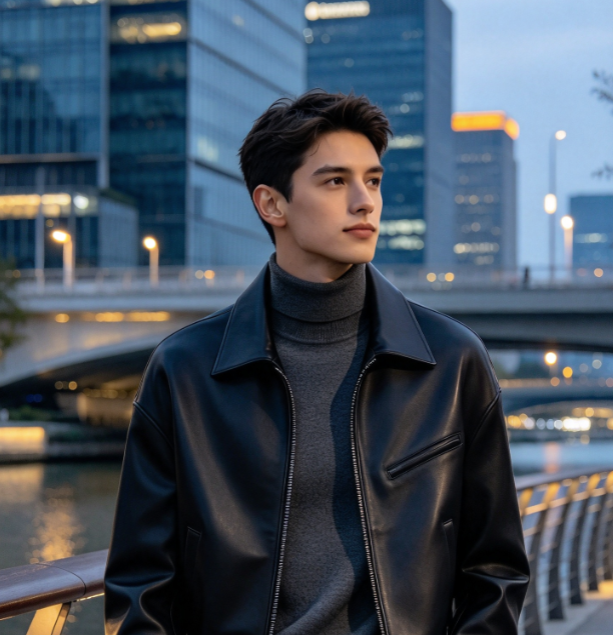
First Time In A Fancy Cafe AI Questions
Before creating, focus on the photo you supply, the scene you want to communicate, and the result you actually receive. These answers explain the draft's configured workflow and the checks that help you choose a usable clip for your next post.
It is a photo-based video effect built around an awkward cafe visit. A customer misreads the furniture, then notices how another person uses it and corrects the mistake. This version uses a prepared scene prompt to guide generation, with your uploaded portrait providing the main character's visual starting point.
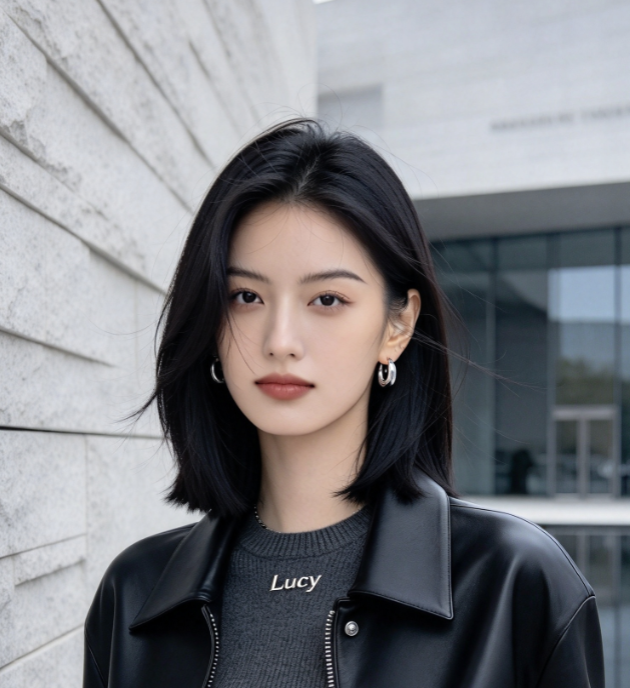
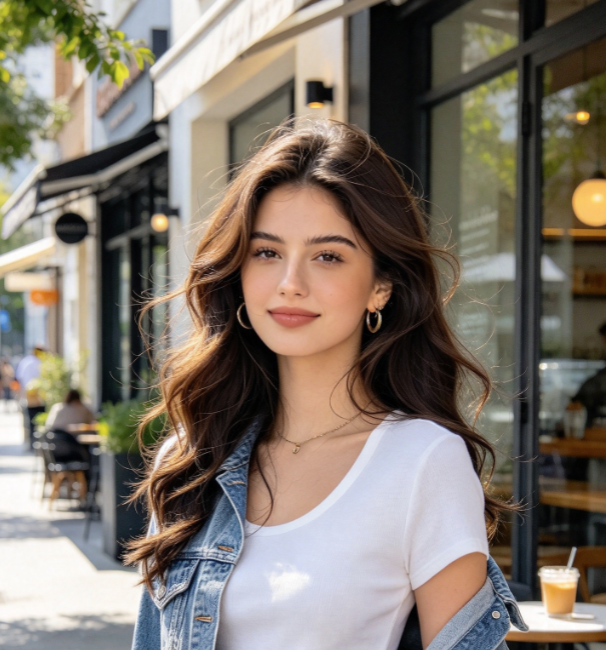
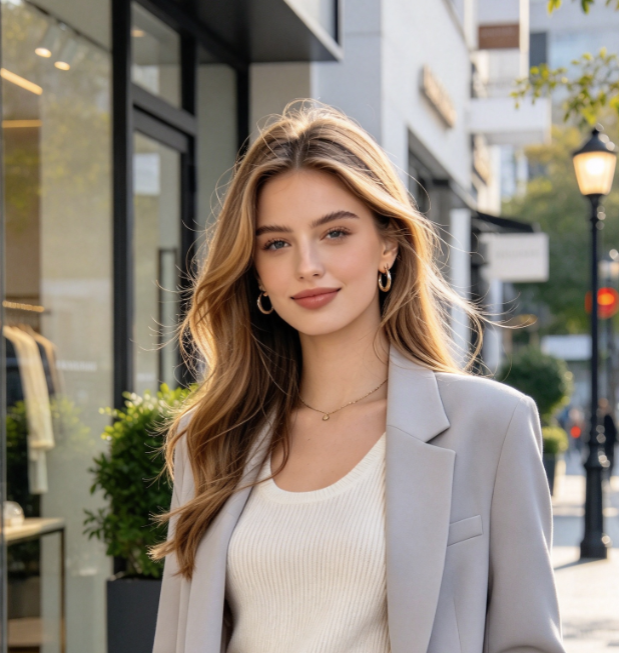
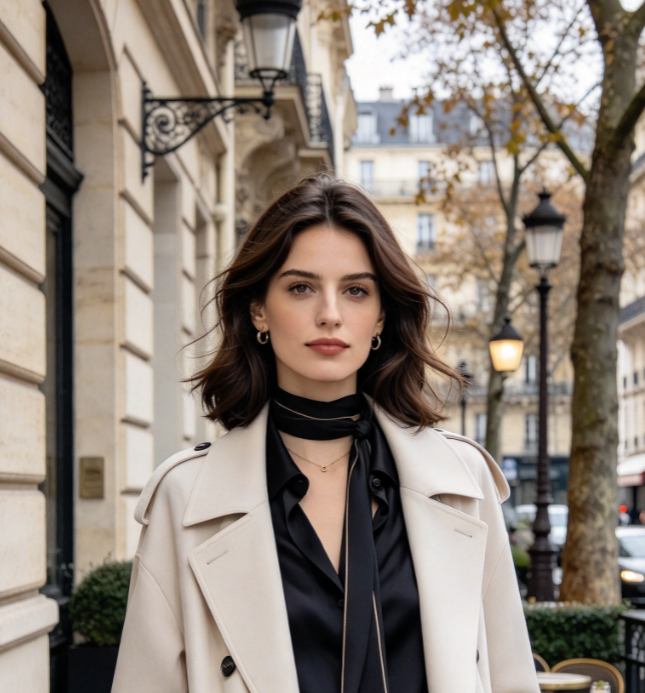
Use one clear image of one person, with the face visible and lighting that makes the features easy to read. Avoid heavy filters, strong blur, and objects covering the face. A straightforward portrait is a more useful starting point than a crowded scene where the intended subject is ambiguous.
No extra script or filmed performance is needed for this configuration. The page includes a built-in prompt and accepts one photo. You still need to check the settings shown in the generator and review the output. The prepared direction supplies the concept; it does not replace your final quality check.
This draft uses written scene direction, with no reference video attached. It can guide the premise, but it should not be treated as an exact recreation of a particular clip's camera movement, furniture, or timing. If those details are essential, a suitable reference and a tested generation are needed.
Watch the entire result and look for a recognizable face, coherent furniture, natural movement, and a readable ending. Make sure the audience can follow the mistake and the correction. If you add captions or crop the frame in another editor, check again that neither change hides the visual payoff.
The page's scene configuration does not promise a particular song, a caption overlay, or platform publishing. Add the text and audio you want using your preferred editor or social app, with appropriate usage rights. Keep captions brief enough that they support the scene without explaining away the reveal.
Give Your Next Coffee Break A Comedy Twist
Start with one clear portrait and make the unfamiliar cafe moment your own. Let the prepared direction set up the scene, then choose the result that tells the joke clearly. Review your clip, add a personal caption if you like, and share your take.