



More AI Video Generators
Explore our collection of specialized AI video generators designed for different creative needs and styles
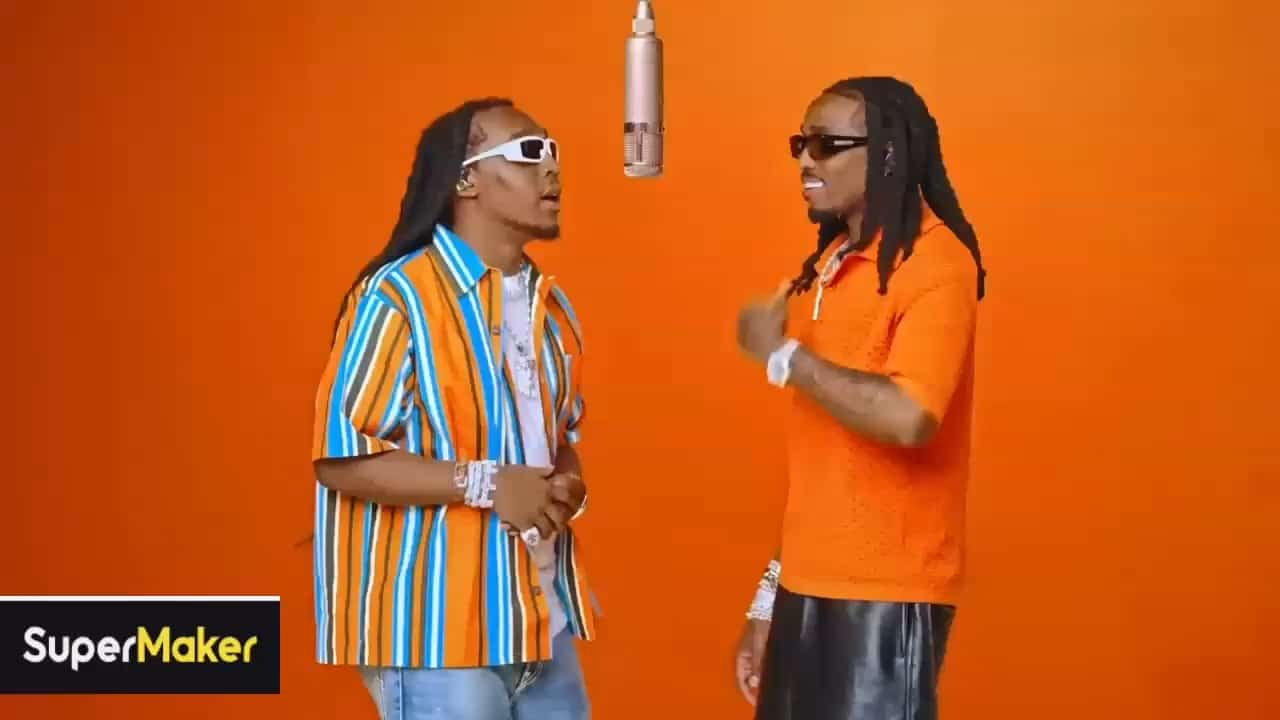
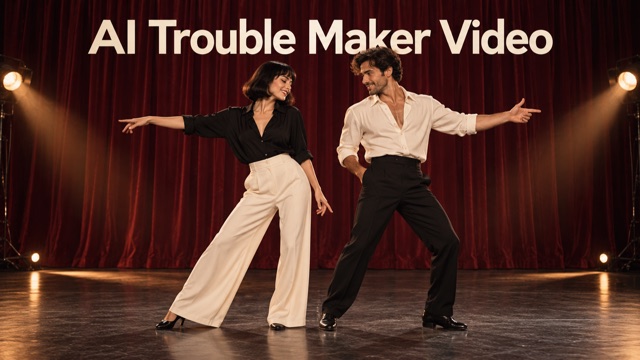
AI Trouble Maker Video With Your Chosen Duo
Turn Two Portraits Into A Trouble Maker Video
Put two familiar faces into the Trouble Maker sequence. Upload one portrait for each person and let the prepared video and prompt guide the performance. AI Trouble Maker Video brings your chosen pair into one shared scene, with Seedance 2.0 selected for generation.
How To Make An AI Trouble Maker Video
Choose your pair, upload their portraits and start generation with the prepared effect.

Choose Your Duo
Pick the two people you want to appear in the video. Choose a separate, clear portrait for each person.

Upload Both Portraits
Upload Photo 1 for the person initially on the left in the reference and Photo 2 for the person initially on the right.

Start Generation
Click generate. The effect uses the built-in prompt and reference video, so you do not need to write your own instructions.

Review Your Duo
Watch the generated video and check both faces and their assigned roles before using your result.
Best AI Video Tools for Creative Projects
Explore creative tools for video, learn tips and tricks, and see how AI can be your assistant in turning concepts into finished projects.

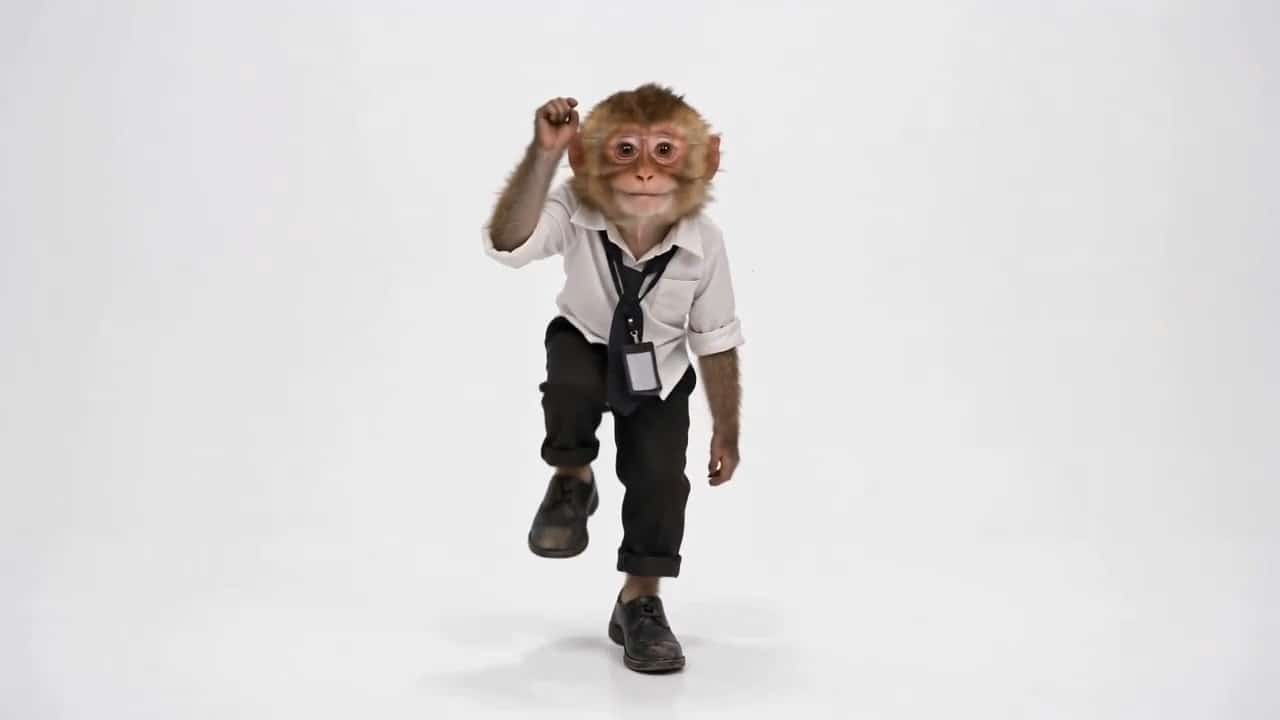

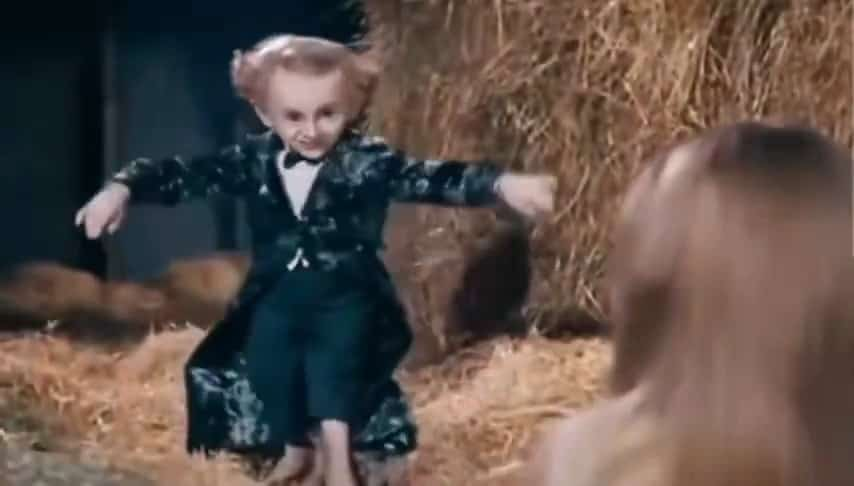
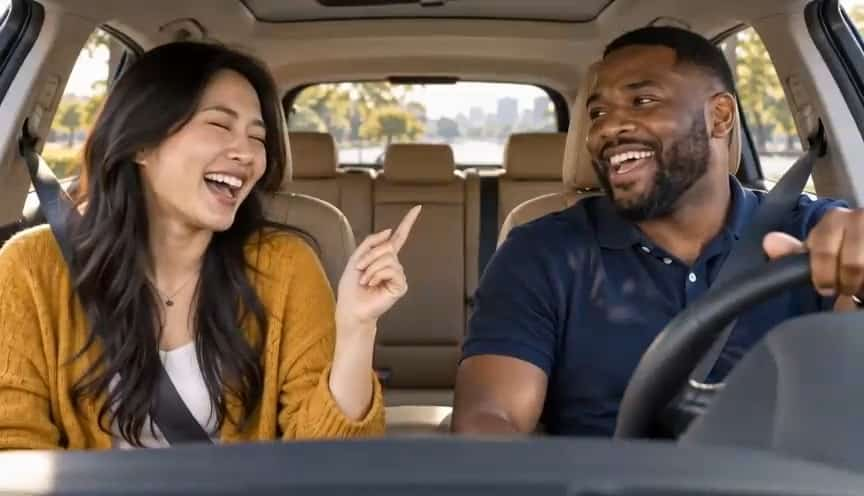

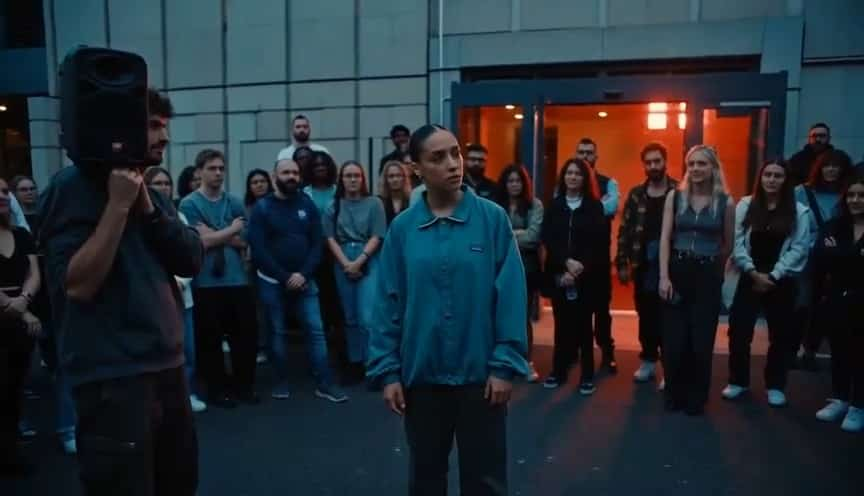












Make The Trouble Maker Sequence Your Own
A prepared video effect built around your choice of two people.
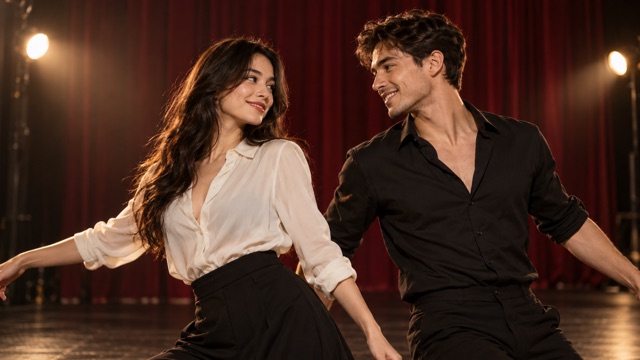
Two Portraits, One Duo
Bring two people into the same Trouble Maker video using separate portrait references. Each upload represents one person, so you can build your cast from individual photos without arranging a shared shoot.
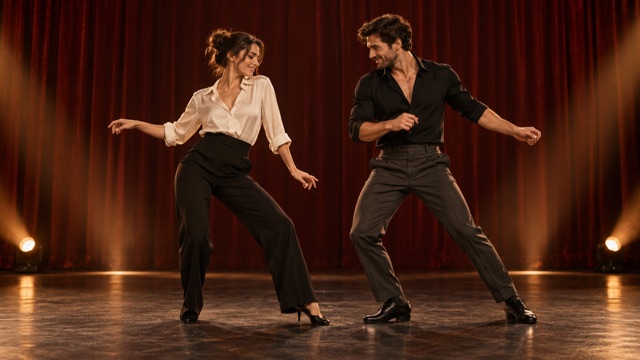
A Prepared Trouble Maker Sequence
The built-in reference video supplies the performance, scene and camera direction. Your photos provide the identities, giving the effect a clear starting point without asking you to describe every movement.
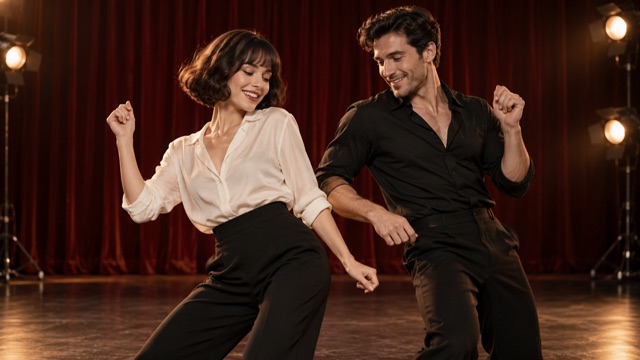
Create Without Writing A Prompt
The effect includes its own generation instructions. Upload your pair and start generation without building a prompt or choosing between different creative presets.
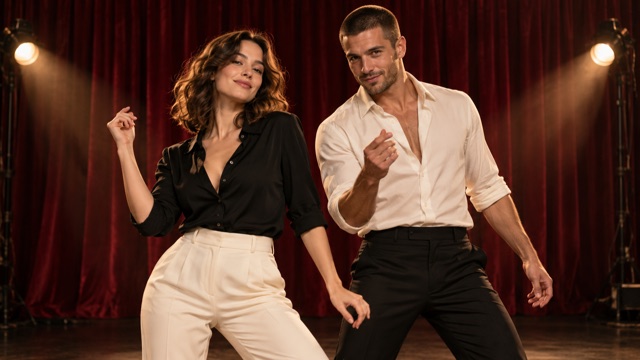
Give The Same Scene A Personal Cast
Make the duo feel personal by changing who appears in it. Try a friendship pairing, a couple or a creative partnership, keeping the prepared sequence as the common thread.
Pick A Pair For Your Trouble Maker Video
Start with the people who make the idea personal.
Best Friend Duos
Put two friends in the same sequence, even when their portraits were taken separately.

Couple Videos
Give your couple photos a new setting by casting both people in a shared Trouble Maker video.

Creative Partnerships
Cast a collaborator beside you and build a duo concept around the prepared performance.

Social Video Ideas
Use your chosen pairing as the starting point for a personal social video.
Why The Duo Format Appeals
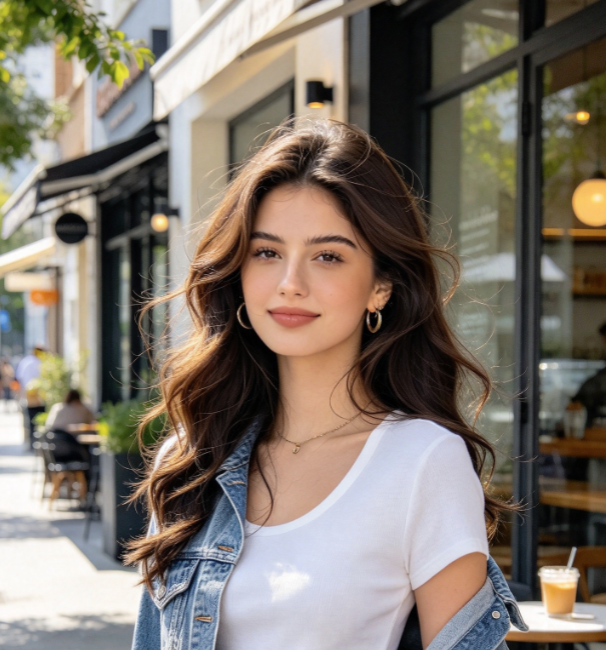
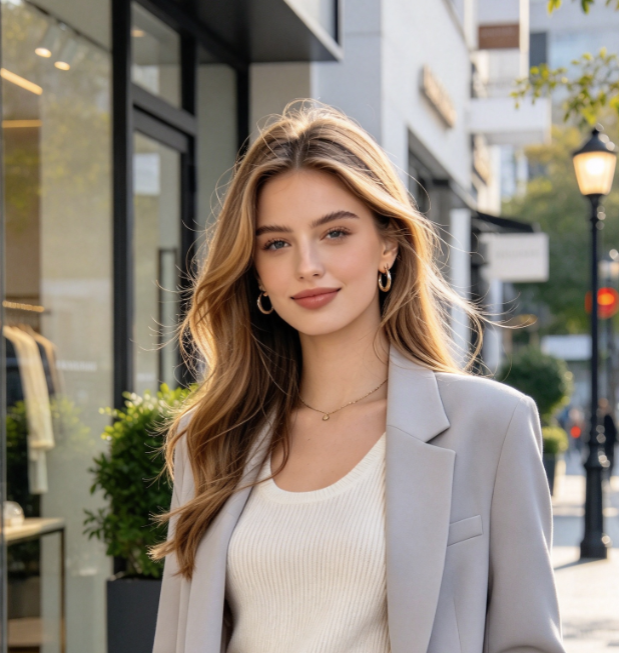
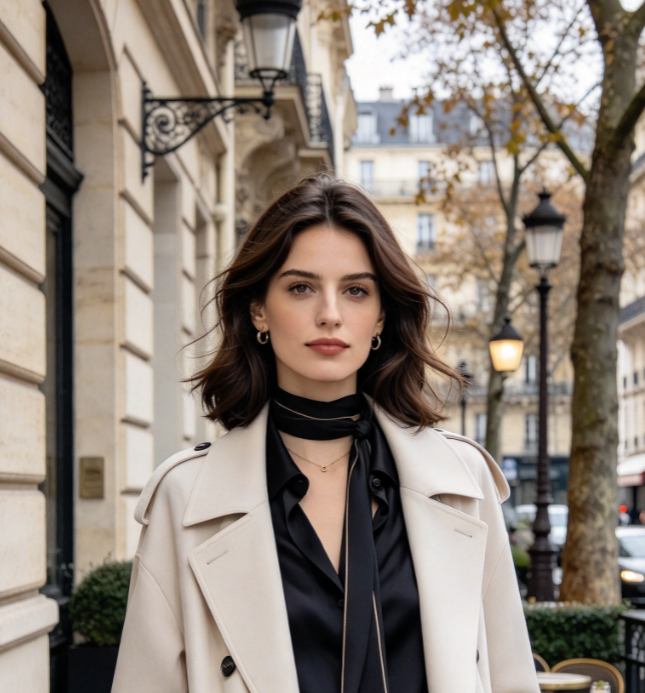
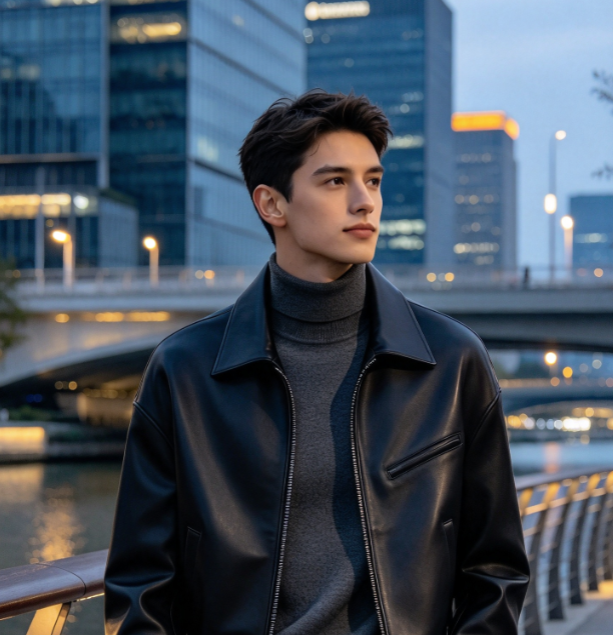
Illustrative creative perspectives on this two-person video format.
A familiar pair makes the same sequence feel more personal.
A prepared performance gives a couple a shared scene to step into.
Choosing the cast is a fun starting point for a duo concept.
Separate photos make it easier to pair people photographed in different places.
A preset prompt keeps the focus on the people in the video.
Recasting the same sequence offers a simple theme for a series.
AI Trouble Maker Video Questions
What to prepare before creating your duo.
It is a preset video effect that uses two uploaded portraits, a built-in prompt and a built-in reference video to create a Trouble Maker video with your chosen pair.
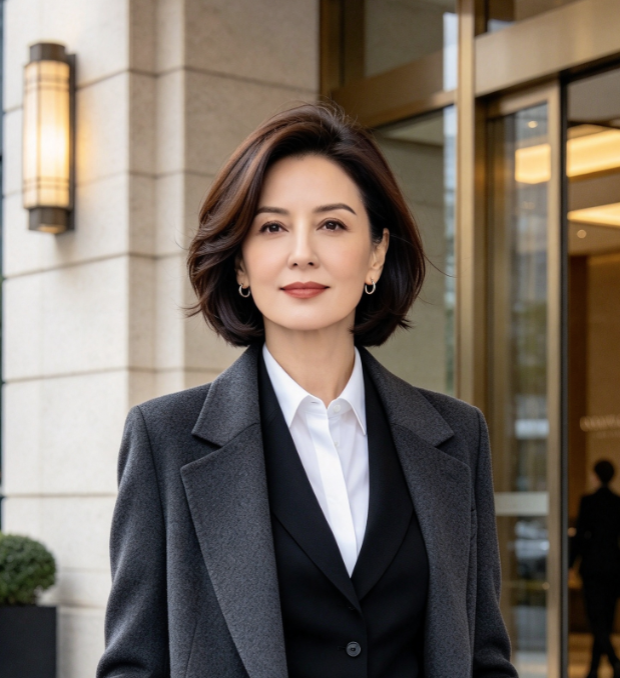
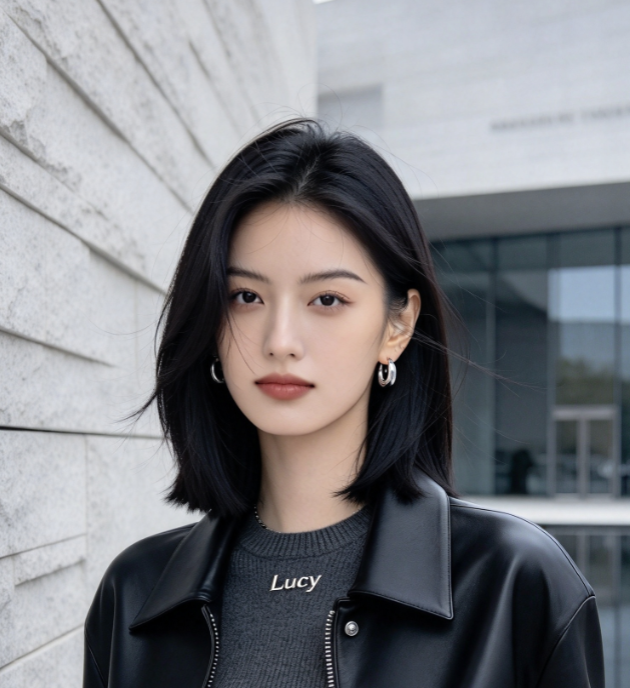
Prepare two separate portraits, one of each person. Use clear images where the face is easy to see, without another person obscuring it.
Photo 1 is assigned to the person on the left in the first reference frame where both people are visible. Photo 2 is assigned to the person on the right. These roles stay assigned when the performers change positions.
No. This effect uses prepared instructions, and the prompt input is hidden. Your main input is the two portrait photos.
The finished effect uses a built-in reference video, so you only need to supply the two portraits.
This page uses Seedance 2.0. The two portraits supply the identities, while the prepared reference video guides the scene and performance.
Put Your Duo In A Trouble Maker Video
Choose two portraits and bring your pair into the prepared sequence. Start your AI Trouble Maker Video with the people you want to see together.