













More AI Video Generators
Explore our collection of specialized AI video generators designed for different creative needs and styles
MAGI-2 AI Video Generator
MAGI-2: Create A Scene You Can See And Hear
Turn a written idea or a visual reference into a scene with MAGI-2. This AI video generator brings movement, performance, and a soundtrack into the same creative brief. Plan a quiet conversation, a product reveal, or a short story with an opening and a payoff. MAGI-2 creates video with sound, giving dialogue and everyday actions a place in the scene rather than leaving the listening experience until later. Start with one meaningful event, describe what changes, and give your audience a reason to watch the ending.
How To Create With MAGI-2
Choose the starting material that fits your scene. Give MAGI-2 a clear action and review the complete result before refining it.

Choose Your Starting Point
Start with text, a first frame, or the reference mode. Upload the relevant material if you are working from an existing image or clip.

Describe The Scene
Write who appears, what happens, and how the shot ends. Add the dialogue or main sounds you want the viewer to hear.

Check And Generate
Choose the available duration and frame shape. Check the displayed cost, then generate your scene.

Review And Download
Watch the full clip and listen to its soundtrack. Refine the instruction that needs attention, or download your selected result.
Best AI Video Tools for Creative Projects
Explore creative tools for video, learn tips and tricks, and see how AI can be your assistant in turning concepts into finished projects.



















Why Create With MAGI-2?
MAGI-2 connects the parts that make a short scene understandable: a recognizable subject, readable action, and sound that belongs to the moment. Use this AI video generator to develop an idea around those priorities. A focused brief helps you judge the result and decide what to change next.

MAGI-2 Video With Sound
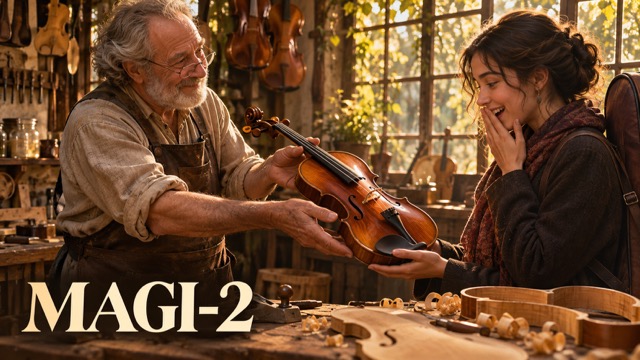
Video with sound gives a meaningful glance a different feeling when you hear the reply. MAGI-2 generates picture and audio together, including speech, environmental sound, and music. Use MAGI-2 as your AI video generator to describe the visible action and the listening experience in one brief. For a workshop exchange, identify the speaker, give them a short line, and name the sound that marks the handoff. Video with sound should support that event rather than compete with it.
Keep the first idea easy to evaluate: one conversation, one reaction, and a clear ending. MAGI-2 can explore how a pause, a gesture, and a spoken response work together. Watch mouth movement and listen for the intended speaker, timing, and background balance. If a sound distracts from the story, revise that part of the direction. A scene is ready when the audience can understand both what happened and why the moment matters.

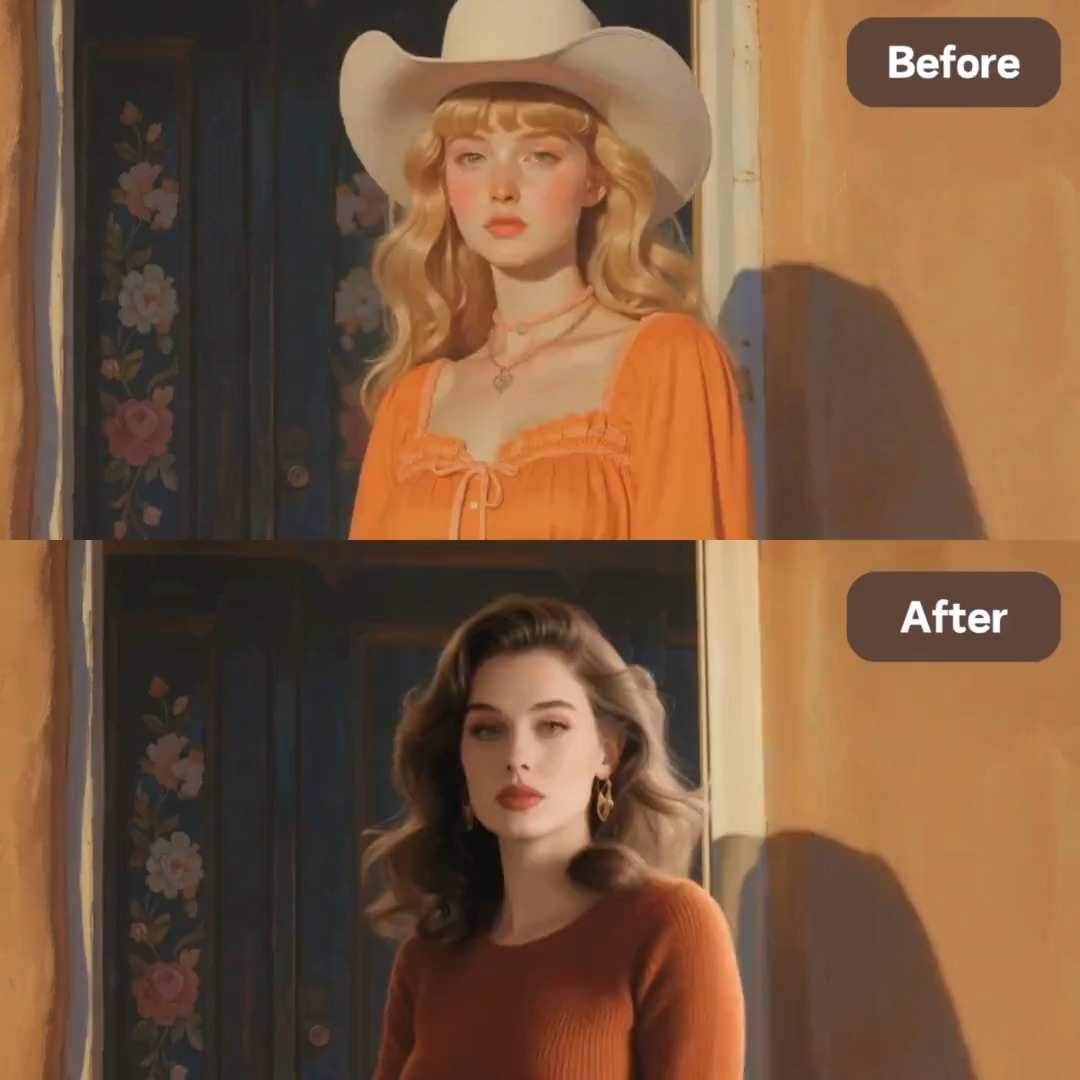
MAGI-2 Image To Video And Creative References
When the character or product already has a look, start from material that communicates it. MAGI-2 image to video gives an opening still a motion brief, while reference workflows let different assets contribute to a scene. Use an image for appearance, a clip for movement, or audio for an acoustic direction. Tell the AI video generator which role each asset plays, especially when the references contain competing details.
For a miniature fox entering a clock shop, keep its coat and silhouette central to the brief. MAGI-2 can use the visual direction while you describe the door opening and the character stepping inside. Video with sound adds the latch, footsteps, and interior atmosphere to that small event. Compare the result with your intended design, including shapes that matter at the start and finish. Remove an unnecessary reference if it makes the direction harder to understand.

MAGI-2 Camera Movement With A Story
A camera instruction is most useful when it helps the viewer follow an event. MAGI-2 supports shot planning and timeline direction, giving a short story room for an arrival, a discovery, and a response. Use the AI video generator to explain the order of those beats before adding technical camera language. A wider opening might establish a bakery, followed by a closer view as a courier returns a forgotten instrument.
Decide which moment deserves attention and how the scene should finish. MAGI-2 camera movement can reveal the recipient just as the handoff resolves the story. Video with sound can connect the shots through a bicycle bell, a door opening, and a relieved reply. Keep the sequence manageable for its duration, and check each transition after generation. Clear staging and purposeful cuts give collaborators something specific to discuss when choosing the next version of a concept.
What Will You Make With MAGI-2?
Choose an audience and an outcome before choosing a visual style. MAGI-2 is an AI video generator for different creative briefs, but each benefits from one main point. These directions show how an AI video generator fits into planning, discussion, and revision without turning every idea into the same cinematic montage.

MAGI-2 For Product Stories With A Payoff
A useful product scene shows a need, an action, and a result. With MAGI-2, plan a commuter finding a misplaced item, a maker finishing a repair, or a kitchen tool helping complete a task. Let the product participate in the event instead of drifting in an empty studio. An AI video generator gives the team a concrete direction to discuss before developing the campaign further.
For video with sound, decide what the audience should notice first: a click, a spoken reaction, or a change in room atmosphere. MAGI-2 image to video is a relevant starting point when an existing product image establishes the design. Check the generated silhouette, material, label, and handling before choosing a clip. Keep critical brand lettering available for finishing work if the moving image needs correction.

MAGI-2 For Character Scenes And Short Drama
Give a character a small decision that the audience can read. An AI video generator such as MAGI-2 can explore an apology, an unexpected delivery, or the moment someone recognizes an old friend. Build the brief around behavior: who speaks first, what the other person notices, and how the exchange changes their expression. The AI video generator can turn that direction into material for reviewing the scene.
Use video with sound to make the exchange specific. A short spoken line and a distinct environmental cue often communicate more than an elaborate description of mood. MAGI-2 text to video suits a scene you are still inventing; existing character material gives another starting point when appearance is important. Review the entire exchange for recognizable faces, coherent actions, and an ending that follows from what came before.

MAGI-2 For Social Videos That Explain One Idea
Short social content needs a readable event even when the setting is imaginative. Use MAGI-2 to develop a tiny repair, a visual misunderstanding, or a delivery that arrives just in time. State the setup and the payoff before adding decorations. An AI video generator is easier to direct when every visible object has a reason to be in the shot.
Plan video with sound around the same idea: the sound should clarify the action or strengthen the response. MAGI-2 camera movement can reveal a useful detail rather than simply orbit the subject. Choose a frame shape that fits the intended placement, then check how the subject reads at a small viewing size. Keep the central action away from areas where captions or interface controls may cover it in the final social edit.

MAGI-2 For Storyboards And Creative Direction
Use MAGI-2 to make a proposed scene easier to discuss. A written treatment can leave collaborators imagining different timings, gestures, or camera positions. An AI video generator offers a visual draft that lets the conversation become more precise. Ask what the viewer should understand at the beginning, which event changes the situation, and what the ending confirms.
MAGI-2 text to video is useful when the team wants to explore a setting before committing to a designed first frame. Video with sound can also reveal how dialogue length affects pacing. For revision planning, separate the elements worth keeping from those needing another pass. MAGI-2 video editing is part of the model’s documented creative range; treat any proposed change as a specific direction and inspect the result before incorporating it into the wider sequence.
Creative Perspectives On MAGI-2
These fictional names and illustrative evaluations describe creative priorities, not verified customer endorsements.
I want MAGI-2 to help me judge an exchange as a whole. Video with sound makes the pause and reply part of the creative discussion, and an AI video generator is most interesting to me when the action has a clear purpose.
My priority is a recognizable object doing something useful. MAGI-2 image to video gives the brief a visual starting point, and I want video with sound to make the product action easier to understand.
I value a scene I can discuss shot by shot. MAGI-2 camera movement interests me when it reveals information, and I would use an AI video generator to compare staging choices before expanding a sequence.
A focused revision is easier to evaluate than a completely different scene. MAGI-2 video editing is the capability I would explore for that purpose, with video with sound reviewed as carefully as the picture.



MAGI-2 Questions And Answers
Explore starting points, video with sound, and creative controls before building your next scene. Use the selected settings and the complete result to judge how your brief is being interpreted.
MAGI-2 is Sand.ai’s flagship video generation model released in November 2026. It is a different release from MAGI-2 Preview. The AI video generator combines visual creation with native audio and supports reference-guided direction. MAGI-2 capabilities include output up to 30 seconds at 1080p and 25 fps. For a creator, the practical question is what the scene needs to communicate. Choose a clear subject and event, then decide what the audience should hear. Video with sound works best as a complete brief: the listening experience belongs to the same story as the visible action.
Start with who appears, where they are, and what changes during the scene. MAGI-2 text to video can then develop the shot from that written direction. Give the AI video generator a small number of events in a clear order. Identify the speaker when adding dialogue, and keep the line short enough for the intended scene. For video with sound, name the sound that carries the action rather than listing every possible noise. After watching the result, change the instruction responsible for the clearest mismatch. Keep other parts of your MAGI-2 brief stable so the next version is easier to compare.
Choose MAGI-2 image to video when an opening composition, product design, or character appearance already matters to the idea. The image establishes a starting point while the prompt explains what should happen next. Tell the AI video generator which subject moves and what the camera should reveal. For video with sound, add the important acoustic event as part of the same direction. Avoid assuming that every fine detail will remain exact throughout motion. Review the face, hands, product edges, and background as the clip progresses. A restrained first action gives you a clearer basis for deciding how to develop the scene.
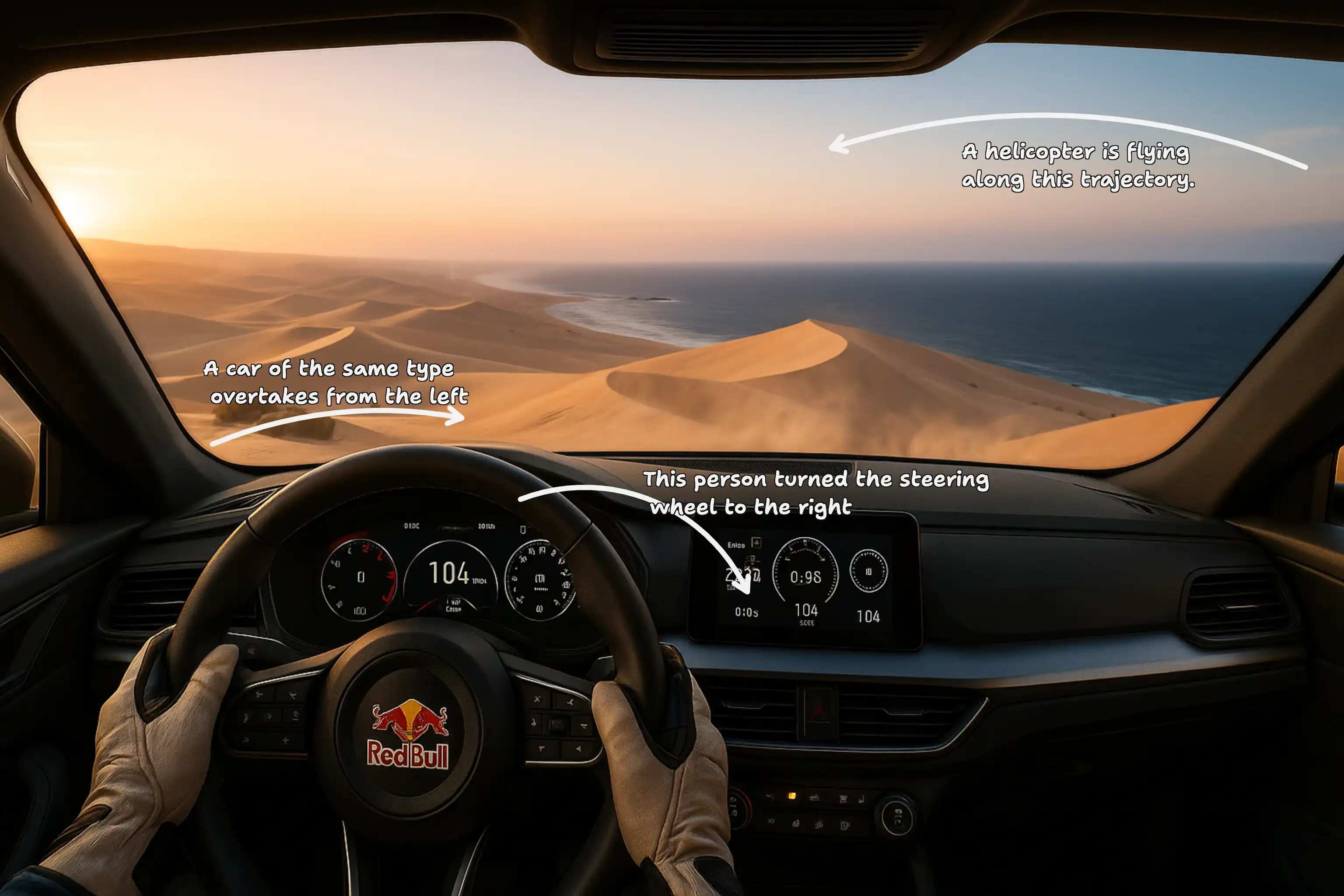
MAGI-2 camera movement can be described in a prompt, while a relevant video reference can communicate a movement pattern. MAGI-2 combines image, video, and audio reference material, with Sand.ai documenting up to 20 media items per request. A reference is more useful when you explain its purpose. Tell the AI video generator which material defines appearance and which defines motion. For video with sound, distinguish the intended dialogue from background atmosphere. Keep references relevant to the same scene and inspect how the result interprets them. A large collection is not automatically a clearer creative brief.
Sand.ai includes targeted changes to existing footage in the model’s documented capabilities. Plan MAGI-2 video editing with a precise description of the change you need and the parts of the scene you want retained. An AI video generator cannot replace your final review of continuity. Compare the beginning, changed action, and ending before selecting a result. With video with sound, listen for changes in the relationship between speech and movement as well. MAGI-2 video editing is easiest to evaluate when the requested adjustment has one clear purpose rather than several unrelated visual transformations.
Watch the whole MAGI-2 clip at its intended viewing size and listen through the ending. Check the subject, action, camera behavior, and important details against your original brief. For video with sound, verify the spoken content and the sounds that make the event understandable. Sand.ai identifies extreme fast motion, fine movement in some wider animation shots, and complex sound layering as areas that still need improvement. Use the AI video generator with those limits in mind when planning a demanding scene. Simplify competing actions or revise one instruction, then compare the next result with the same creative priorities.
Create Your Next Story With MAGI-2
Bring a purposeful idea to MAGI-2. Choose a written brief or relevant starting material, then describe the action that makes the moment worth watching. Use MAGI-2 as your AI video generator to explore video with sound as one creative piece, review the result, and keep refining the part that matters to your story.