
Create More Useful Videos With Wan 3.0 AI Video Generator
Move from a rough idea to a clear video concept without a complicated production setup
Use Wan 3.0 AI Video Generator to turn written ideas or source images into motion-led video drafts. Wan 3.0 Online keeps the workflow direct, while Wan 3.0 AI Video Generator Online helps creators test scenes, actions, atmosphere, and visual direction from one focused workspace.





















More AI Video Generators
Explore our collection of specialized AI video generators designed for different creative needs and styles



Direct the Scene with Wan 3.0 AI Video Generator
A focused creation space for prompts, image references, motion ideas, campaign drafts, and short visual stories.
Wan 3.0 AI Video Generator helps creators shape a scene before opening a traditional editor. Describe the subject, action, setting, camera, and mood, or begin with an image that sets the visual direction. The resulting draft can support social posts, marketing concepts, storyboards, product ideas, and creative experiments. Wan 3.0 AI Video Generator Online keeps each stage connected, letting you generate, review, revise the prompt, and test another version. People searching for Wan 3.0 AI Video Generator Free can test how written direction becomes visible motion, while Wan 3.0 Video Generator Online provides a practical route from a static concept to a scene with pace and purpose.
How to Use Wan 3.0 AI Video Generator
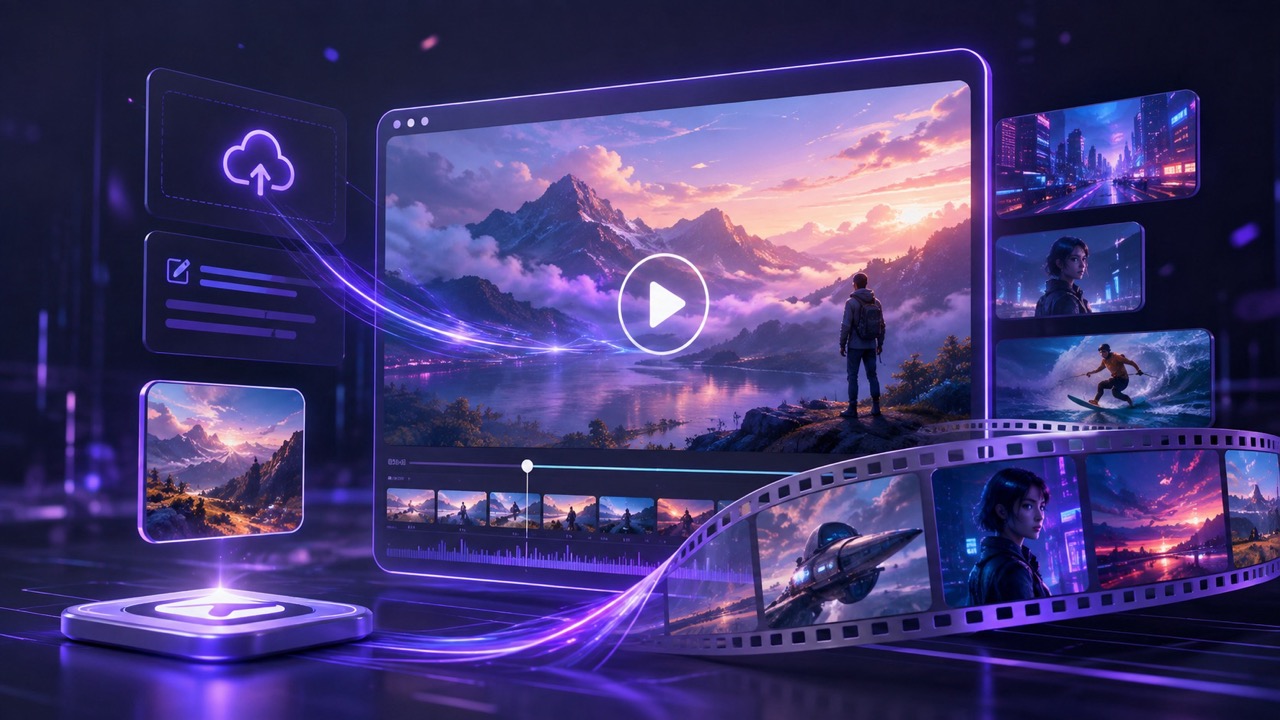
The workflow keeps attention on the creative decisions that affect the video. Wan 3.0 Video Generator accepts your starting idea, Wan 3.0 AI Video Generator translates the direction into motion, and Wan 3.0 Video Generator Online makes it easier to review and improve the result in one place.

Start With a Prompt or Image
Enter a written scene description or upload an image that establishes the subject and visual direction. Wan 3.0 AI Video Generator works best when the starting point is clear about what viewers should notice. Wan 3.0 Online supports both open-ended ideas and reference-led creation, giving you a useful first step for different projects.

Describe the Motion That Matters
Explain the main action, camera movement, pace, mood, and anything that should remain stable. Wan 3.0 AI Video Generator Online turns these details into stronger creative guidance. Keep the prompt focused on visible events instead of adding background information that cannot appear on screen.

Generate the First Video Draft
Run Wan 3.0 AI Video Generator and review the complete scene rather than judging a single frame. Check whether the action is readable, the subject remains important, and the camera supports the intended message. Wan 3.0 Free Online makes this first test easier to approach when a concept still needs visual proof.

Refine the Direction
Adjust one important variable at a time, such as action speed, framing, subject behavior, or atmosphere. Wan 3.0 AI Video Generator can help you compare directions without rewriting the entire concept. Save the strongest result and continue refining only where the scene still feels unclear.
Best AI Video Tools for Creative Projects
Explore creative tools for video, learn tips and tricks, and see how AI can be your assistant in turning concepts into finished projects.







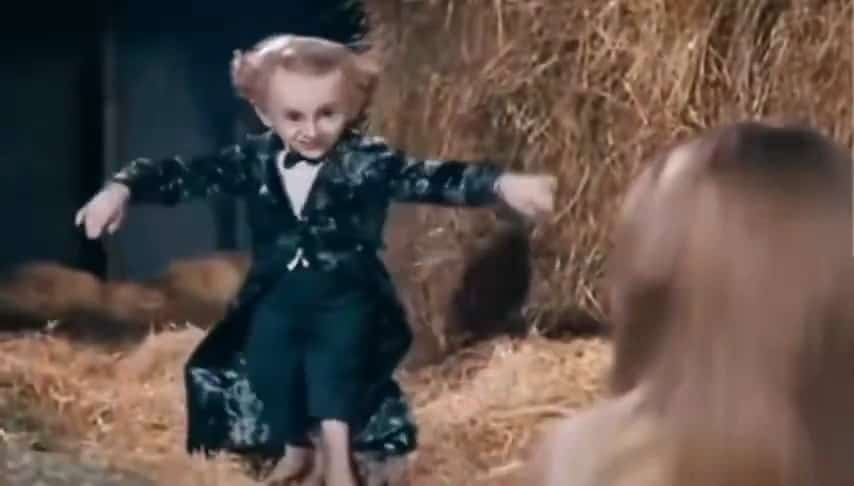

















Practical Advantages of Wan 3.0 AI Video Generator
Wan 3.0 AI Video Generator focuses on the decisions that make generated footage useful: a clear subject, readable action, purposeful camera direction, and an outcome that supports the creator's goal. Wan 3.0 Video Generator helps turn planning into something visible, while Wan 3.0 AI Video Generator keeps revision close to generation.
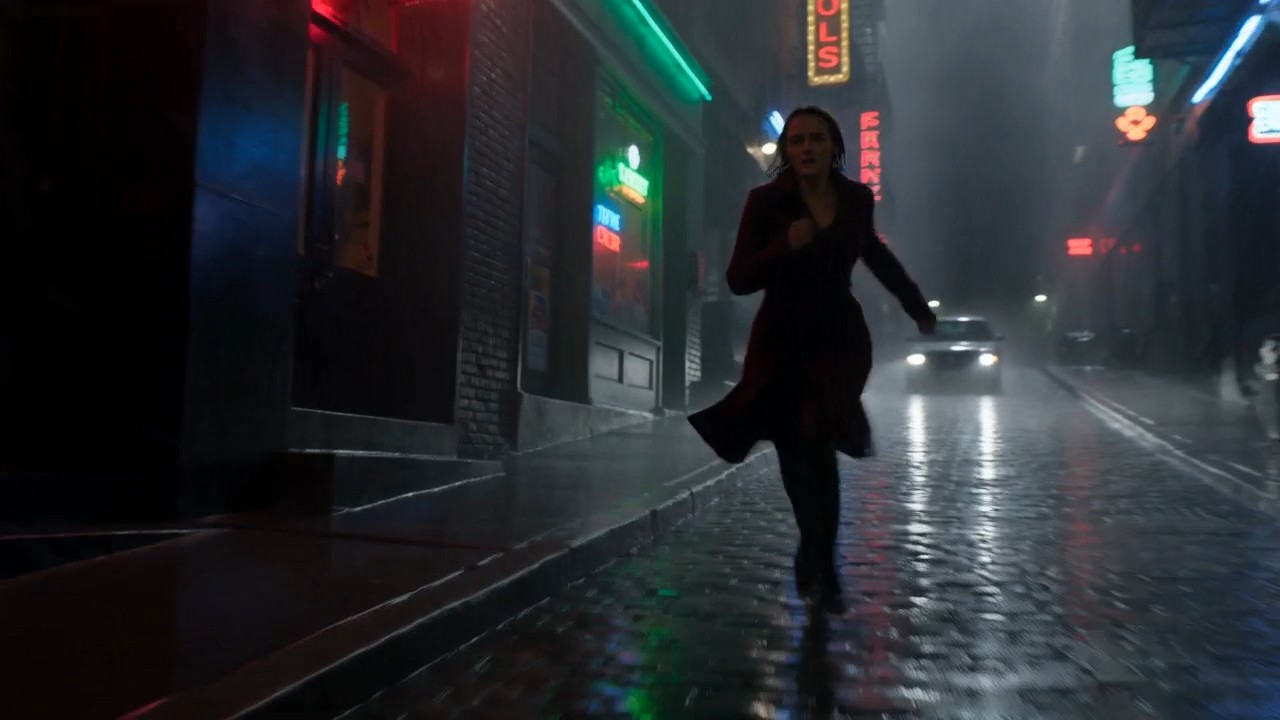
Turn Written Direction Into Visible Action
A useful prompt explains the subject, visible change, camera behavior, and intended feeling. Wan 3.0 AI Video Generator turns those choices into a moving draft that teams can review together. This makes planning more concrete for marketers, filmmakers, designers, and social creators. Instead of debating an abstract idea, you can respond to a scene everyone can see. Wan 3.0 AI Video Generator also helps compare alternative directions before production. Wan 3.0 Online keeps testing accessible, while Wan 3.0 AI Video Generator helps reveal whether the prompt communicates the intended action.
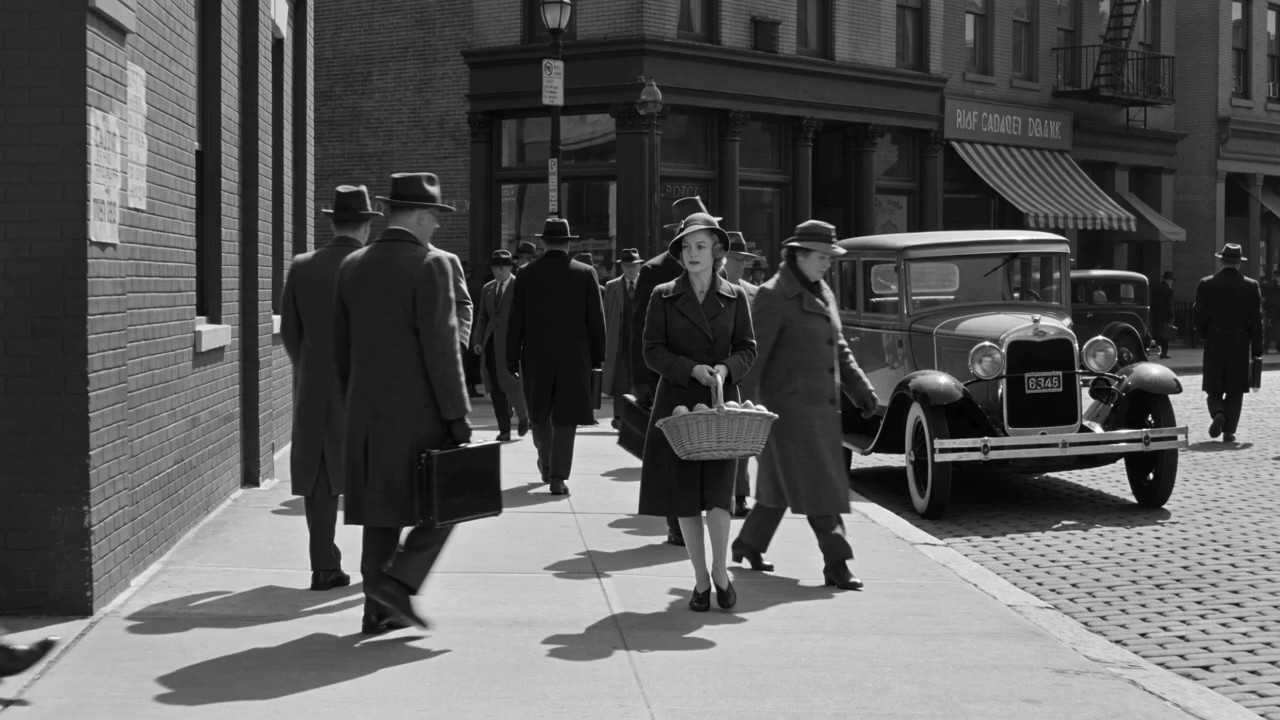
Bring Static Visual Ideas Into Motion
An existing image can already define the subject, composition, styling, and atmosphere. Wan 3.0 AI Video Generator uses that image as a visual anchor while the prompt explains how the scene develops. Focus on meaningful motion, such as a character turning, fabric reacting to wind, light crossing a room, or a product entering the frame. The goal is not to redesign everything, but to decide what should move and why. Wan 3.0 Video Generator Online supports quick image-led exploration, while Free Wan 3.0 Video Generator helps test whether a still concept can support a convincing sequence.
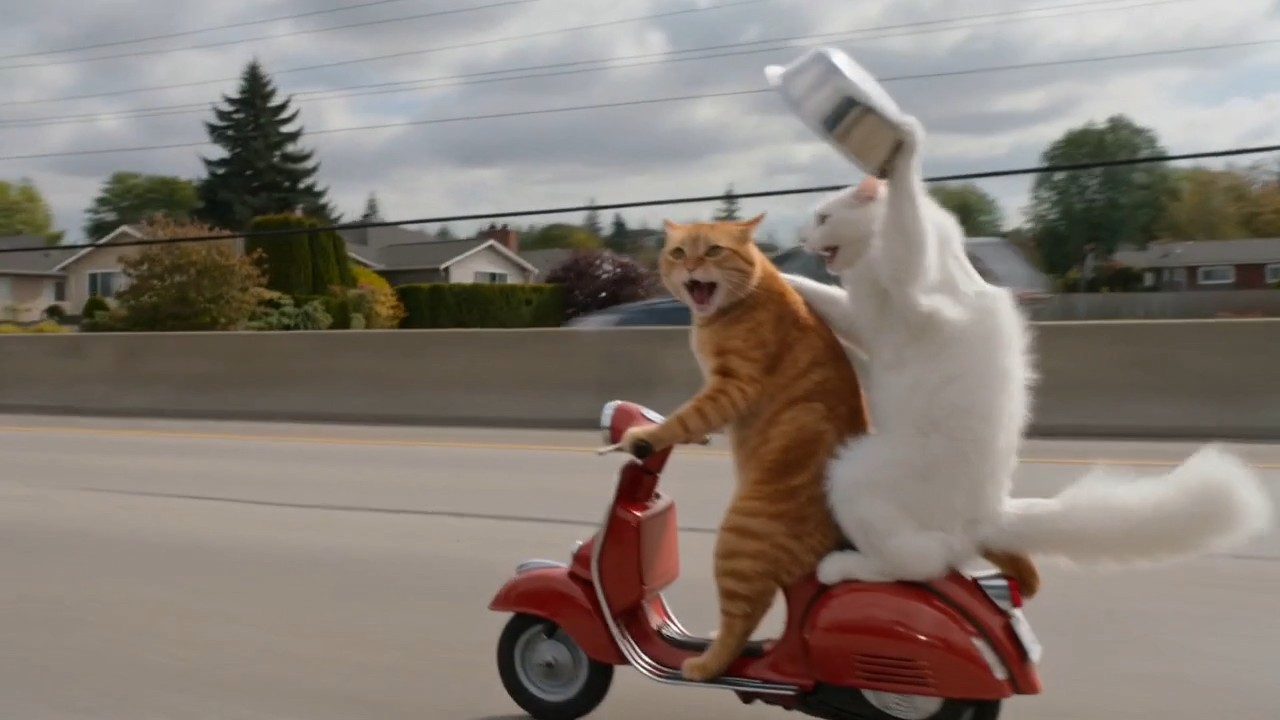
Compare Creative Directions Before Production
Creative teams often know the message but not the strongest way to show it. Wan 3.0 AI Video Generator makes alternative directions easier to visualize. One version may feel calm, another may use energetic movement, and a third may emphasize a reveal. Comparing drafts clarifies pacing, tone, focus, and story logic before more resources are committed. Wan 3.0 AI Video Generator keeps exploration centered on the prompt and result. Wan 3.0 Free Online supports early experiments, while Wan 3.0 AI Video Generator Free helps identify the idea worth developing.
Keep the Story Focused on One Clear Change
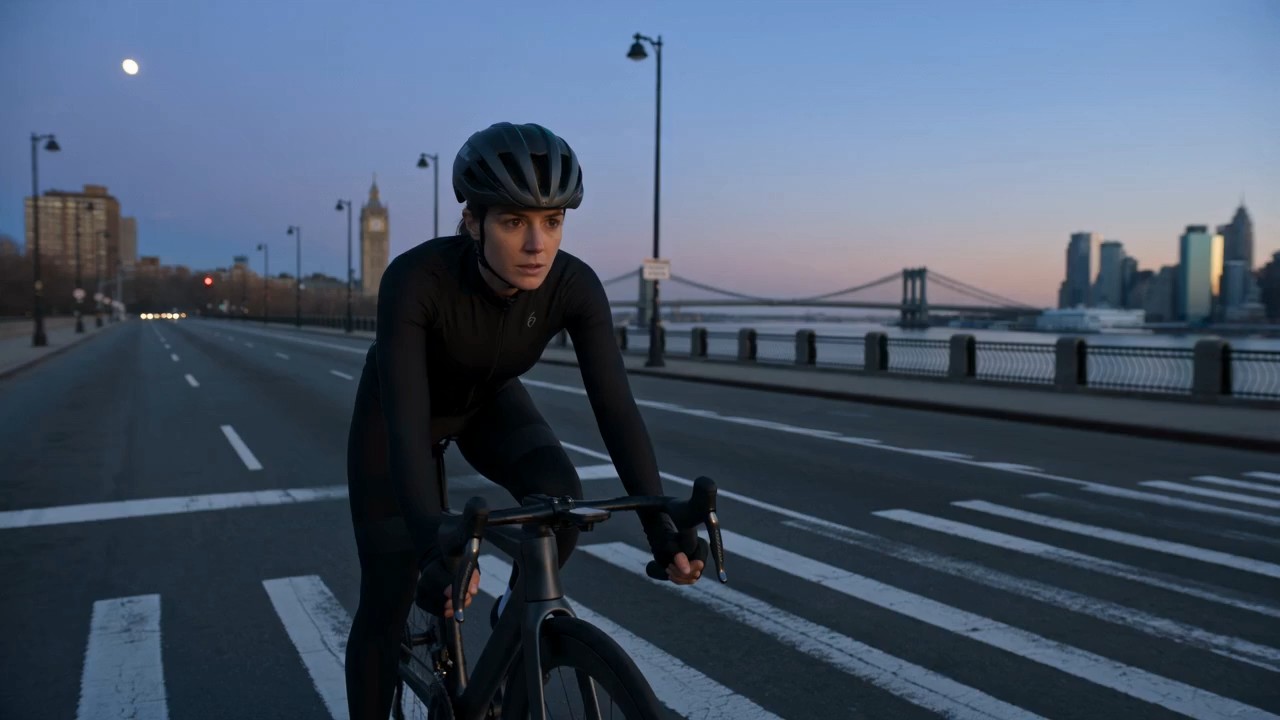
Short videos are easier to understand when each scene begins clearly and ends with a visible change. Wan 3.0 AI Video Generator supports that structure: establish the subject, introduce one action, and finish on a readable outcome. This approach suits product reveals, character moments, location transformations, and simple narrative beats. Wan 3.0 Video Generator helps test whether the change reads naturally on screen. Wan 3.0 AI Video Generator refines the cause-and-effect relationship through the prompt, while Wan 3.0 AI Video Generator helps explore a clearer action before developing a larger campaign or story.
Where Wan 3.0 AI Video Generator Fits
Wan 3.0 AI Video Generator can support projects that benefit from seeing an idea in motion before full production. Wan 3.0 Video Generator is useful for concept proof, Wan 3.0 Video Generator Online supports rapid review, and Wan 3.0 AI Video Generator lowers the barrier to early experimentation.

Social Video Concepts
Use Wan 3.0 AI Video Generator to build attention-led openings, visual transitions, and compact story moments for social content. Wan 3.0 Online helps creators explore several hooks, while Wan 3.0 Video Generator Online turns a written content idea into a draft that is easier to evaluate.

Campaign Previsualization
Before producing an advertisement, use Wan 3.0 AI Video Generator to visualize the main scene, product entrance, emotional tone, or camera idea. Wan 3.0 AI Video Generator Free can support early discussion, and Free Wan 3.0 Video Generator makes alternative treatments easier to compare. Wan 3.0 Free Online also supports early visual checks before a direction is approved.

Product Story Drafts
Wan 3.0 AI Video Generator can help show how a product appears, moves, transforms, or fits into a setting. The generated draft gives teams a visual reference for discussing the message. Wan 3.0 AI Video Generator supports prompt revisions when the product action needs greater clarity, and Wan 3.0 Online keeps the next version easy to test.

Character and World Exploration
Use Wan 3.0 AI Video Generator to explore how a character behaves inside a specific location, atmosphere, or story situation. Wan 3.0 Free Online is useful for testing emotional beats, while Wan 3.0 Video Generator Online helps turn visual development into motion-based references.

Music and Mood Visuals
Translate rhythm, genre, and atmosphere into visual movement with Wan 3.0 AI Video Generator. Rather than describing an entire music video, begin with one memorable visual event. Wan 3.0 AI Video Generator Free supports experimentation, and Free Wan 3.0 Video Generator helps develop mood-driven concepts.

Educational Scene Building
Wan 3.0 AI Video Generator can turn an explanation into a visible example, process, or historical-style scene. Wan 3.0 Online helps educators and content teams test whether an idea is understandable, while Wan 3.0 AI Video Generator Online supports clearer revisions when the first version feels too abstract.
What Creators Say About Wan 3.0 AI Video Generator
These users apply Wan 3.0 AI Video Generator to concept testing, image-led motion, campaign planning, and educational storytelling. Their experiences show how a generated video can make an idea easier to review before more time and resources are committed.
I used Wan 3.0 AI Video Generator to test three different openings for a campaign. Seeing the movement made the creative discussion much faster than sharing static references. Wan 3.0 AI Video Generator Online kept the process focused, and Wan 3.0 Free Online gave me enough room to identify the direction worth presenting.
My strongest ideas often begin as still images. Wan 3.0 AI Video Generator helped me explore what the subject could do without changing the entire visual identity. Wan 3.0 Video Generator Online made revisions straightforward, while Free Wan 3.0 Video Generator was useful for testing motion before I developed the full sequence.
Wan 3.0 AI Video Generator made previsualization easier for my content team. We could compare a subtle camera move with a more energetic version and discuss the difference immediately. Wan 3.0 AI Video Generator supported the first experiments, and the generated video gave us a clearer reference for the final brief.
I wanted a faster way to turn lesson ideas into short visual examples. Wan 3.0 AI Video Generator helped me focus on one action at a time instead of overloading the scene. Wan 3.0 AI Video Generator Online made prompt adjustments easy, and Wan 3.0 Free Online helped me test whether each explanation was visually clear.




Frequently Asked Questions About Wan 3.0 AI Video Generator
Learn how Wan 3.0 AI Video Generator handles prompts, image references, revisions, and common creative workflows. Wan 3.0 Online is easiest to use when each generation begins with a clear visual goal. Free Wan 3.0 Video Generator is easier to evaluate when the expected action is specific.
Wan 3.0 AI Video Generator is an online creation tool for turning text prompts or image references into video drafts with directed subjects, movement, camera behavior, and atmosphere.
Describe the visible subject, its main action, the setting, camera behavior, pacing, and desired mood. Wan 3.0 AI Video Generator responds better to clear screen direction than abstract background details.
Yes. Upload an image as the visual starting point, then explain what should move, what should stay recognizable, and how the scene should develop.
Change one major element per revision. Adjust the action, camera, pace, or atmosphere separately so you can understand which instruction improves the result. Wan 3.0 Video Generator Online keeps each revision connected to the same idea.
It suits social concepts, campaign previews, product scenes, character studies, mood visuals, educational examples, and other projects that need an early motion draft. Wan 3.0 Free Online is useful for testing a focused concept.
Use a clear subject, one primary action, and a readable outcome. This gives Wan 3.0 AI Video Generator a stronger structure than a prompt containing many unrelated events. Free Wan 3.0 Video Generator works best when the visual priority is obvious.
Turn Your Next Idea Into Motion
Use Wan 3.0 AI Video Generator to move from a written thought or source image to a video draft you can see, discuss, and refine. Wan 3.0 AI Video Generator Online keeps the workflow direct, while Wan 3.0 AI Video Generator Free helps you explore a stronger scene without a complicated production setup.
