
Create Production Ready AI Videos With Google Omni Video AI Generator
Fast prompt to video creation for campaigns, concepts, and visual storytelling
Use Google Omni Video to turn prompts and visual ideas into short, polished video drafts for marketing, product storytelling, social content, and creative testing. Build scenes faster, refine concepts with less friction, and move from idea to usable motion in a simple generation workflow.
More AI Video Generators
Explore our collection of specialized AI video generators designed for different creative needs and styles
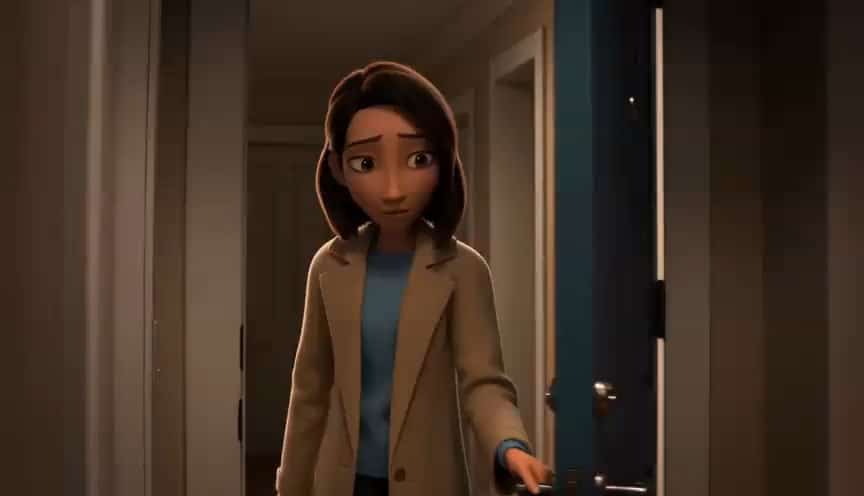

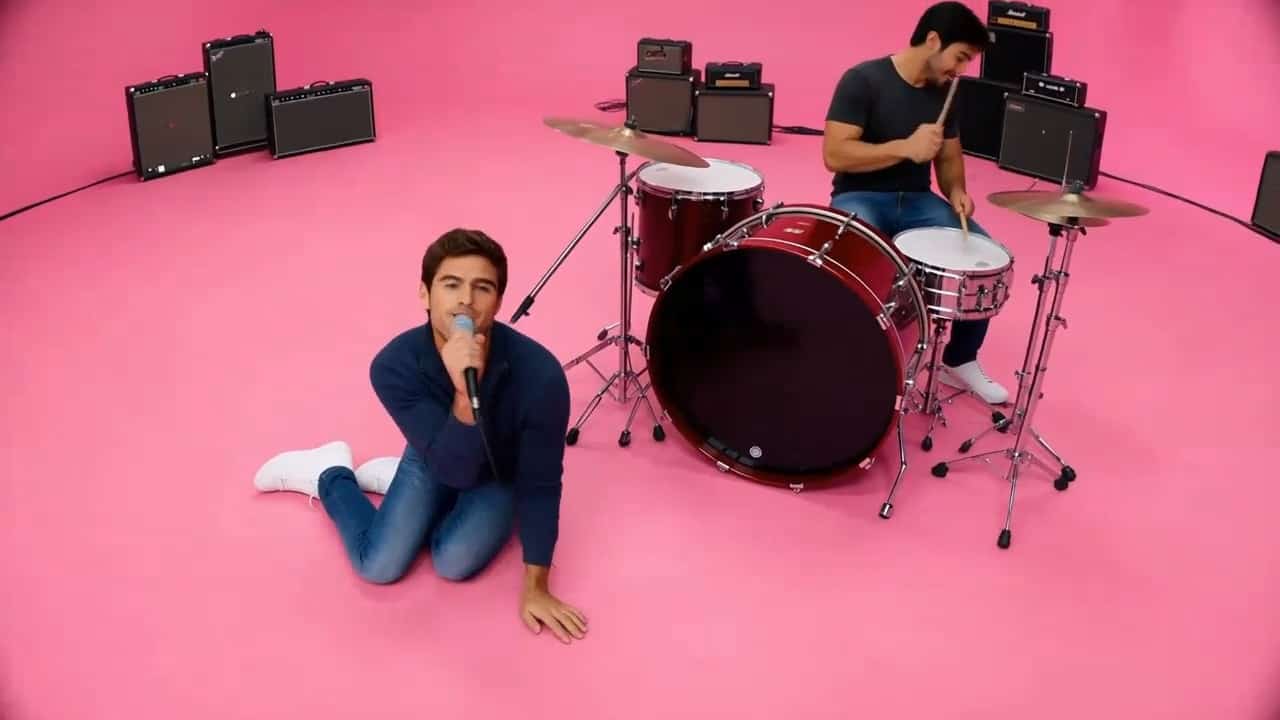
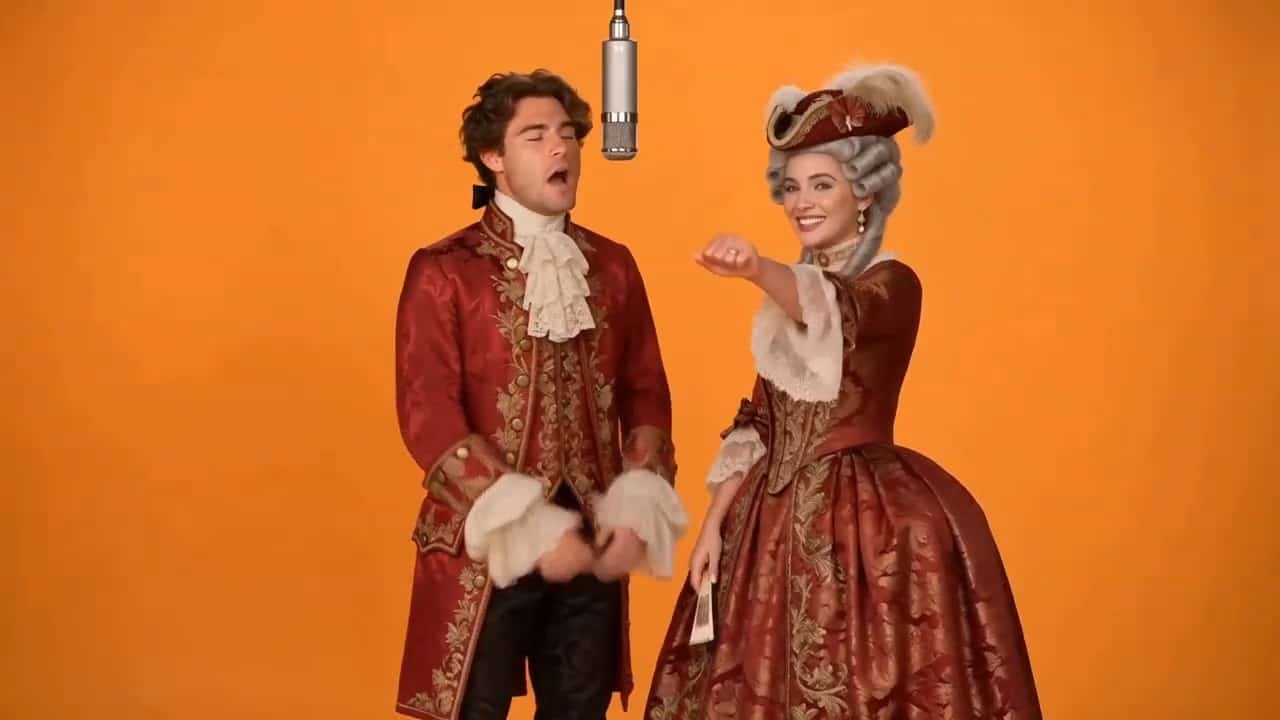
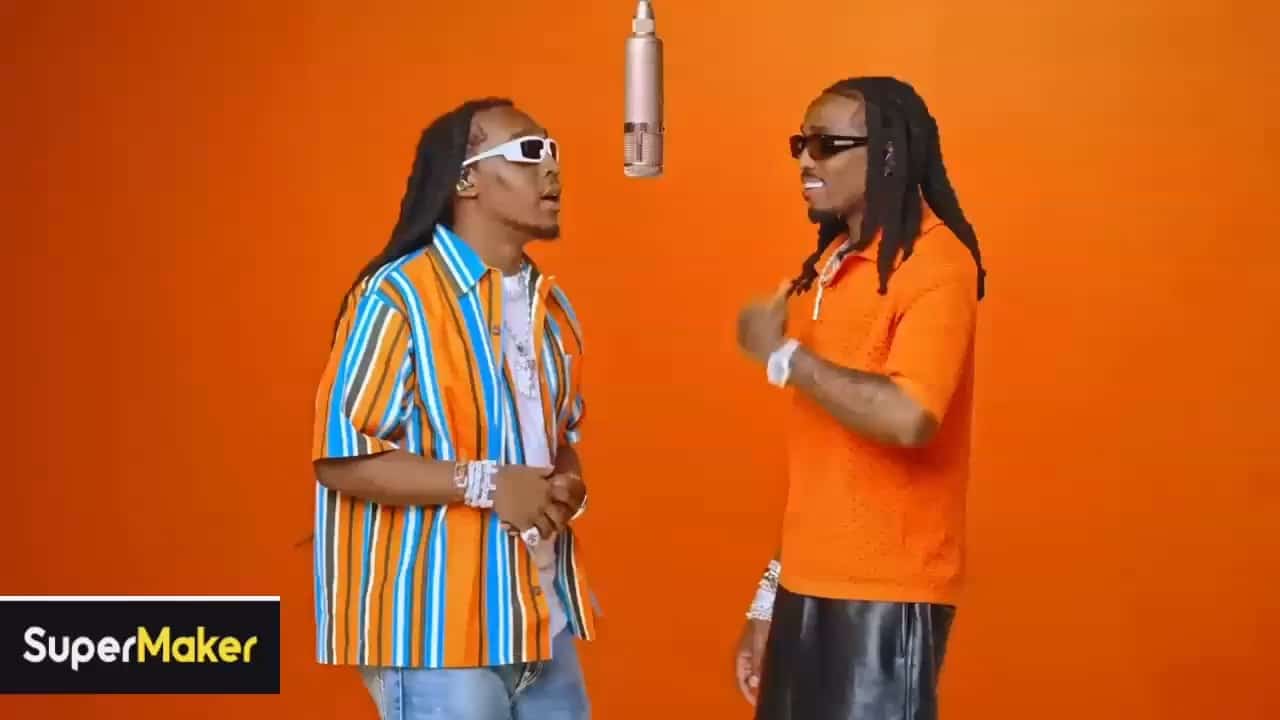
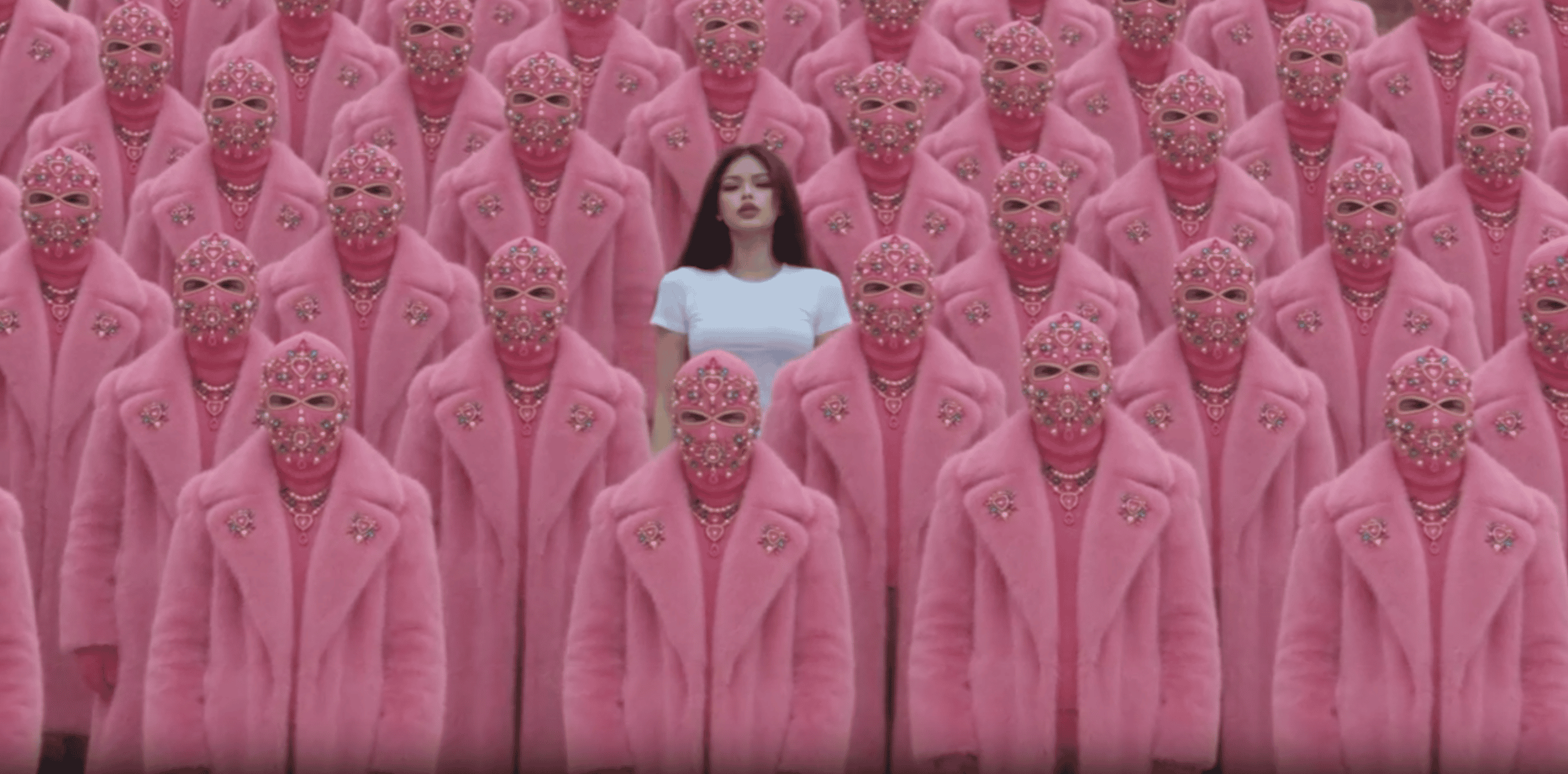
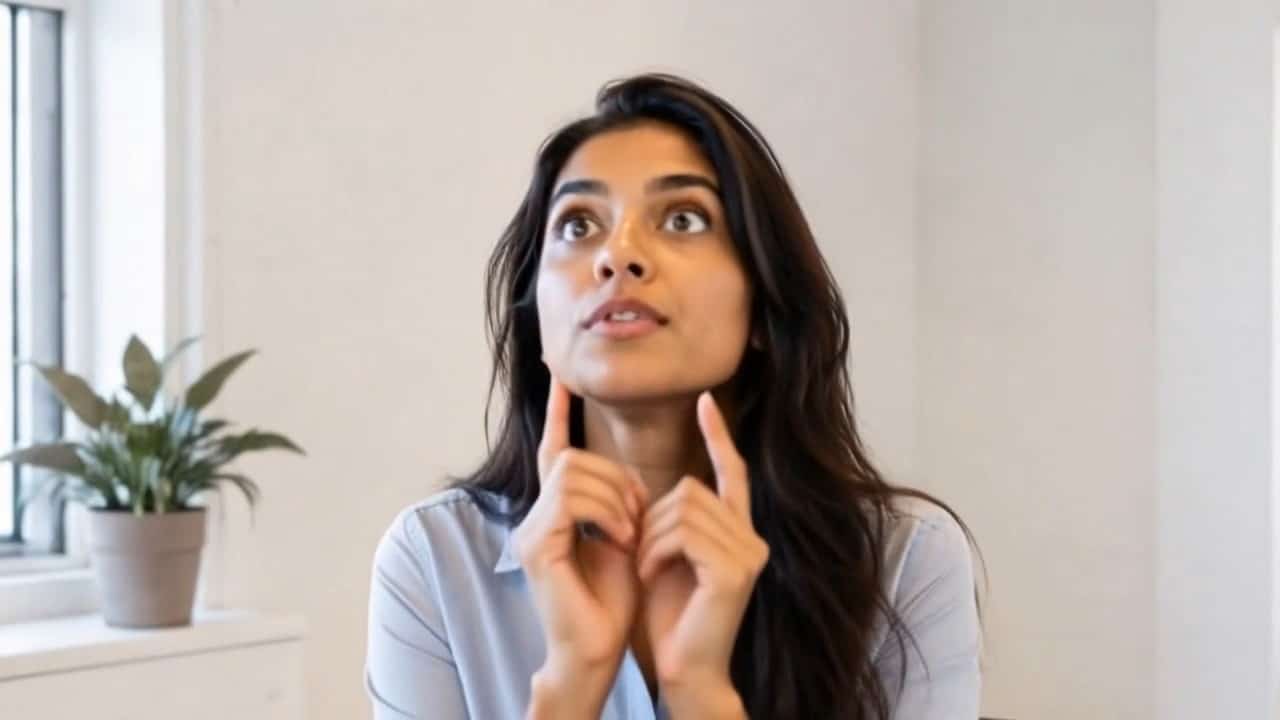


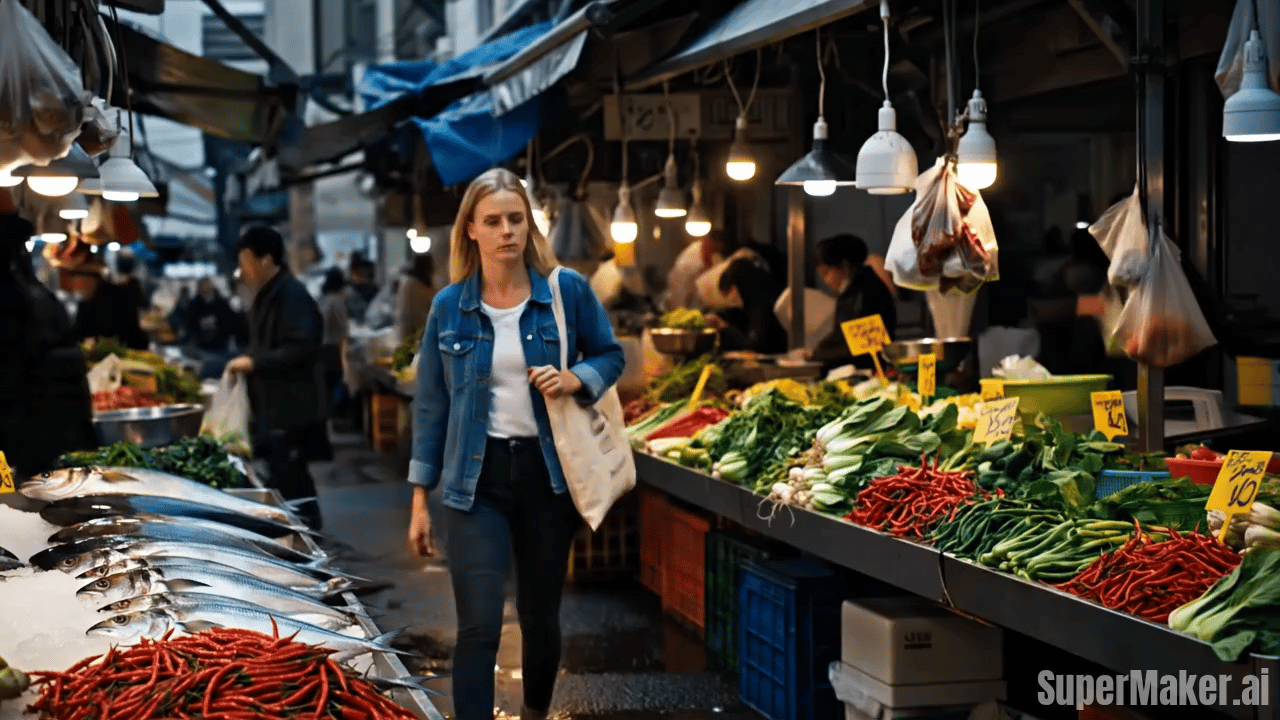
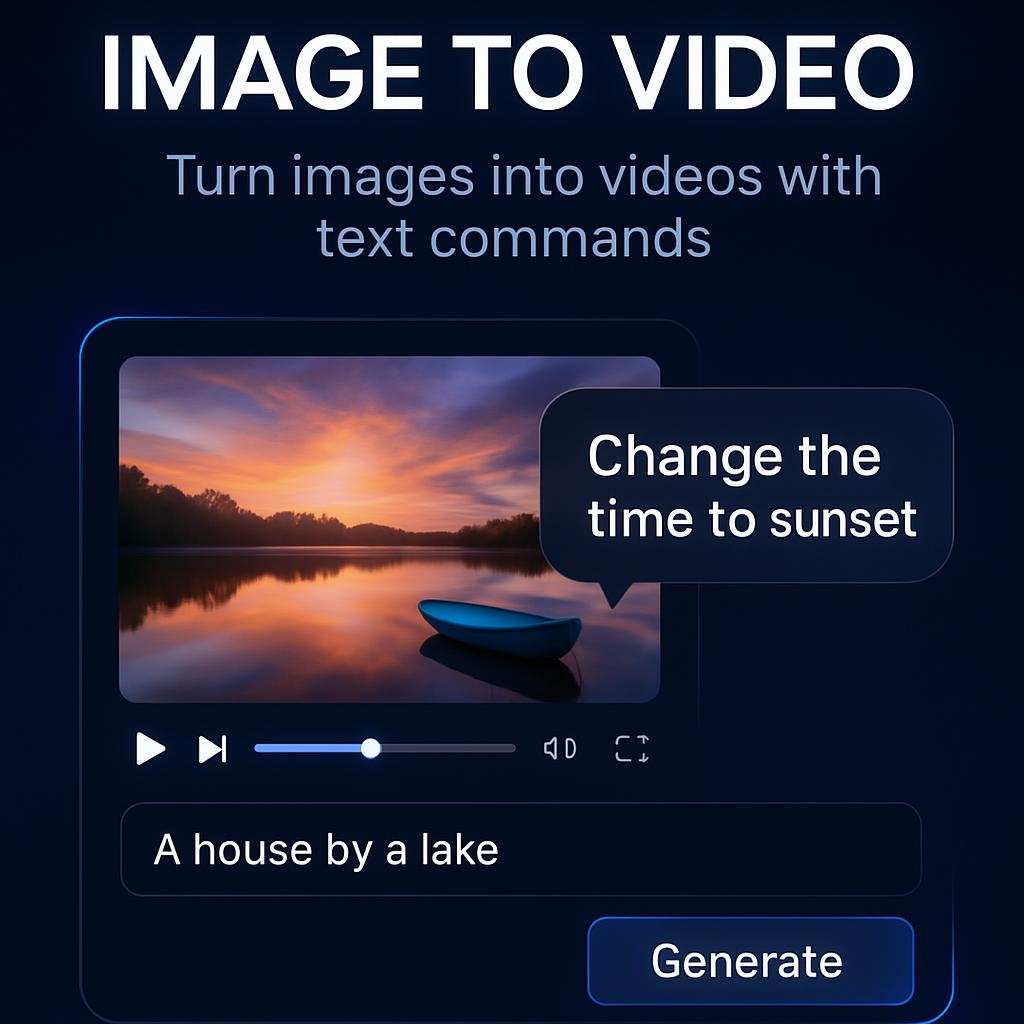
Create Smarter Short Videos with Google Omni Video
A practical AI video workflow for creators, marketers, product teams, and agencies that need faster motion content without a complex production setup.
Google Omni Video helps users create short video drafts from written prompts or visual references. It is built for people who need usable motion content for campaigns, landing pages, social posts, product demos, and concept previews. With this AI video generator, you can describe a scene, define movement, guide the mood, and test different creative directions without starting from a blank timeline. The workflow is especially useful when your team needs many ideas quickly. Instead of waiting for a full production cycle, Google Omni Video lets you explore story angles, visual styles, camera motion, and messaging in a focused generation process. For creators who need repeatable output, this AI video generator provides a simple way to create drafts, learn from results, and refine the next prompt. Google Omni Video also helps teams align around visual direction before editing resources are assigned.
How to Use Google Omni Video
Google Omni Video keeps the creation path simple. Describe the clip, guide the visuals, generate a draft, and refine the result until it fits your content goal. These steps focus on what matters most in real production. This AI video generator works best when each round has one clear purpose, such as testing a hook, improving motion, or matching a reference.

Write the Core Prompt
Start this AI video generator with a clear scene description. Include the subject, action, setting, mood, camera movement, and key visual details. A focused prompt helps the system understand what should happen in the clip. For Google Omni Video, strong prompt structure often matters more than long wording.

Add a Visual Reference
Use an image when you already have a product shot, character idea, brand visual, or campaign asset. Google Omni Video can use that reference to keep the output closer to your intended look.

Generate the First Draft
Run Google Omni Video and review the motion, composition, scene logic, and message fit. Look for the version that best matches your creative goal before making smaller prompt changes.

Refine and Export
Adjust the prompt if the pacing, camera path, or subject behavior needs improvement. When Google Omni Video produces the right draft, export it for your editing, publishing, or approval workflow.
Best AI Video Tools for Creative Projects
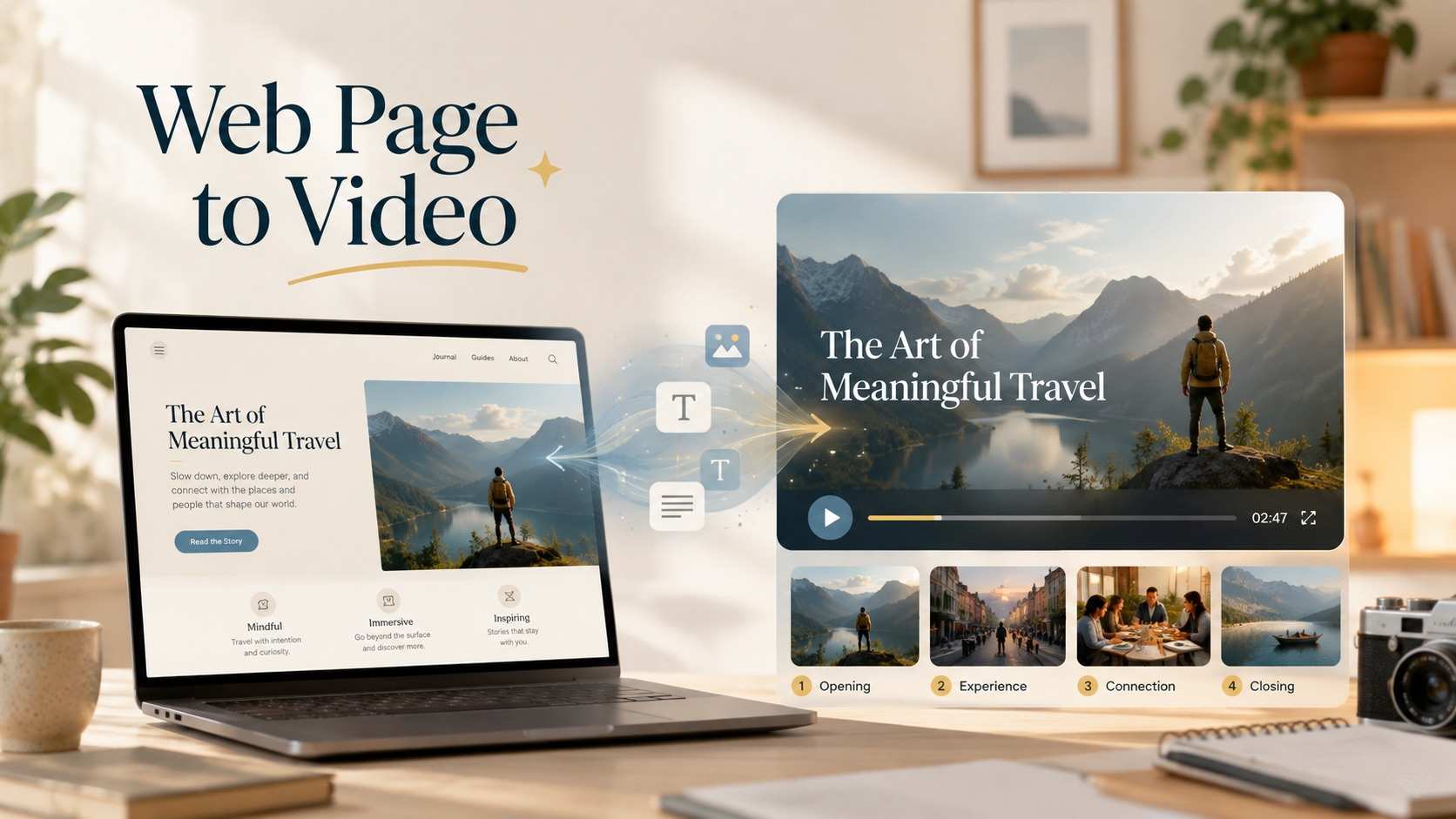
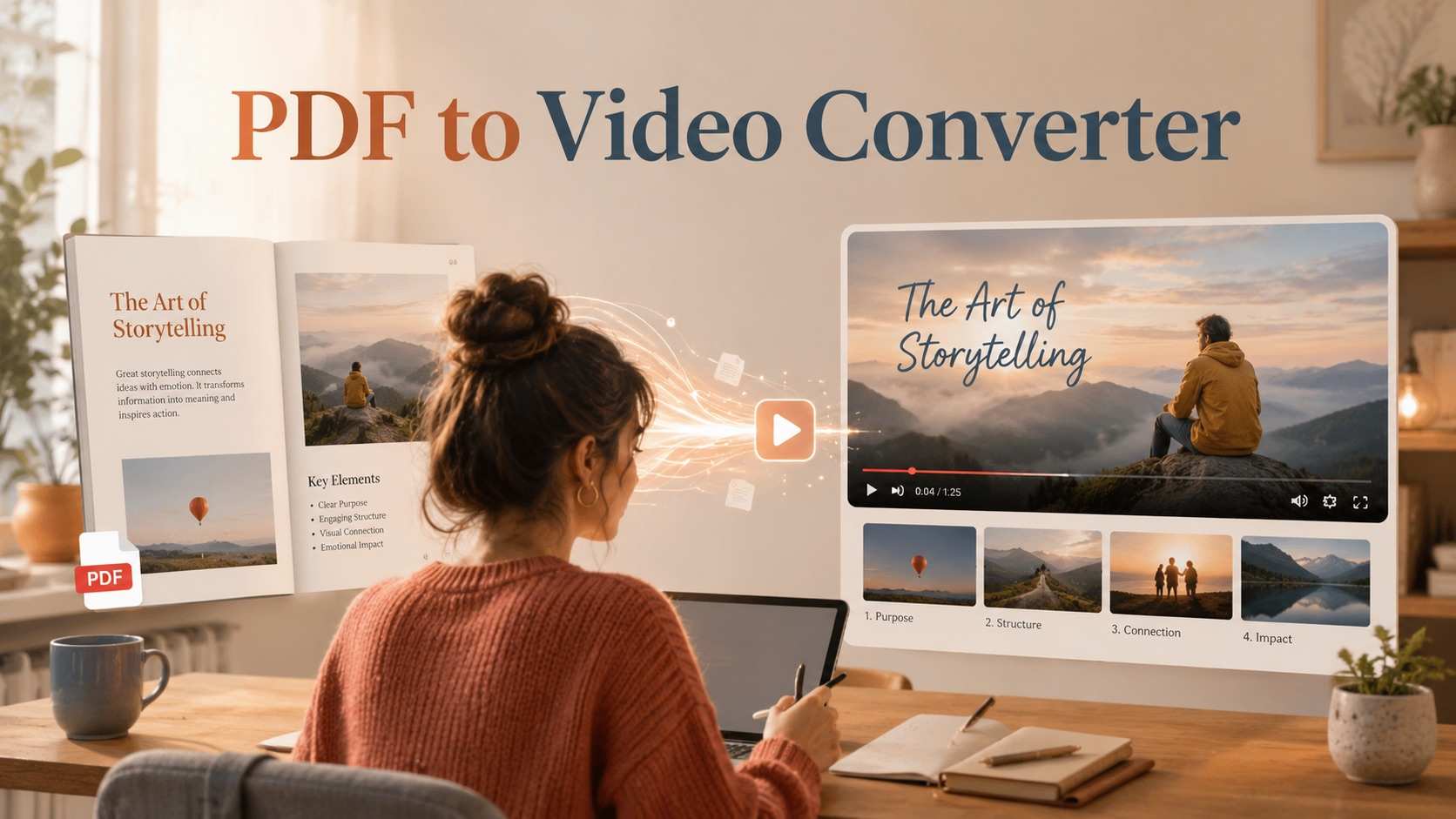
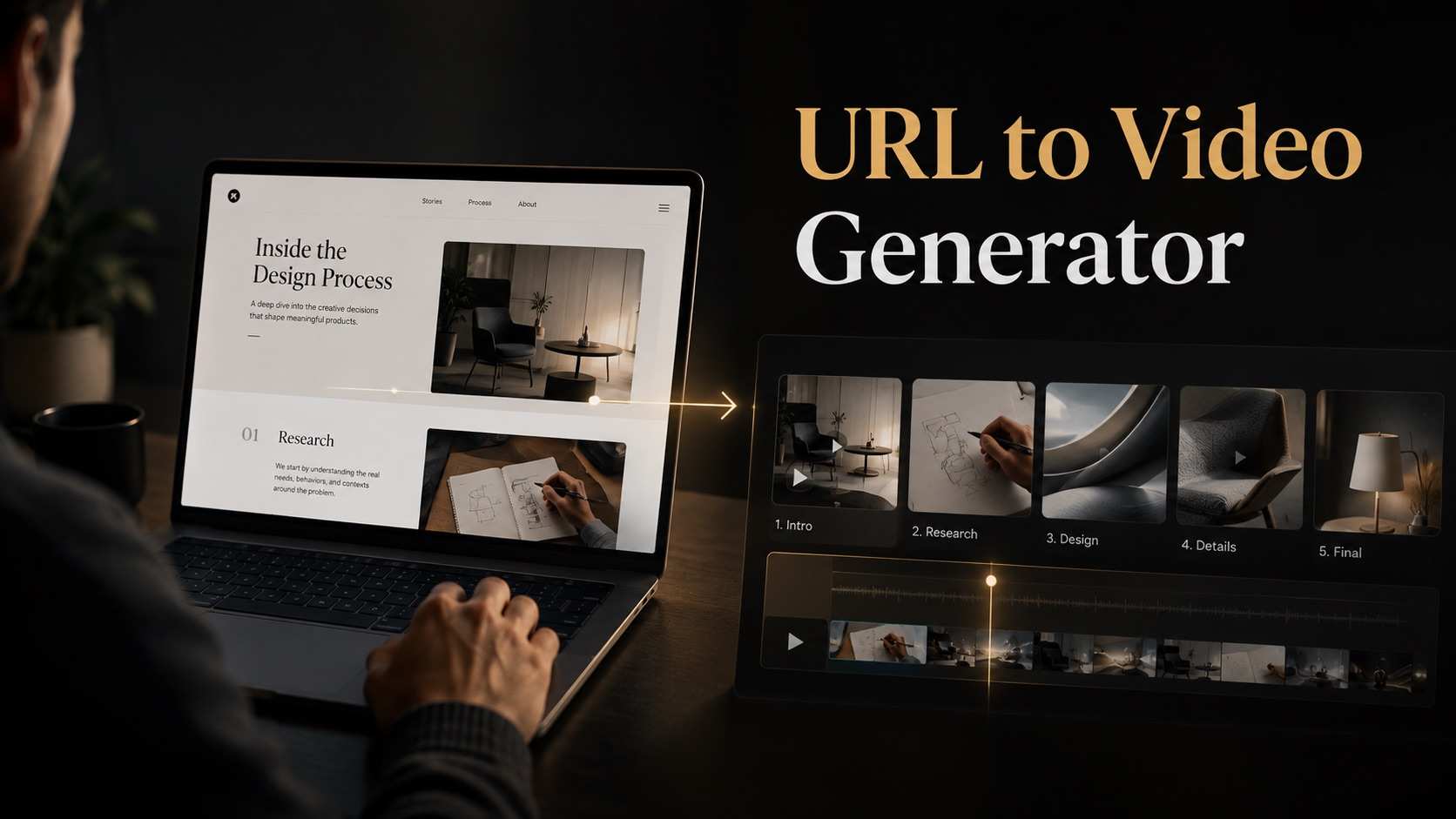
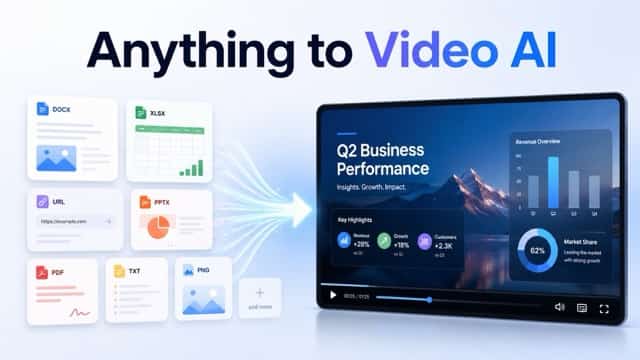
Explore creative tools for video, learn tips and tricks, and see how AI can be your assistant in turning concepts into finished projects.











Key Features of Google Omni Video
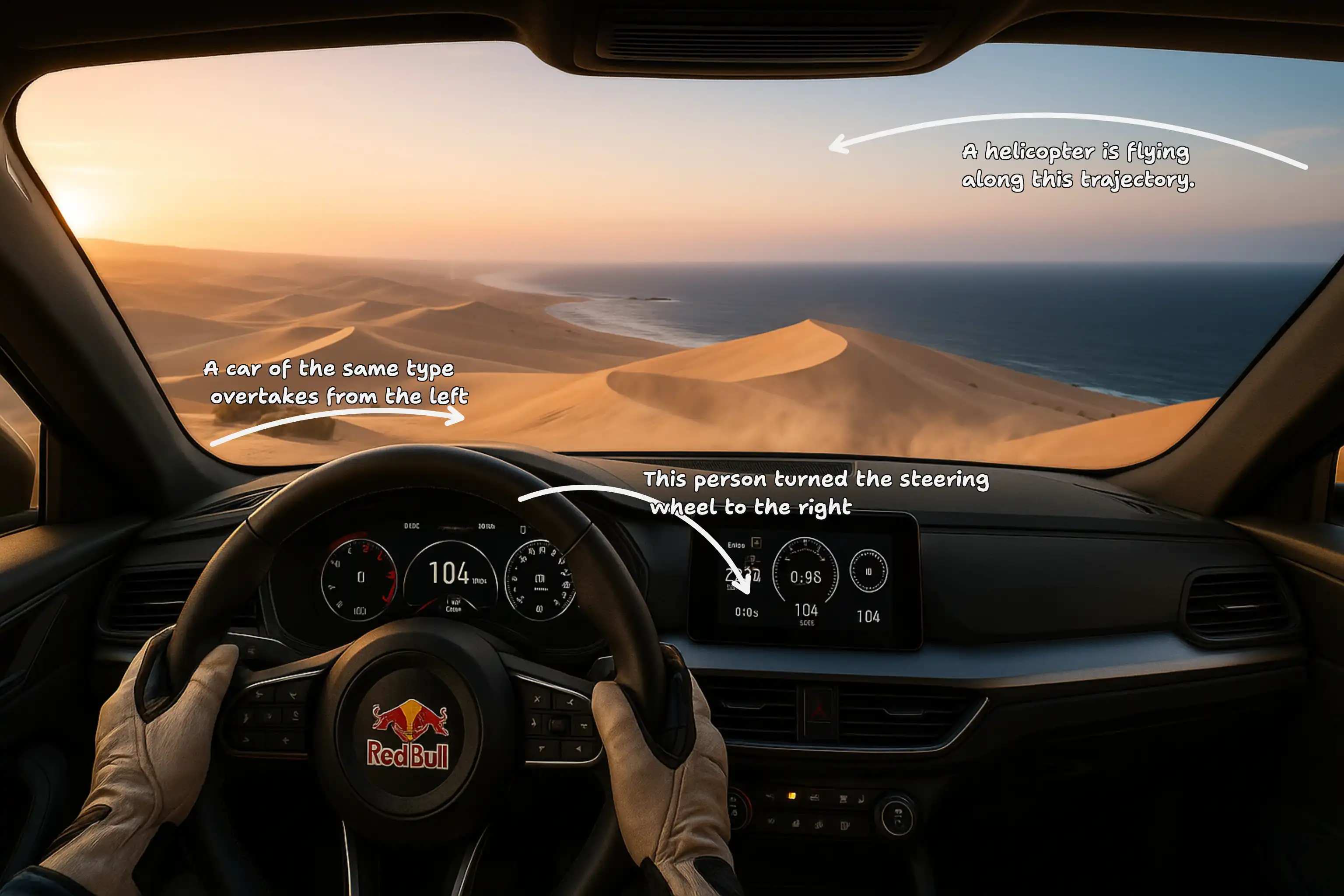
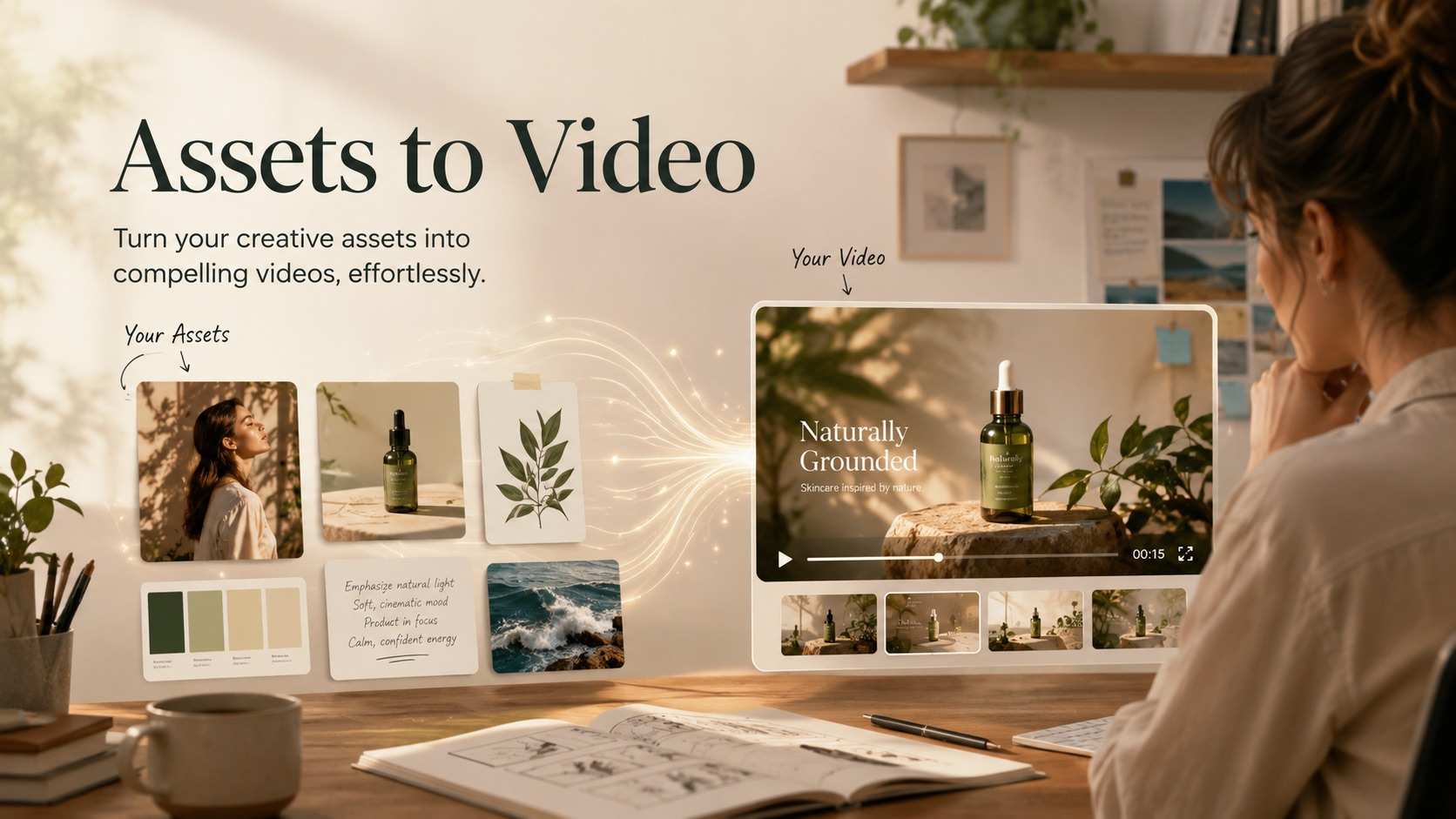
Google Omni Video focuses on practical video creation: prompt control, visual reference support, marketing iteration, and product storytelling. These features help users create motion content for real work instead of generic experiments. This AI video generator is designed for creators who care about direction, speed, and repeatable visual experimentation.

Prompt to Video That Understands Creative Direction
Google Omni Video is useful when you need more than a simple animated scene. You can guide characters, environment, product placement, camera angle, pacing, and emotional tone in one prompt. That makes this model valuable for campaign concepts, storyboards, product teasers, and creator videos where intent matters. Instead of spending time assembling early motion drafts manually, teams can move faster from message to visual direction. This AI video generator helps reduce the gap between a written idea and a video preview that stakeholders can understand. Because Google Omni Video supports fast prompt revision, each new attempt can become a sharper creative brief.
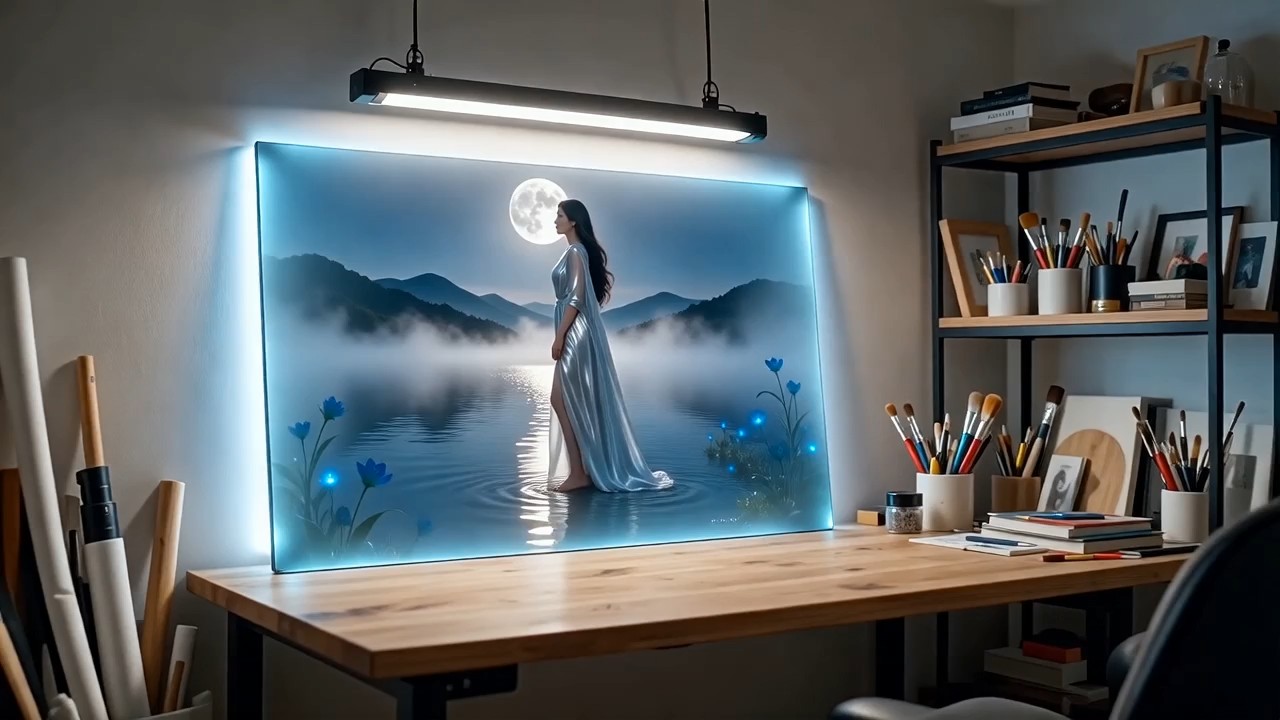
Image to Video for Existing Creative Assets
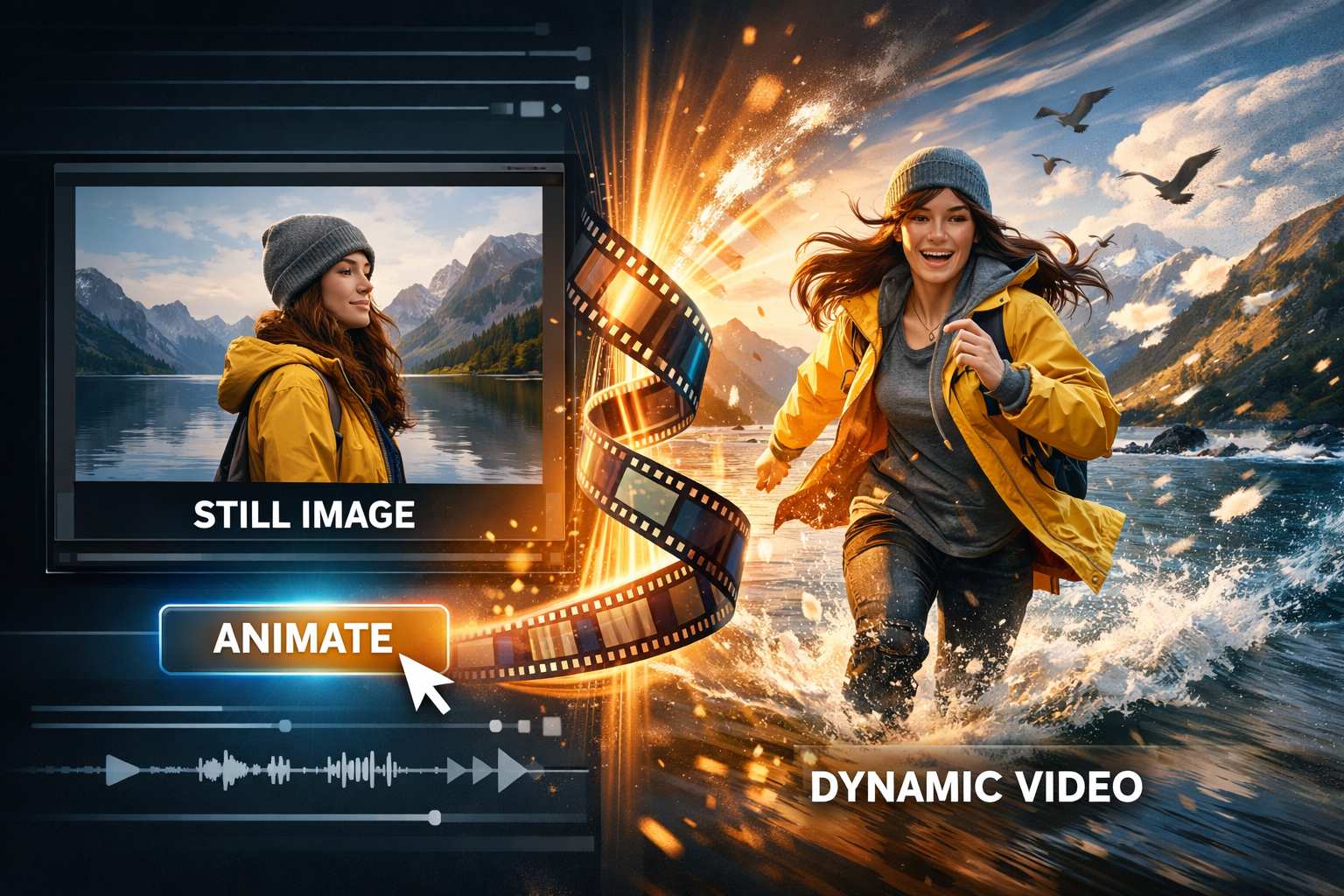
Many creators do not begin from a blank idea. They already have a product photo, concept art, poster, logo treatment, or moodboard frame. Google Omni Video turns those visual anchors into motion drafts while keeping the creative process straightforward. This is especially helpful for product launches, fashion previews, app demos, and branded social posts. Google Omni Video lets teams explore how a still image might feel in motion before investing in a larger shoot or manual animation process. With Google Omni Video, a single reference can become the starting point for several narrative or promotional directions.
Faster Creative Testing for Marketing Teams
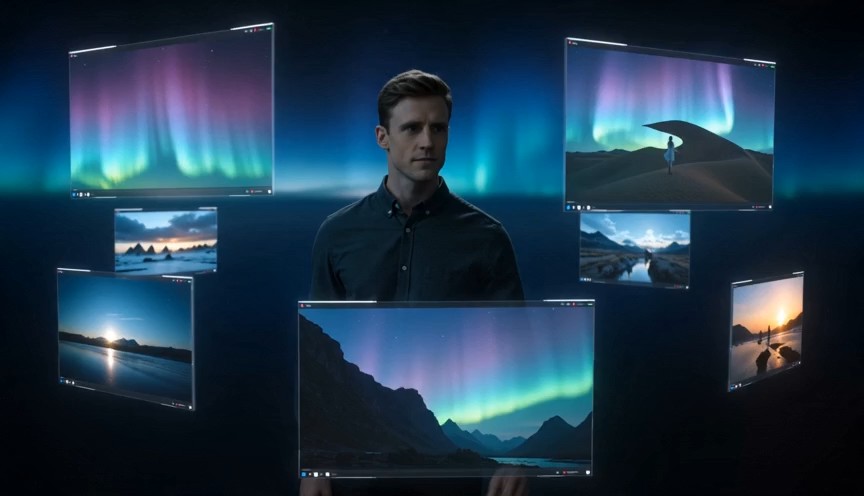
Google Omni Video is built for teams that need to compare hooks, openings, settings, and visual messages quickly. A marketing team can generate several angles for the same offer, then choose which direction deserves more polish. This is helpful for paid ads, launch pages, email campaigns, and social storytelling. This AI video generator does not replace creative strategy. It accelerates the testing stage so teams can see ideas earlier, reject weak concepts sooner, and spend more energy improving the strongest direction. Google Omni Video gives marketers a practical bridge between strategy and visible creative evidence.
Useful Motion Drafts for Product Storytelling
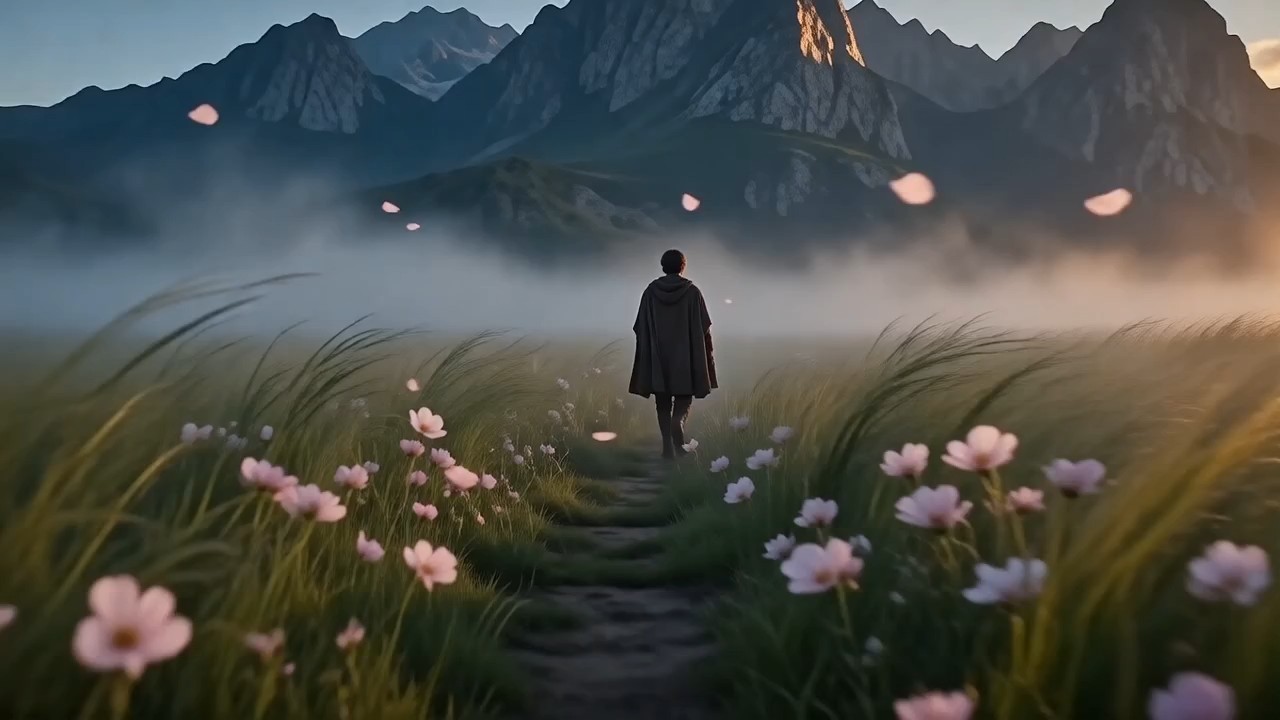
Product teams often need to explain value before they have final footage. Google Omni Video can create short visual drafts for feature reveals, use case scenes, interface concepts, and lifestyle moments around a product. This helps founders, designers, and growth teams communicate an idea with movement instead of static slides. Google Omni Video is especially useful when the goal is clarity: show the product context, show the user benefit, and create a clip that supports the story. Google Omni Video can support a product narrative even when teams are still refining positioning, audience, or launch messaging.
Best Use Cases for Google Omni Video
Google Omni Video fits workflows where speed, visual clarity, and creative variation matter. It is especially helpful for marketing, product, social, and agency teams that need video concepts without heavy setup. Google Omni Video is especially helpful when a project needs visible progress before final footage, design assets, or production schedules are ready.
Ad Concept Exploration
Use Google Omni Video to test different hooks, opening scenes, product angles, and emotional tones before choosing the strongest ad direction for production or editing.

Social Content Drafting
Google Omni Video helps creators build quick clips for social ideas, campaign teasers, educational snippets, and visual storytelling posts that need motion fast.

Product Launch Previews
Use Google Omni Video to create early product scenes that show context, benefits, and user moments before final production assets are available.

Storyboard Development
Google Omni Video can turn written storyboard beats into motion drafts, making it easier for clients and teammates to understand pacing and scene intent.

Client Presentation Support
Agencies can use Google Omni Video to show a creative direction earlier, helping clients approve mood, setting, and motion before deeper production begins.

Founder Pitch Videos
Founders can use Google Omni Video to explain a product vision with scenes that feel easier to understand than text alone. It helps turn early positioning into a visual story.
What Users Say About Google Omni Video
Creators and teams use Google Omni Video to move from ideas to motion previews faster, especially during planning, testing, and early creative approval. Google Omni Video is most valuable when users need practical previews rather than finished footage on the first attempt.
Google Omni Video helped my team turn campaign ideas into motion drafts before our weekly review. We tested three different hooks for one product story and quickly saw which one felt strongest. The biggest benefit was speed with enough control to make the drafts useful.
I used Google Omni Video for product storytelling when we had no final footage yet. It helped us show the use case, the setting, and the feeling of the launch. The output gave our team a shared visual direction much earlier than usual.
As a content strategist, I need to compare ideas quickly. Google Omni Video made it easier to test social scenes, adjust prompts, and choose a better angle before spending time on editing. It is now part of my early planning workflow.
Our agency used Google Omni Video for client previews. Instead of explaining every scene in a deck, we showed short motion drafts that made the concept clear. It improved feedback because clients could react to pacing, mood, and camera direction.



Frequently Asked Questions About Google Omni Video
These quick answers explain how Google Omni Video fits prompt based creation, visual references, business workflows, and creative testing. Google Omni Video is easiest to evaluate by testing a focused prompt, reviewing the result, and refining one variable at a time.
Google Omni Video is an AI video generation workflow for creating short video drafts from prompts or visual references. It helps users test ideas, build campaign concepts, and create motion content faster.
Google Omni Video works well for marketing videos, social clips, product previews, landing page visuals, storyboards, and client concept drafts.
Yes. Google Omni Video can start from a written prompt or an image reference, making it useful for both fresh concepts and existing creative assets.
Write the subject, action, setting, camera movement, style, mood, and any details that must appear. Clear prompts usually create stronger Google Omni Video results.
Google Omni Video is useful for early commercial concepts, but you should still review each output for brand fit, accuracy, rights, and platform requirements before publishing.
Marketers, creators, agencies, founders, designers, and product teams can use Google Omni Video when they need fast visual drafts and multiple creative directions.
Start Creating with Google Omni Video
Use Google Omni Video to create short AI video drafts for campaigns, products, social posts, and creative presentations. Start with a prompt or image, generate a motion concept, refine the direction, and bring better visual ideas into your workflow faster. Google Omni Video is built for people who want fewer barriers between an idea and a video draft.
